

 Coming soon
GitHub Copilot MCP
VS Code
VS Code support is planned for a future OpenPets integration guide.
Coming soonInstall animated desktop pets, browse a growing virtual pet gallery, keep everything local-first, connect optional coding-tool integrations, and extend behavior with a sandboxed Plugin SDK v3.
Other builds:
New in v4
OpenPets v4 adds an AI assistant you can chat or talk with, a calm corner for stressful moments, and a few new ways your pet helps through the day.

Type or talk
Chat with the keyboard, or press Talk and say it out loud.
Suggested prompts
Not sure what to ask? Tap a prompt to get going.
Real actions
It sets reminders and starts focus sessions for you, not just answers.
Compact chat bar
Shrink the chat to a slim bar that stays out of your way.
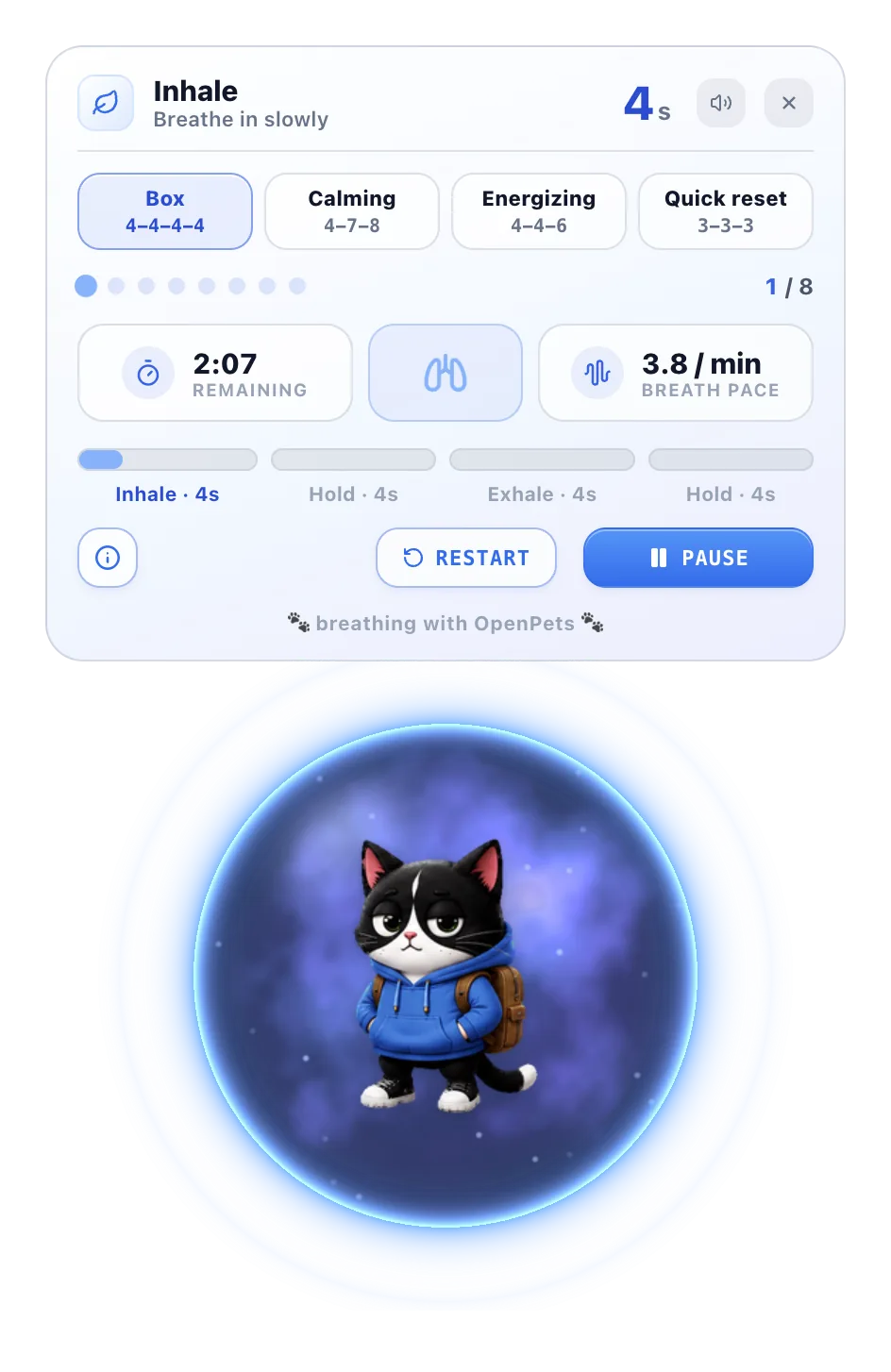
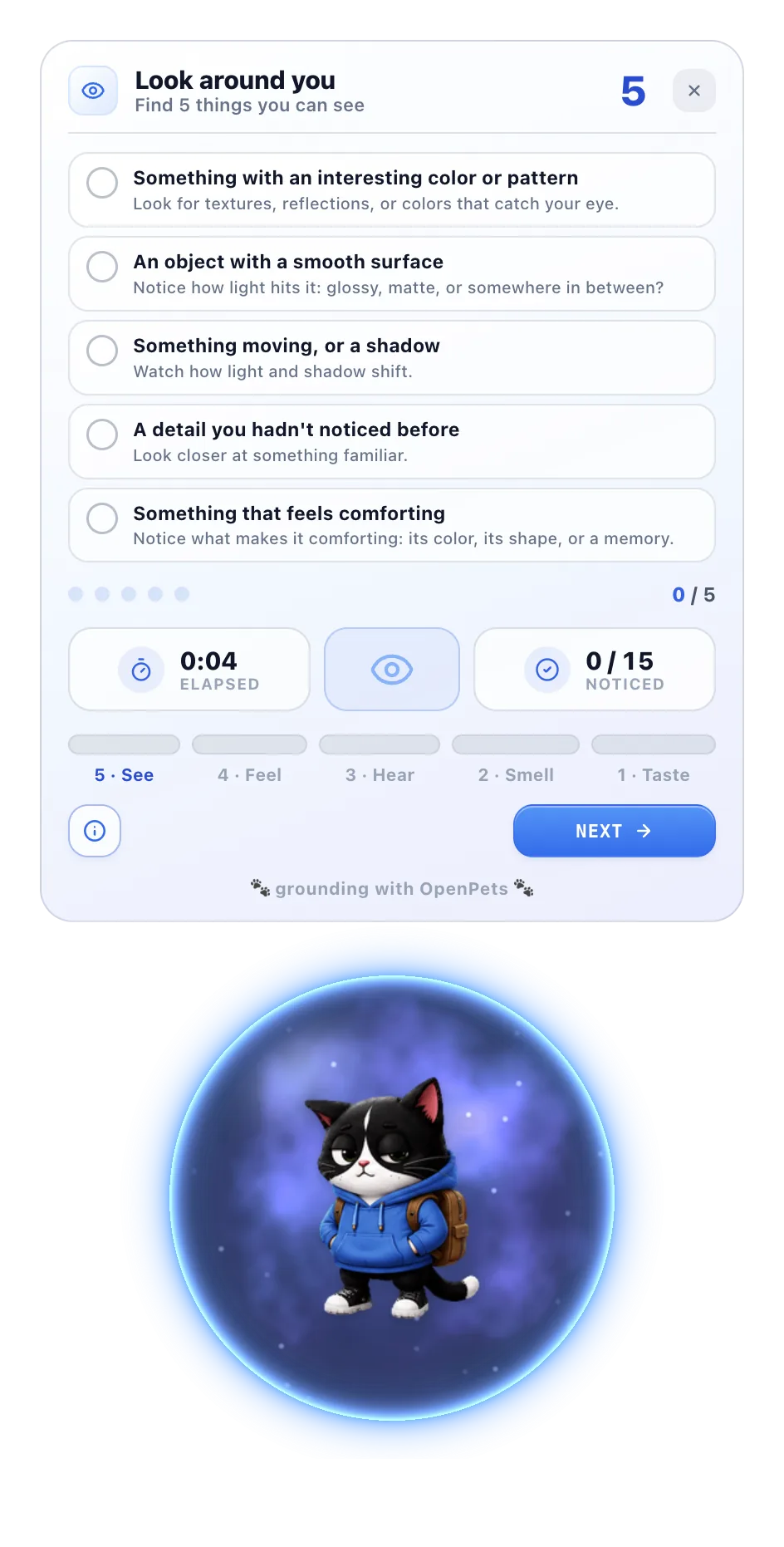
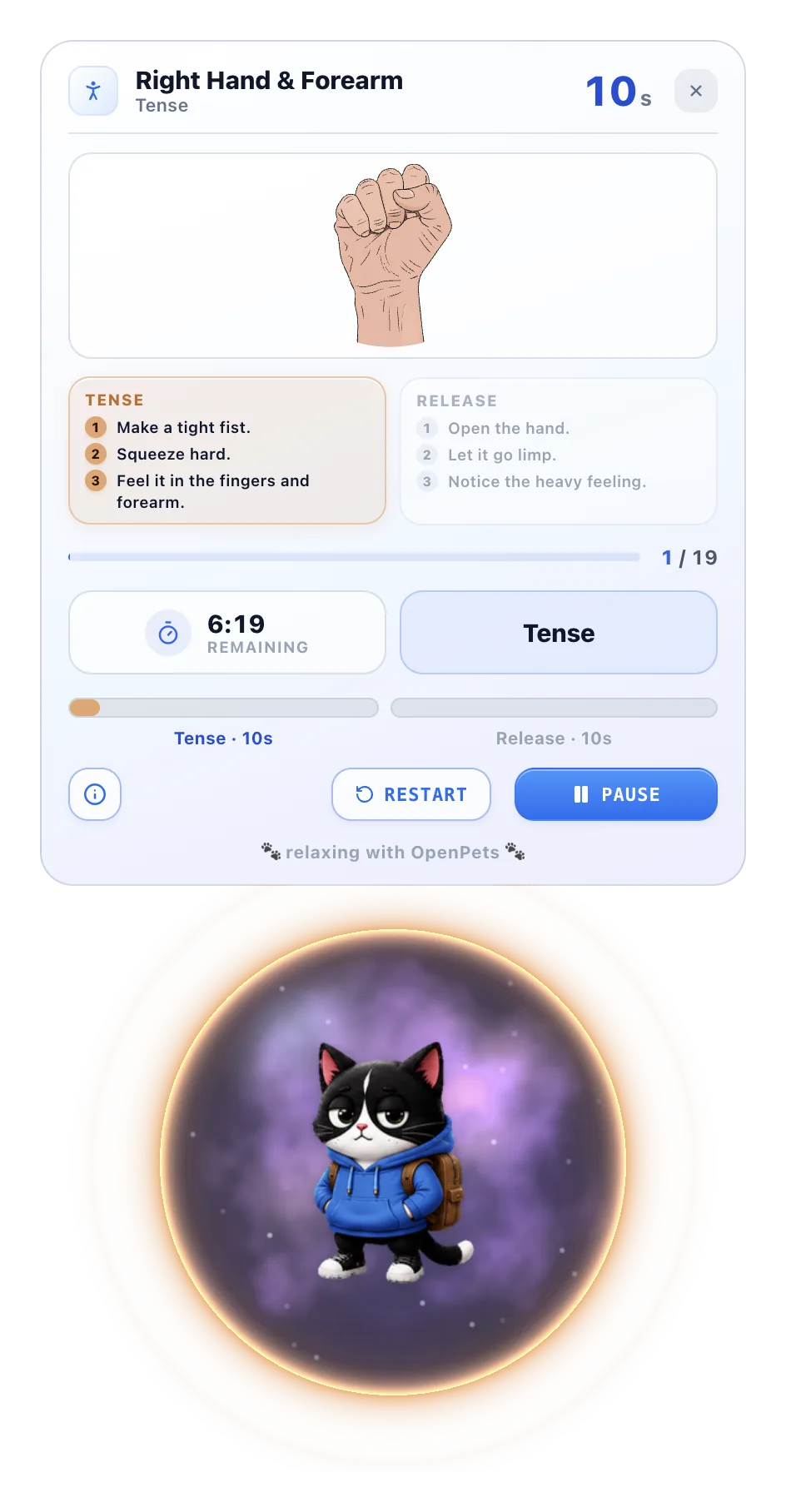
 Anxiety Aid Tools Official plugin
When things feel like too much, your pet walks you through a short exercise. Pick one, follow along, and close it when you're done.
The Control Center
OpenPets ships with a full control center - watch live activity, fine-tune how your pet behaves, add plugins, and manage your whole shelf of companions.
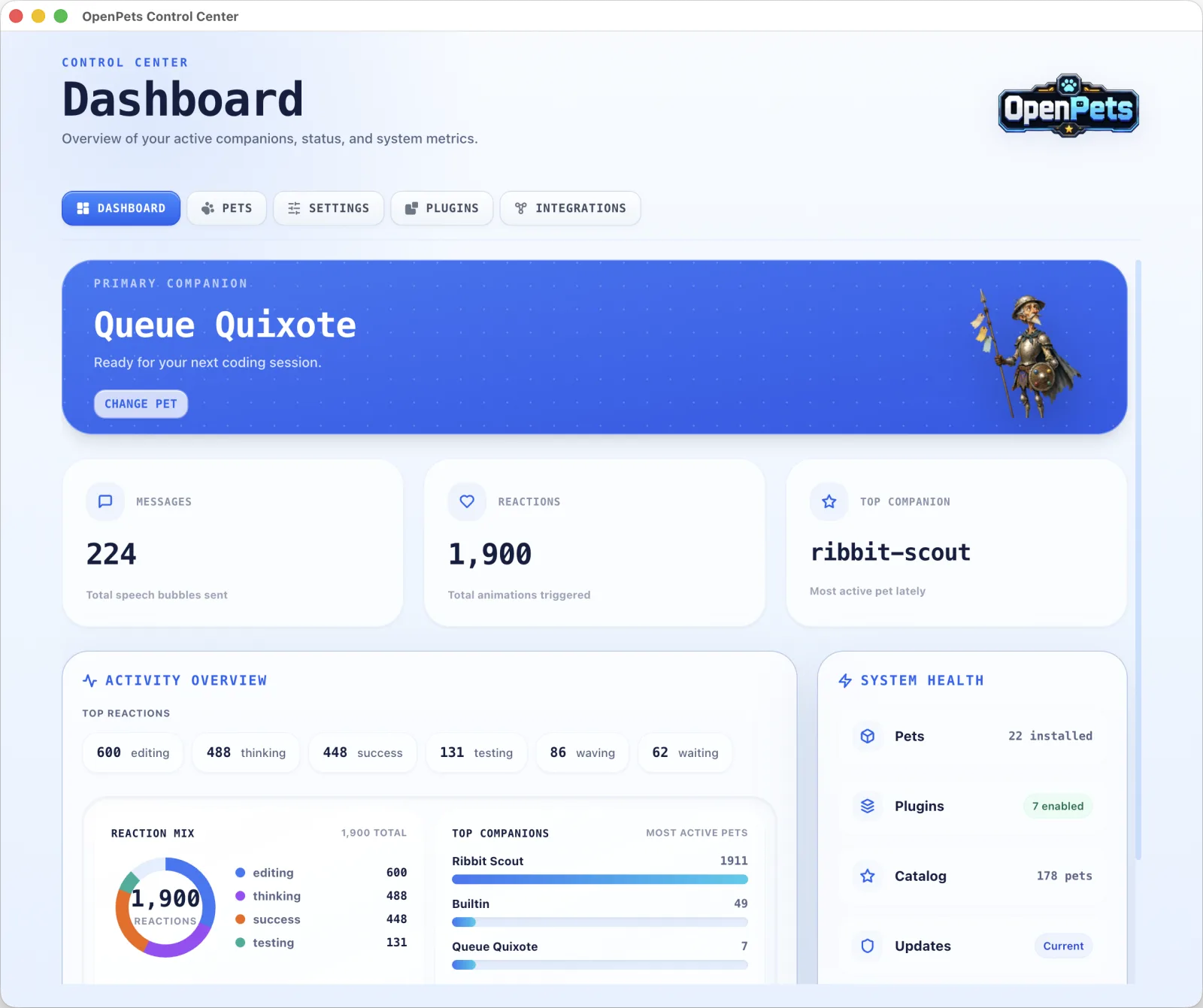
Dashboard
See your active pet, total speech bubbles, animations triggered, and which companions are working hardest - all at a glance.
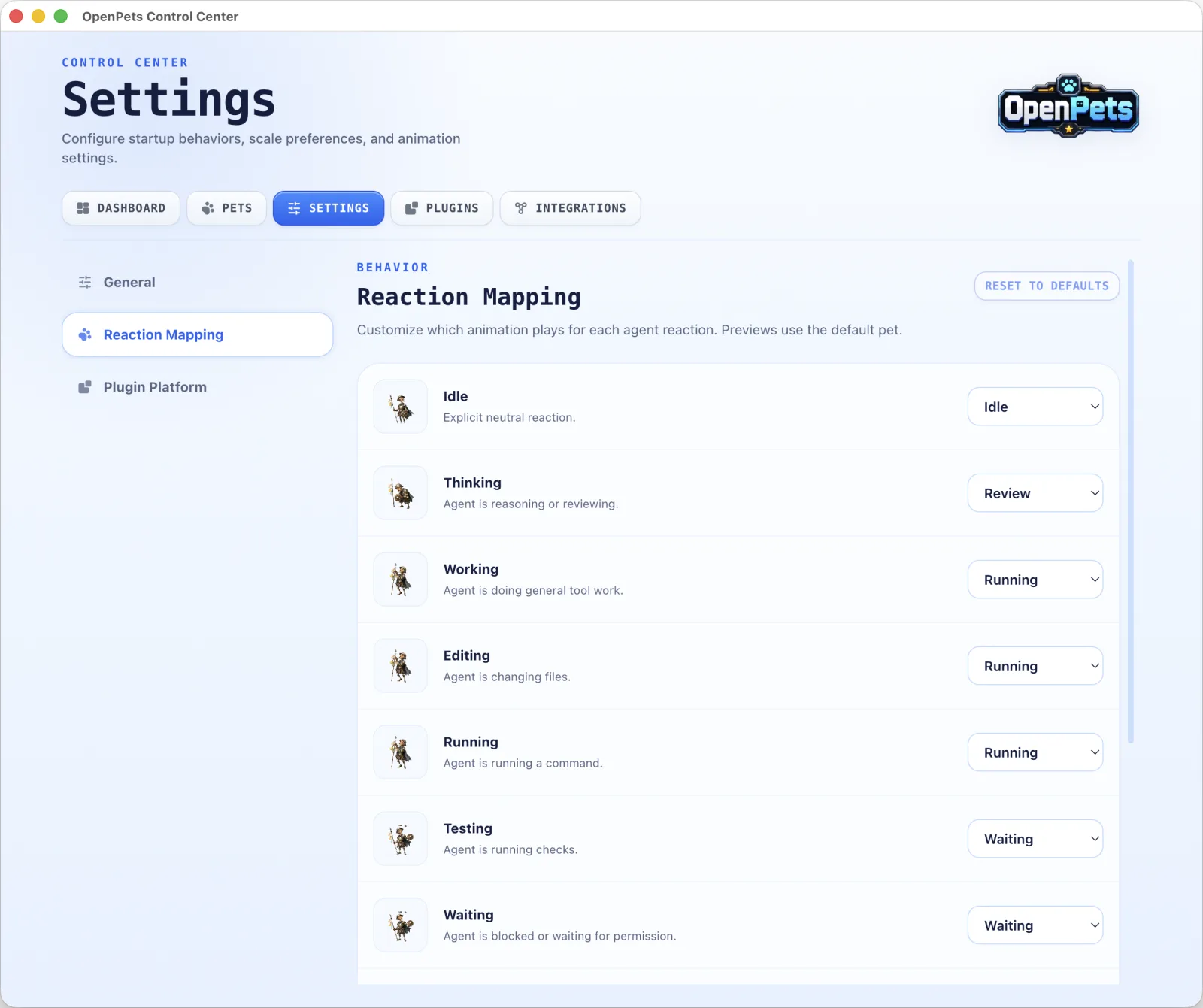
Reaction Mapping
Choose which animation plays for every reaction - idle, working, waiting, and more - so your pet moves and feels exactly the way you want.
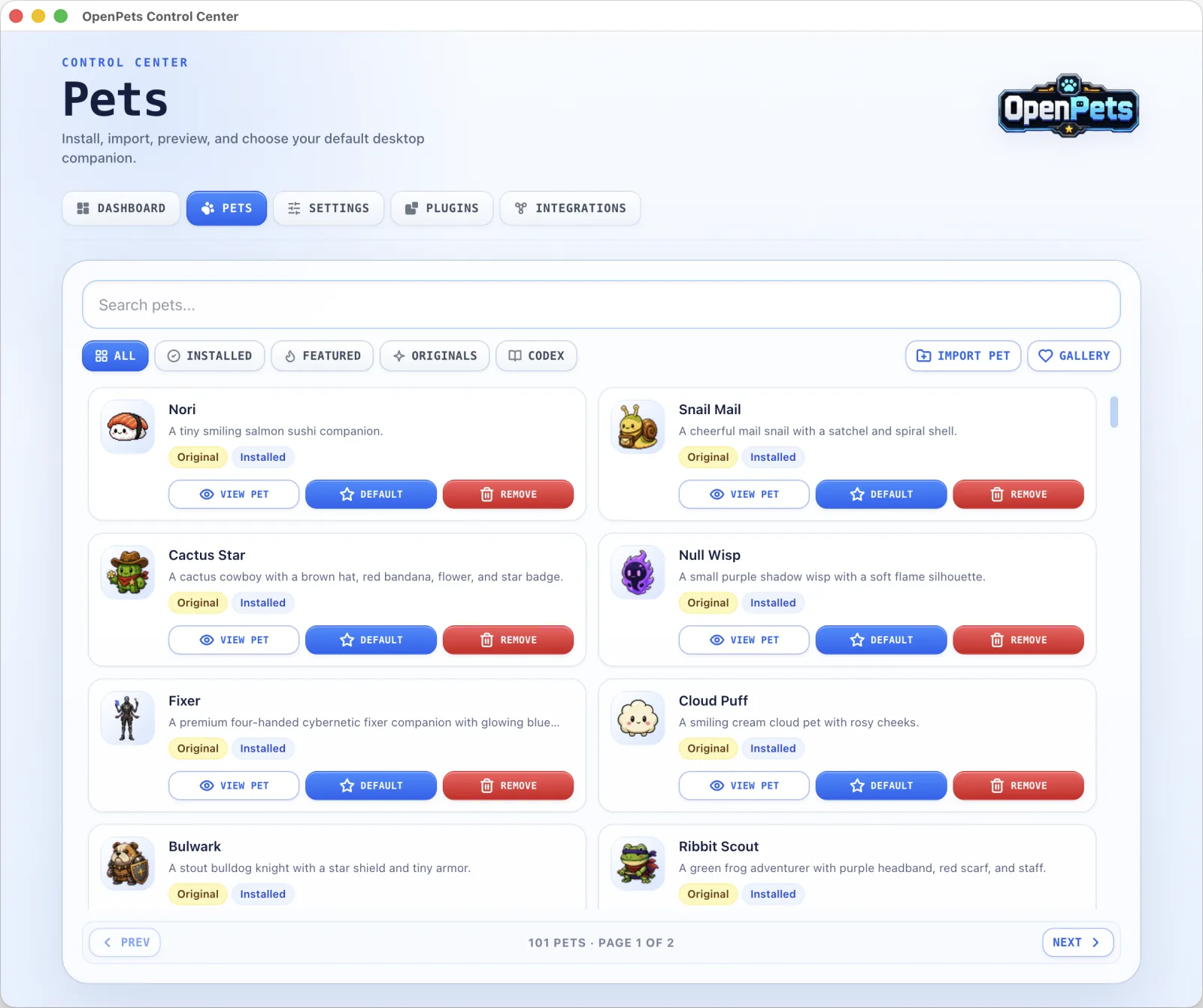
Pet Library
Install, import, and preview hundreds of animated pets, then set your default with a single click.
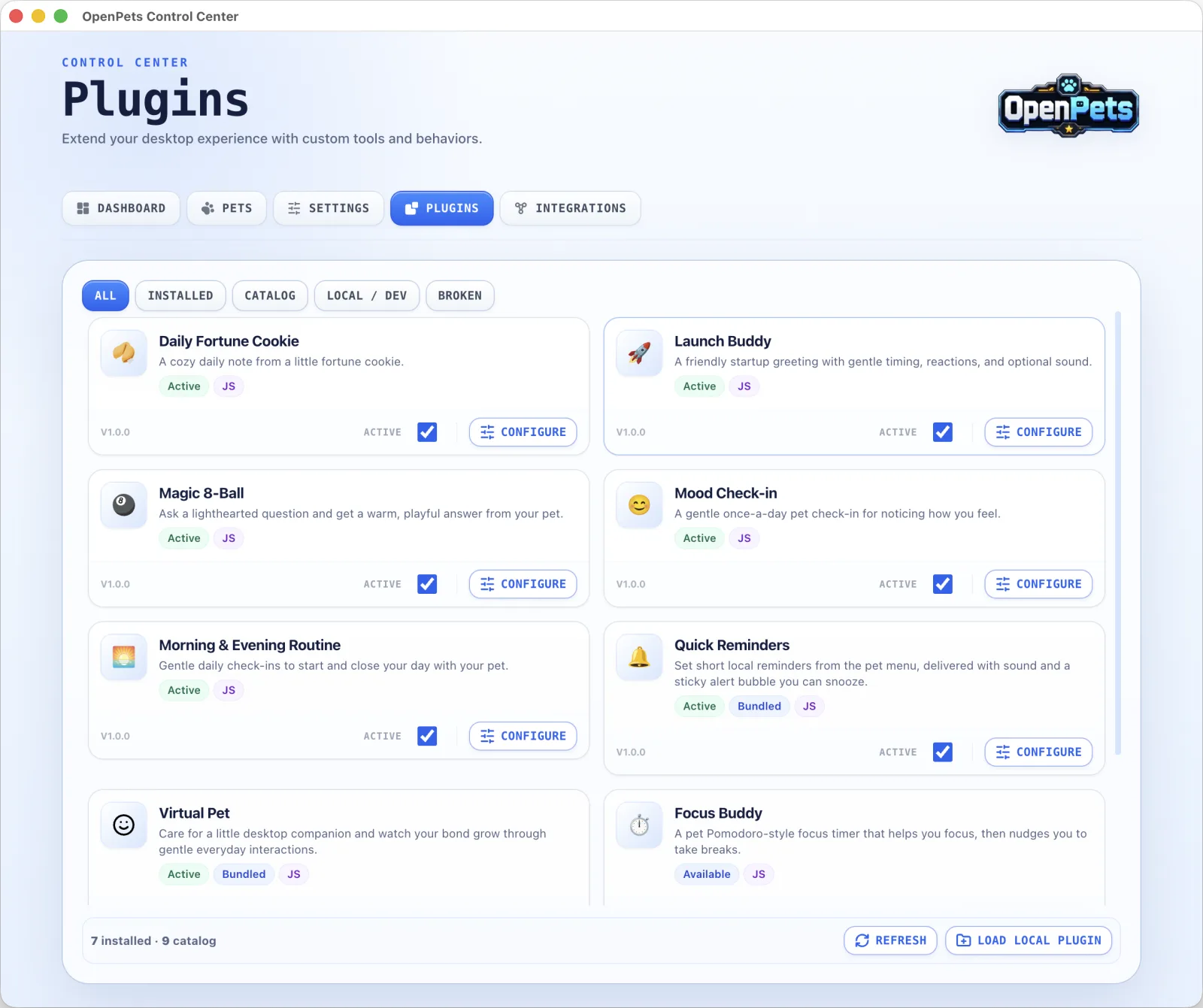
Plugins
Add playful extras like fortune cookies, mood check-ins, focus timers, and gentle reminders - little touches that make your pet feel alive and keep you company through the day.
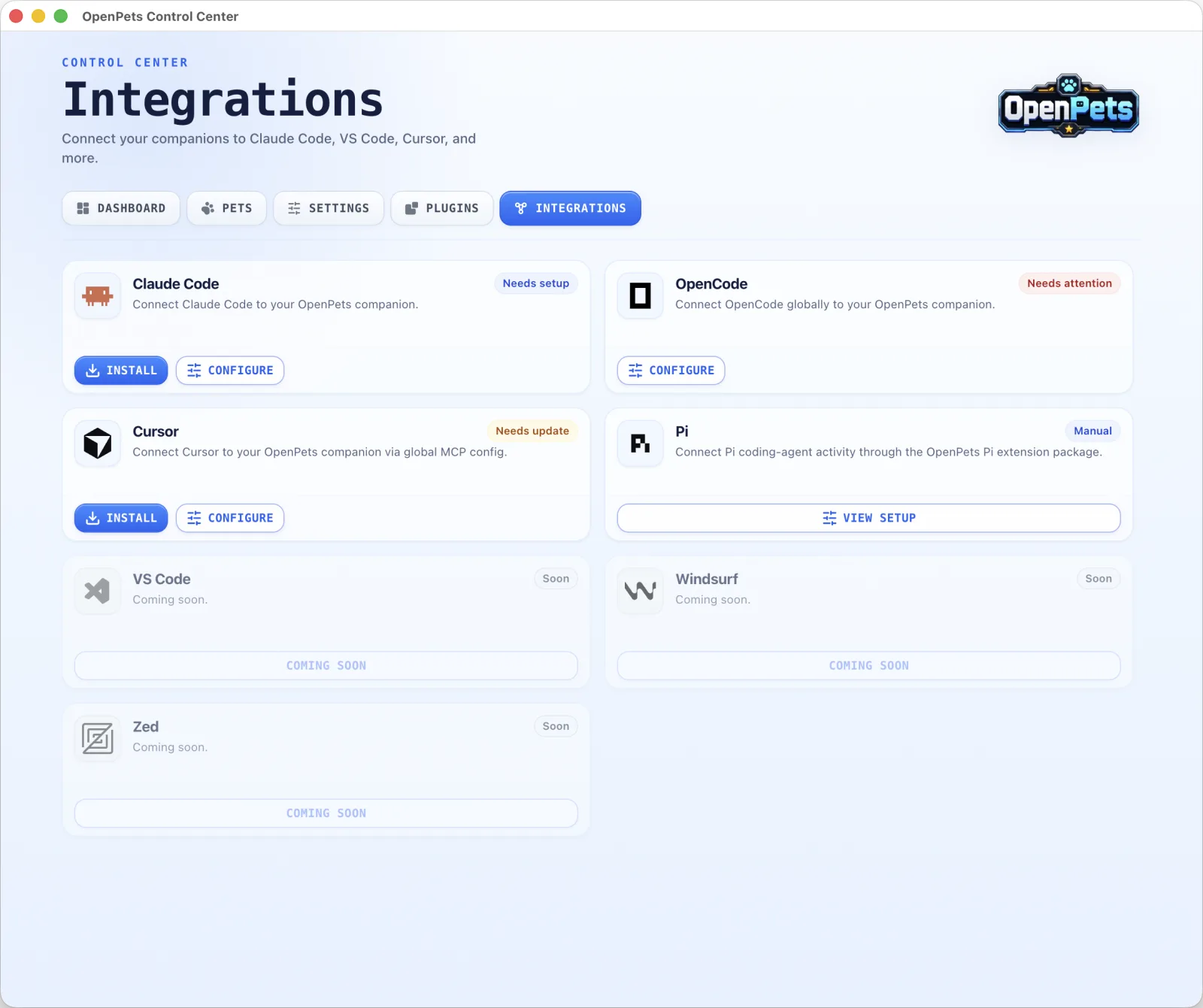
Integrations
Connect Claude Code, OpenCode, Cursor, and more in one step, and your companion comes to life right alongside them.
Plugin SDK v3
Customize your pet's behavior with safe, sandboxed JavaScript plugins. Run focus timers, break reminders, mood check-ins, custom commands, and more.
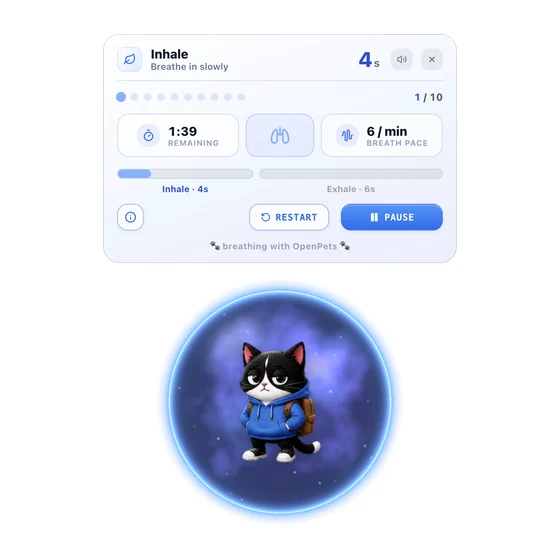
Calm practices around your pet: breathing, muscle relaxation, grounding, guided meditation, visualization, and relaxing sounds. The OpenPets companion of https://anxietyaidtools.com/.
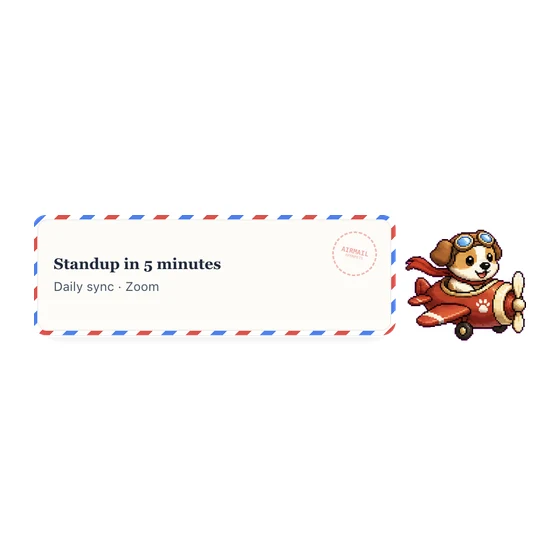
Send Google Calendar event reminders by airmail with a chosen courier.
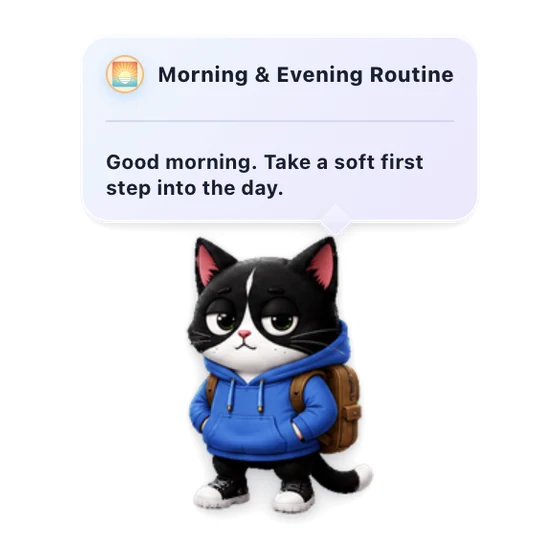
Gentle daily check-ins to start and close your day with your pet.
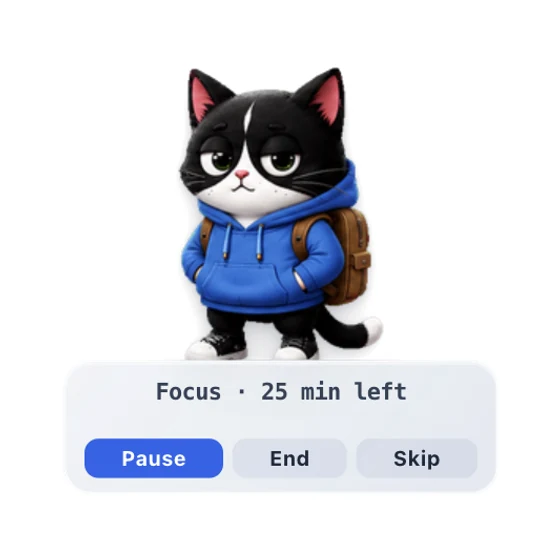
A pet Pomodoro-style focus timer that helps you focus, then nudges you to take breaks.
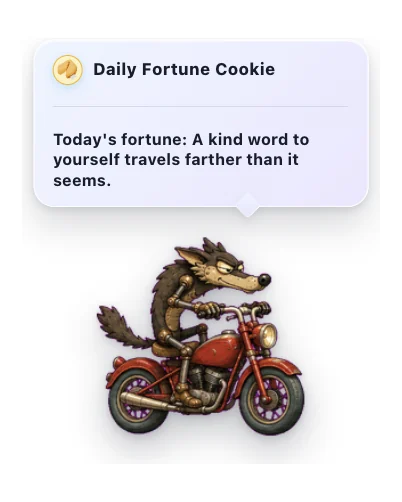
A cozy daily note from a little fortune cookie.
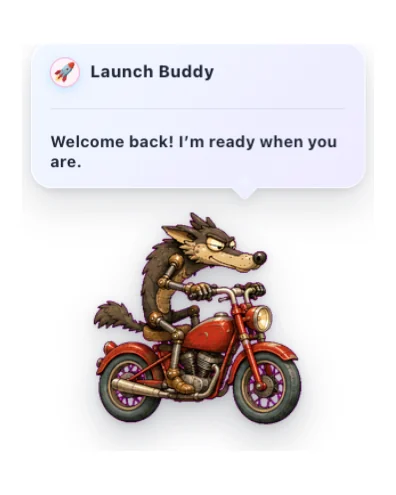
A friendly startup greeting with gentle timing, reactions, and optional sound.
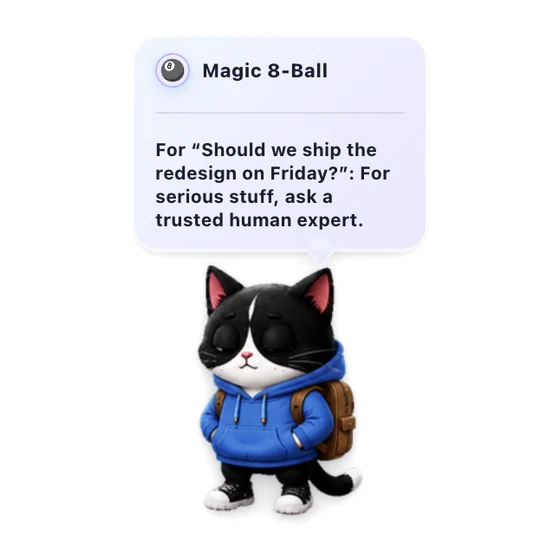
Ask a lighthearted question and get a warm, playful answer from your pet.
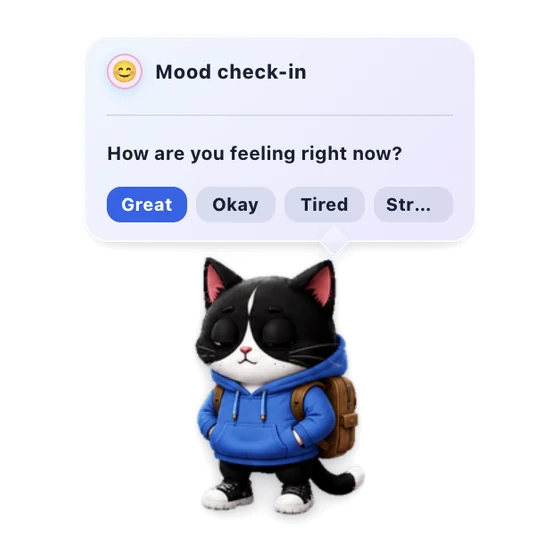
A gentle once-a-day pet check-in for noticing how you feel.
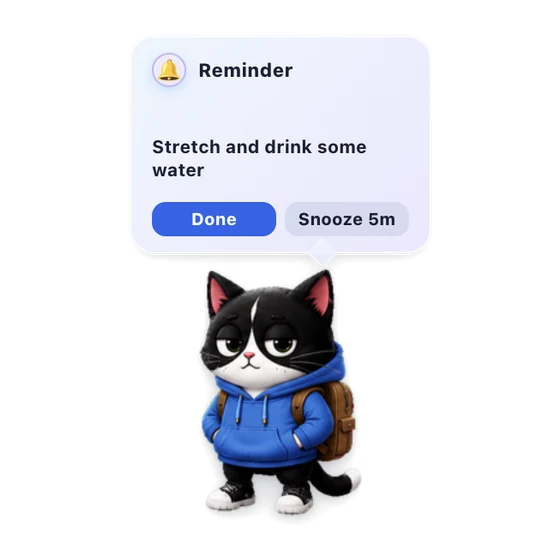
Set short local reminders from the pet menu, delivered with sound and a sticky alert bubble you can snooze.
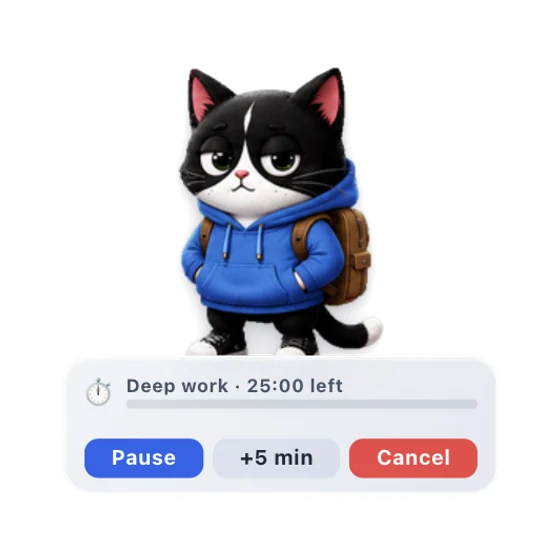
A one-shot countdown timer with a pet HUD, pause controls, and an expiry alert.
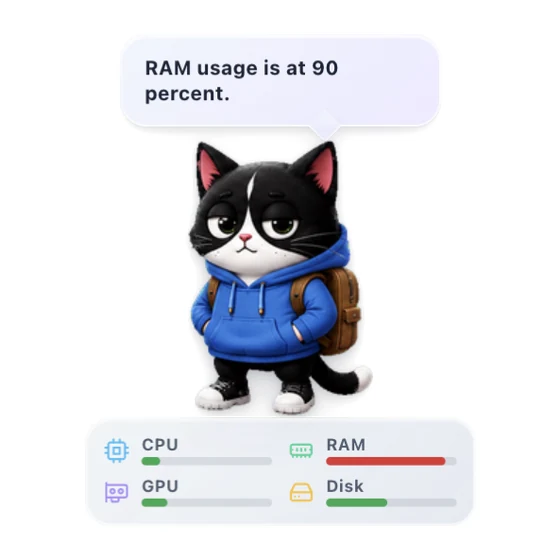
Show live CPU and RAM meters, plus optional GPU and Disk metrics, on your pet.
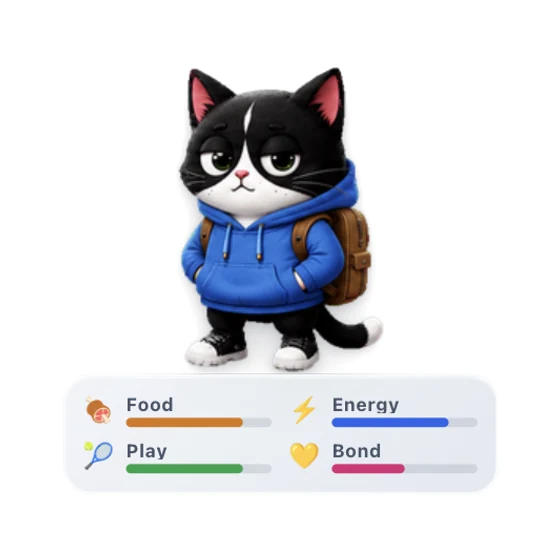
Care for a little desktop companion and watch your bond grow through gentle everyday interactions.
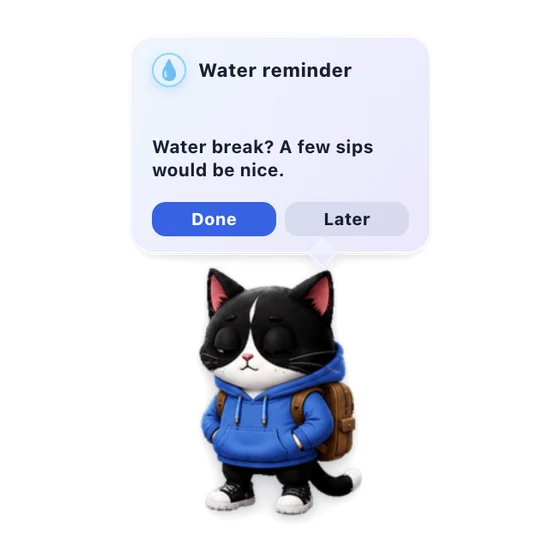
A gentle pet nudge to take a water break.
Plays Nice With
Drop-in pets for the coding tools you already use. One command, instant companion.
Coming soonGitHub Copilot MCP
VS Code support is planned for a future OpenPets integration guide.
Coming soonMCP config
Windsurf support is planned for a future OpenPets integration guide.
Coming soon Coming soon
MCP + rules
Zed support is planned for a future OpenPets integration guide.
Coming soonPet Gallery
1304 companions ready to roam your dock. Hover any sprite to wake it up.Tap to meet them.
- fresh stationery, study, and desk buddies ready for class.
- characters made by the OpenPets crew.
- curated companions we're spotlighting right now.
- community-made pets in a western pixel-art style.
- community-made pets in an asian pixel-art style.
Browse all 1304 pets
Creators & influencers
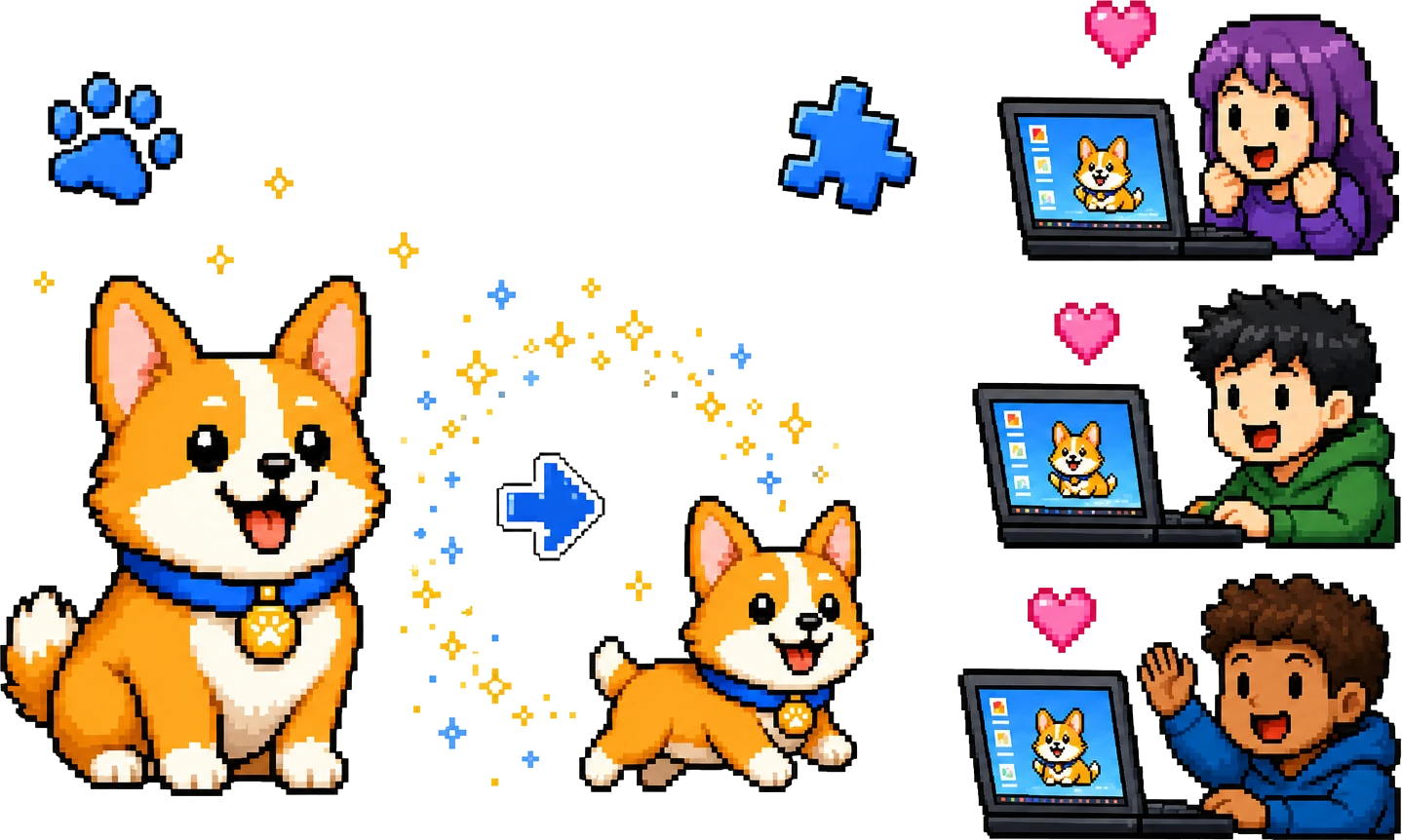
We build custom pets and custom plugins for streamers, VTubers and communities, free for creators with an audience. Fans install with one command and your character reacts to their coding sessions.
Desktop pet FAQ
A desktop pet is a small animated companion that lives on your computer screen. OpenPets lets you install, preview, and customize desktop pets from a shared gallery.
Yes. OpenPets is free, open source, and MIT licensed. You can download the app, browse pets, and create your own pet packs.
Yes. You can create a pet pack with sprites, animations, and metadata, then submit it to the OpenPets gallery for review.
Yes. OpenPets includes a sandboxed Plugin SDK for reminders, focus timers, mood check-ins, virtual pet behavior, custom actions, and approved integrations.
OpenPets can connect to tools like Claude Code, OpenCode, Cursor, and MCP-compatible assistants, so your desktop pet can react while your coding agent works.
OpenPets is local-first. Plugins run in a sandbox and must declare permissions; they do not get file-system access or coding-agent context by default.
Become A Creator
Every pet in the gallery starts as a custom pet pack or art asset. Draw or animate your own, drop it in an issue, and adopt your character into the pack.
Create your pet pack with art assets, animations, and metadata matching the catalog specification.
Open a GitHub issue using the submit-pet template. Attach your pet pack or art assets and a name.
We review, merge, and ship your pet to the gallery - anyone can install it with one command.
Free, open source, MIT licensed.