Last updated · every competitor fact checked against its primary source
The best VPet Simulator alternative in 2026 is OpenPets, a free, open-source desktop pet app for Windows, macOS, and Linux that runs natively without Wine or Steam, featuring 1,300+ ready-to-use pets. If you specifically want Windows virtual pet feeding and earning loops, VPet Simulator remains an active, open-source option.
TL;DR
Want desktop pets on macOS or Linux? OpenPets installs natively on Windows, macOS, and Linux with no compatibility wrappers or runtime setup needed, plus 1,300+ pets in the gallery.
Want virtual pet care & work loops on Windows? VPet Simulator is a free, Apache-2.0 open-source WPF app with satiety, mood, stamina, health, and work earning mechanics.
Steam is optional for VPet Simulator since official standalone releases exist on GitHub, though Linux requires Proton/Wine and macOS has no native build.
What is VPet Simulator?
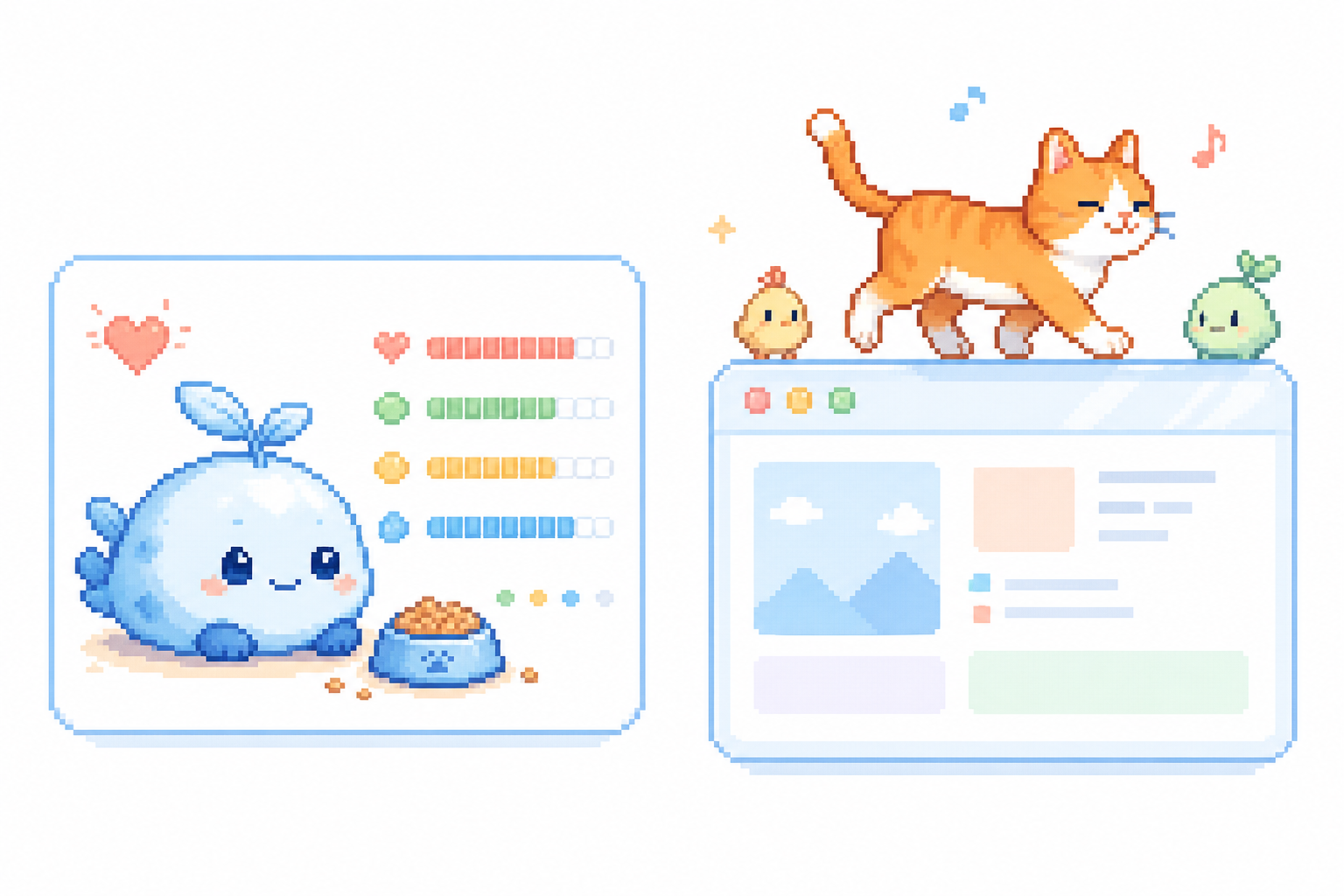
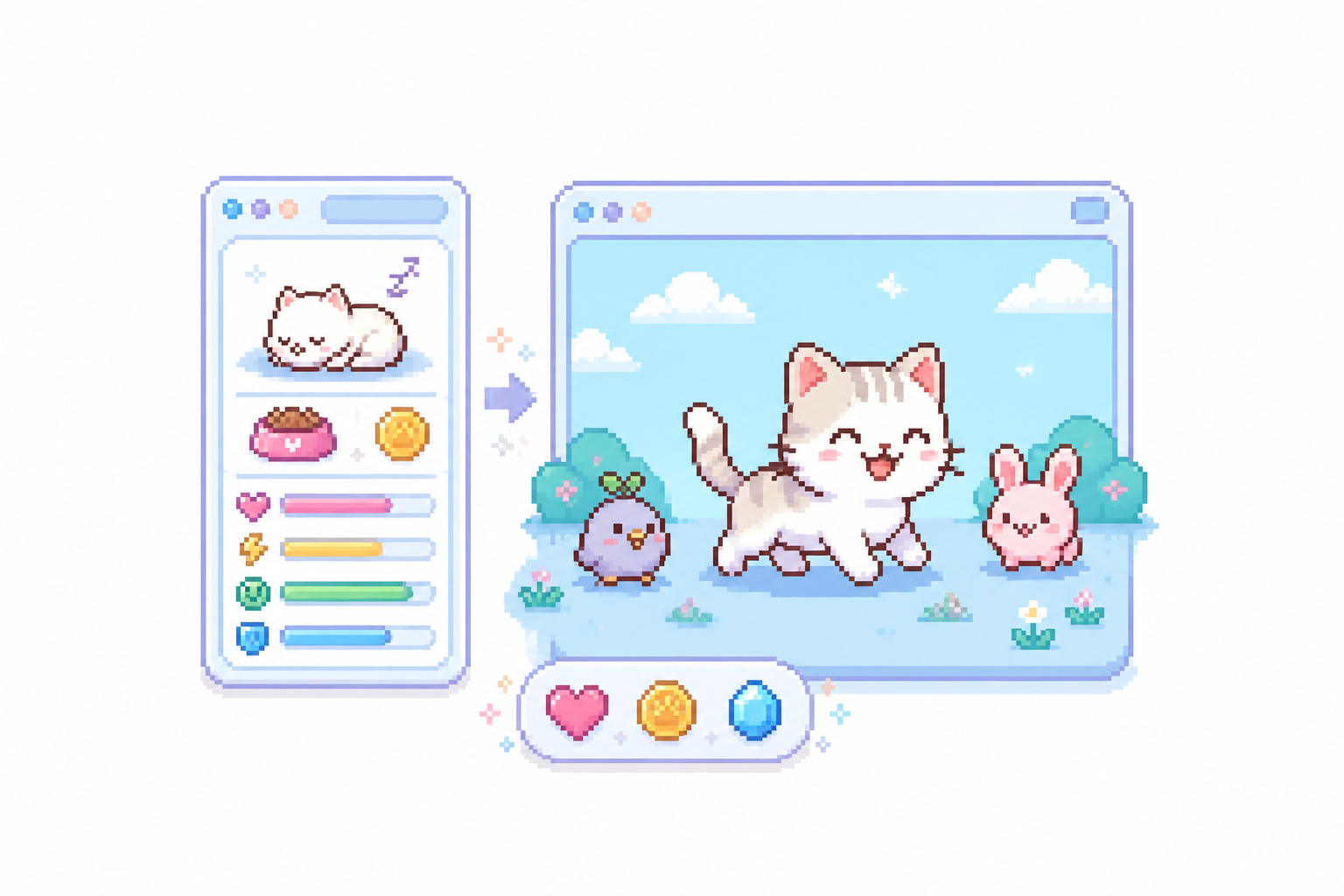
VPet Simulator is a free, open-source virtual-pet simulator created by developer LorisYounger (published on Steam by LB Game) for Windows. Released under the Apache-2.0 license, it brings Tamagotchi-style virtual pet care to your desktop. Unlike purely visual mascots, VPet Simulator centers around interactive pet care loops: your pet has stats for satiety (hunger), mood, stamina, and health that change dynamically as you interact with it.
To keep your pet healthy and happy, you manage an in-game economy: you send your pet to work or study to earn virtual money, then spend those earnings buying food, drinks, and items from the store. VPet is widely distributed on Steam with Steam Workshop support for custom pet skins, animations, and sound packs, but Steam is optional—official standalone ZIP packages are published directly on GitHub.
Why people look for an alternative
VPet Simulator is an impressive open-source project with a dedicated community, but depending on your operating system and desired desktop experience, several factors lead users to seek alternatives:
No native macOS build. VPet Simulator is built with WPF and .NET specifically for Windows. Mac users cannot run it natively, leaving Apple silicon and macOS desktops without official support.
Linux requires compatibility layers. While Linux users can run VPet Simulator via Proton or Wine, it is not a native Linux application, which can lead to windowing or input quirks under Wayland sessions.
High-maintenance virtual pet care. VPet's core mechanics require regular feeding, mood maintenance, and work/study management. If you want low-stress, ambient desktop companions that look great without demanding ongoing care or virtual money loops, VPet can feel distracting.
Single primary pet focus. Single primary pet per instance; displaying multiple pets requires additional app instances or community multi-pet plugins.
Modding setup vs ready gallery. Customizing VPet relies on downloading Steam Workshop mods or compiling assets with ModMaker, whereas alternatives like OpenPets offer an instant searchable gallery of over 1,300+ pre-configured pets.
What to expect before choosing VPet Simulator
VPet Simulator offers rich virtual-pet care mechanics for Windows users, but operating system limits and active stat management are important to consider before setting it up. Review its platform constraints and Wine/Proton compatibility requirements if you work across macOS or Linux.
VPet Simulator practical constraints
Platform support
Windows native (WPF/.NET). No native macOS build.
Linux compatibility
Requires compatibility layers (Proton or Wine).
Steam dependency
Optional; official standalone ZIP releases are hosted on GitHub.
Core mechanics
Virtual pet simulation with satiety, mood, stamina, health, food, and work/study loops.
The summary: VPet Simulator excels if you want a dedicated Windows virtual pet with stat management, feeding routines, and earning loops. OpenPets excels if you want ambient, low-maintenance desktop companions that run natively on Windows, macOS, and Linux with instant access to 1,300+ pre-made pets and an open format.
Other alternatives worth considering
Depending on whether you want desktop mascots, code editor pets, or idle desktop companions, here are other top alternatives:
Shimeji-ee
Windows (Java)
The classic Java desktop mascot application where characters walk across your taskbar, climb windows, and multiply. It focuses purely on desktop mascot movement rather than virtual-pet feeding or work loops. We cover it in depth in .
A modern open-source (GPL-3.0) C++/Qt rewrite of the Shimeji mascot runner. It runs natively on macOS and Linux without needing Java or Wine compatibility layers, loading classic mascot image sets directly.
A 3D desktop anime mascot application on Steam offering high-fidelity character interactions and DLC models. It provides a visual 3D desk companion on Windows, though it is closed source and lacks VPet's open virtual-pet simulation loops.
An open-source (MIT) extension that brings interactive pets into your code editor panel. Great for developers who want virtual pets while coding on any operating system, though confined within the editor.
The viral desktop toy that releases a mischievous goose onto your desktop to grab your cursor and drop notes. Pure comedy chaos rather than a virtual pet simulator. See .
A free desktop cat overlay on Steam that drums along with your keyboard and mouse clicks. Delights with cosmetic hat drops, though stays anchored to the taskbar without virtual pet care loops or desktop roaming. See .
Switching from VPet Simulator to OpenPets is simple:
for your platform (Windows, macOS, or Linux).
Browse the to adopt any of the 1,300+ ready-to-use characters.
If you want to build custom characters, check the open pet format guide to turn spritesheets into custom pets using simple JSON manifests.
VPet Simulator FAQ
Is VPet Simulator free and open source?
Yes. VPet Simulator is free and open-source under the Apache-2.0 license. The source code and standalone release packages are maintained on GitHub by LorisYounger.
Does VPet Simulator require Steam?
No. Steam is optional. While VPet Simulator is published on Steam by LB Game with Workshop support, official standalone ZIP releases are published directly on GitHub, allowing you to run it without Steam.
Does VPet Simulator work on Mac or Linux?
VPet Simulator is built with WPF and .NET, so there is no native macOS release. On Linux, users run it through compatibility layers like Wine or Proton. For native cross-platform support on macOS and Linux, OpenPets runs without compatibility wrappers.
How does VPet Simulator gameplay work?
VPet Simulator features virtual pet care loops: your pet has satiety, mood, stamina, and health stats that decline over time. You earn virtual currency by sending your pet to work or study, then spend money buying food, drinks, and items to keep them healthy.
Can I customize pets or create mods in VPet Simulator?
Yes. VPet Simulator supports custom skins, animations, and plugin mods via the Steam Workshop and its ModMaker tool. Single primary pet per instance; displaying multiple pets requires additional app instances or community multi-pet plugins.
What is the best VPet Simulator alternative for Mac and Linux?
OpenPets is the best alternative if you want a free, open-source desktop pet app that runs natively on macOS, Linux, and Windows. It features a gallery of over 1,000 pets with zero runtime setup or compatibility layers required.