Extend your desktop pet
Install safe, sandboxed JavaScript plugins that let your pet keep you company, remind you to take breaks, run focus timers, play with pet actions, or notify you of GitHub events on public repositories.
Build your own plugins
npx skills add openpetshq/openpetsAdd the OpenPets skill to your coding agent and build plugins on the sandboxed SDK.
Official catalog
Official plugins
First-party plugins maintained with OpenPets and shipped through the reviewed catalog.
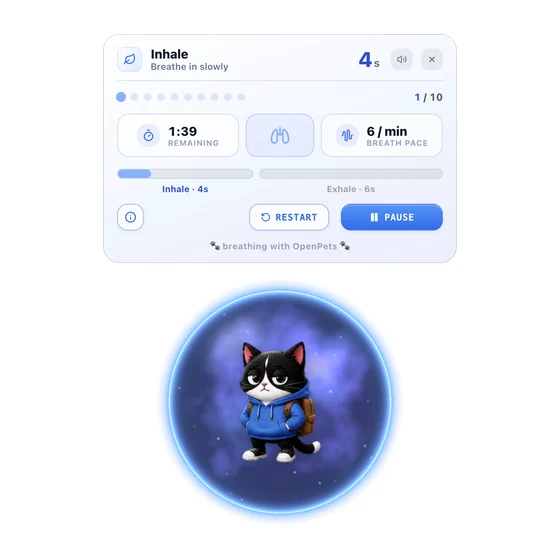

Anxiety Aid Tools
Calm practices around your pet: breathing, muscle relaxation, grounding, guided meditation, visualization, and relaxing sounds. The OpenPets companion of https://anxietyaidtools.com/.
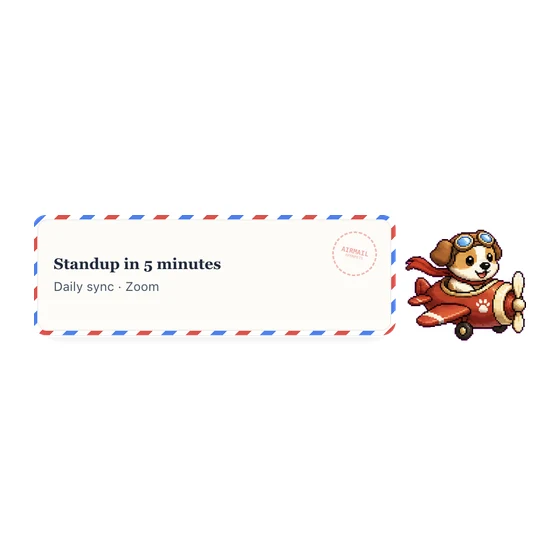

Calendar Airmail
Send Google Calendar event reminders by airmail with a chosen courier.
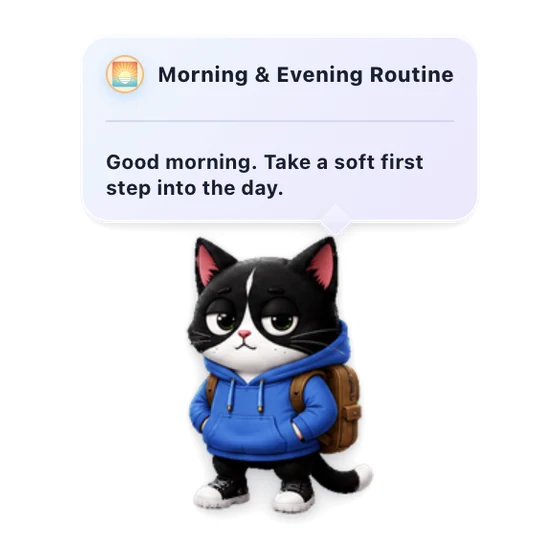

Morning & Evening Routine
Gentle daily check-ins to start and close your day with your pet.
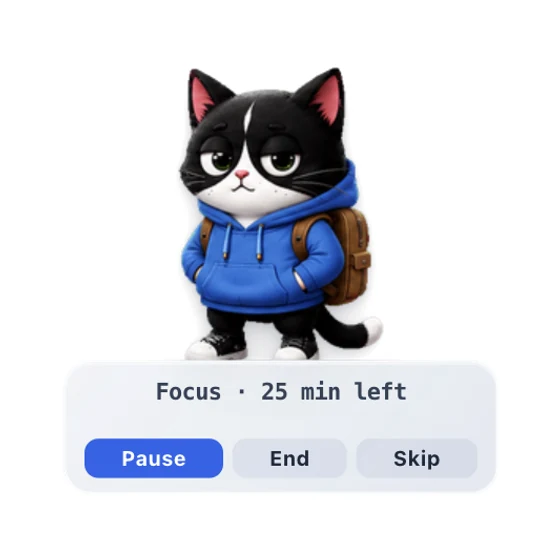

Focus Buddy
A pet Pomodoro-style focus timer that helps you focus, then nudges you to take breaks.
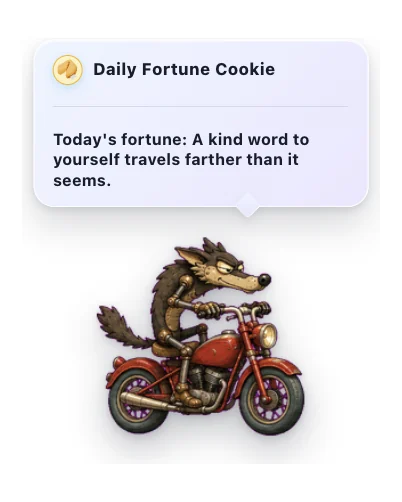

Daily Fortune Cookie
A cozy daily note from a little fortune cookie.
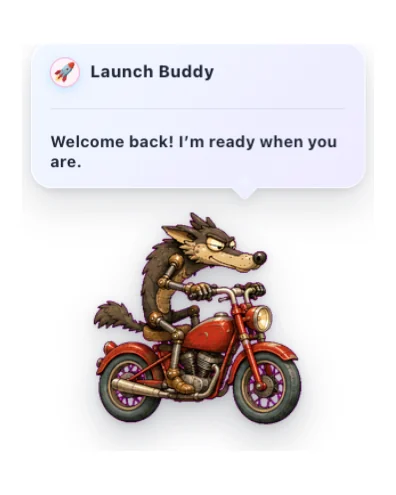

Launch Buddy
A friendly startup greeting with gentle timing, reactions, and optional sound.
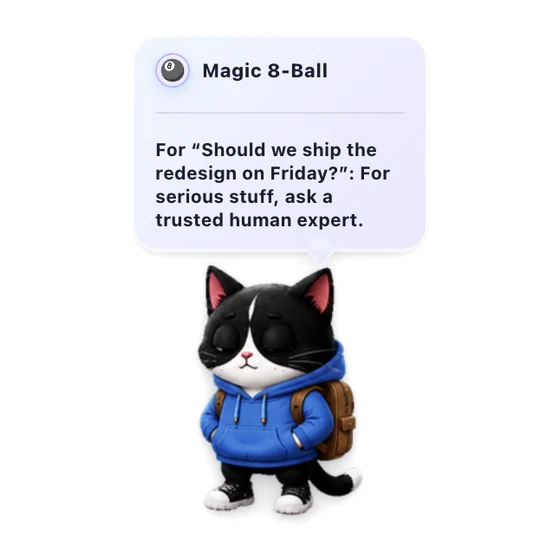

Magic 8-Ball
Ask a lighthearted question and get a warm, playful answer from your pet.
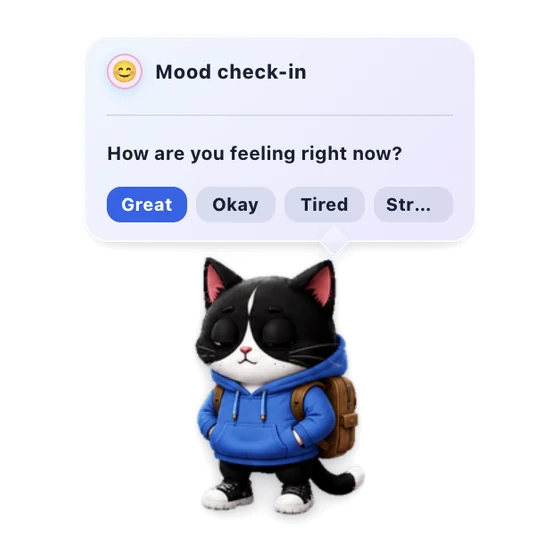

Mood Check-in
A gentle once-a-day pet check-in for noticing how you feel.
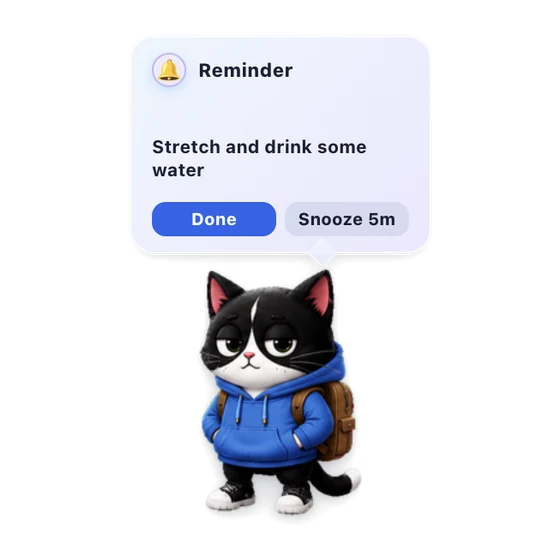

Quick Reminders
Set short local reminders from the pet menu, delivered with sound and a sticky alert bubble you can snooze.
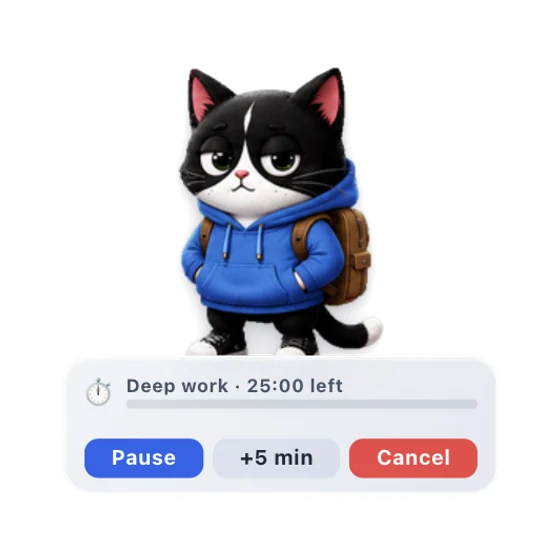

Simple Timer
A one-shot countdown timer with a pet HUD, pause controls, and an expiry alert.
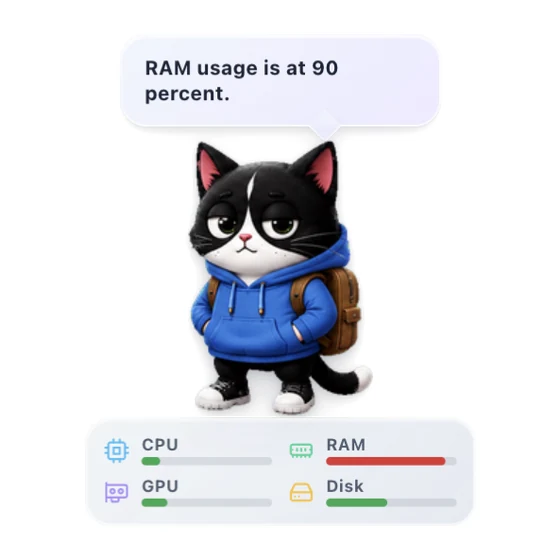

System Resources
Show live CPU and RAM meters, plus optional GPU and Disk metrics, on your pet.
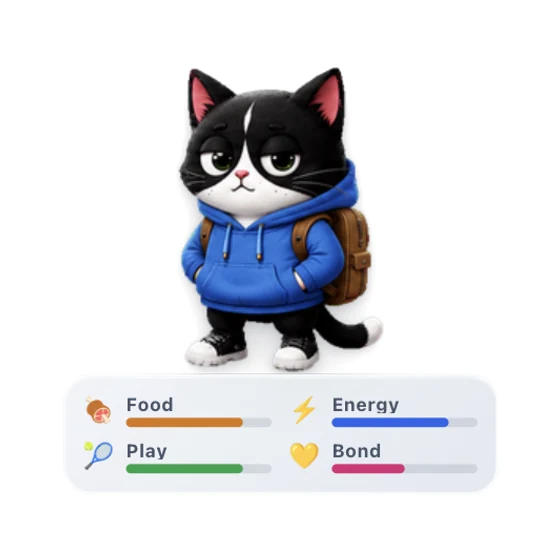

Virtual Pet
Care for a little desktop companion and watch your bond grow through gentle everyday interactions.
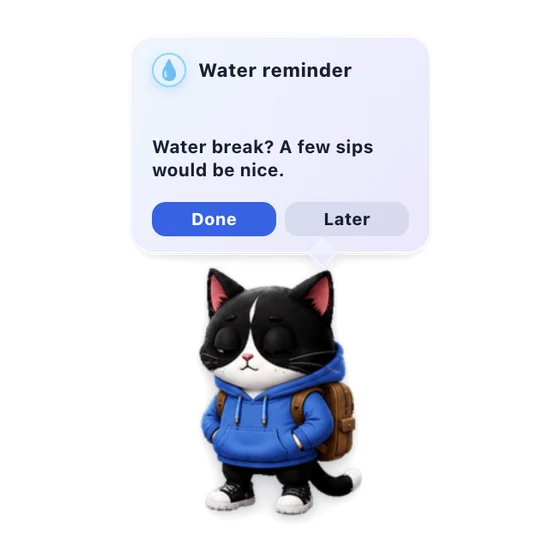

Water Reminder
A gentle pet nudge to take a water break.
Community catalog
Community plugins
Reviewed plugins from external creators. Source stays on GitHub, but users install the OpenPets-packaged ZIP after validation.
Vocabulary Drag & Drop
Drag words to see definitions and translations in a natively scrollable HUD card.
Higgsfield Watch
Your pet tracks your Higgsfield AI generations and celebrates when they finish.
Spotify Buddy
Your pet reacts to Spotify, syncs lyrics in real time, and controls playback.

Walkabout
Makes your pet roam the screen. Wander, follow your cursor, or patrol back and forth.

Usage Buddy
Your pet reflects live Claude and Codex usage read from a local usage monitor endpoint.
Build something great for the pet catalog
Have an idea for Spotify, calendar, focus, games, or tiny desktop rituals? Build it in a public GitHub repo, submit it for review, and we can list the safe, packaged version for every OpenPets user.
Build the plugin
Create a manifest, one JavaScript entry file, locales, and any bundled assets.
Tag a release
Publish a GitHub tag or commit so reviewers can pin the exact source.
Get listed safely
OpenPets reviews permissions, hosts, assets, and packaging before it appears in the catalog.
Built for safety and privacy
Sandboxed JavaScript
Plugins run in an isolated JavaScript renderer. They cannot access your file system or coding-agent context.
Explicit permissions
Every plugin must declare exactly what it needs: schedule timers, make the pet speak, or access specific approved HTTPS hosts.
Host-rendered config
Plugin configuration is rendered safely by the host app. GitHub Notifications only work with public repositories - no logins or tokens required.
How to install
- 1
Update OpenPets
Ensure you are running the latest OpenPets desktop version.
- 2
Open Plugins Menu
Click the OpenPets tray icon and select Plugins.
- 3
Install and Enable
Browse to the plugin, click Install, configure your settings, and enable it.