
Self-hosted
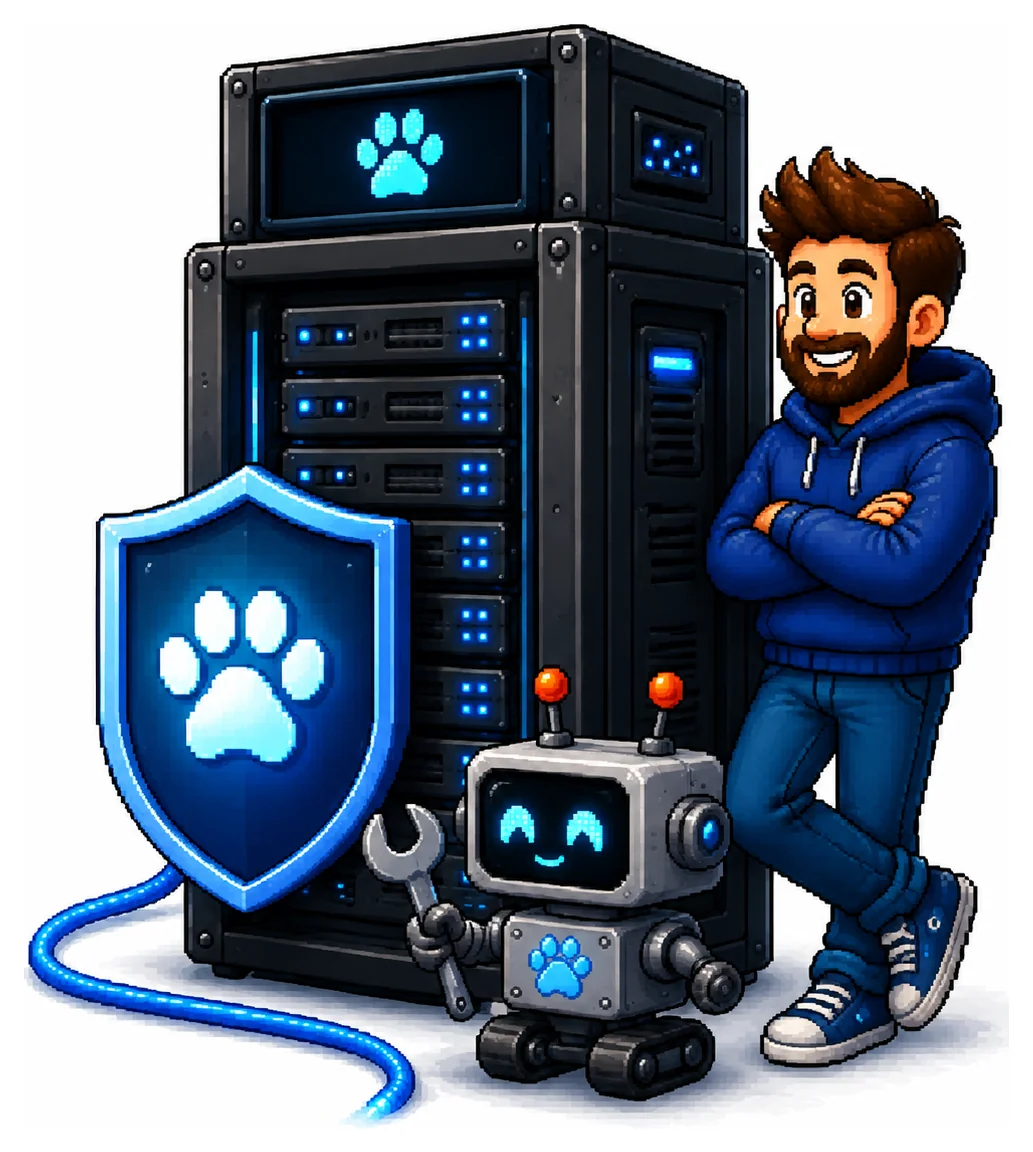
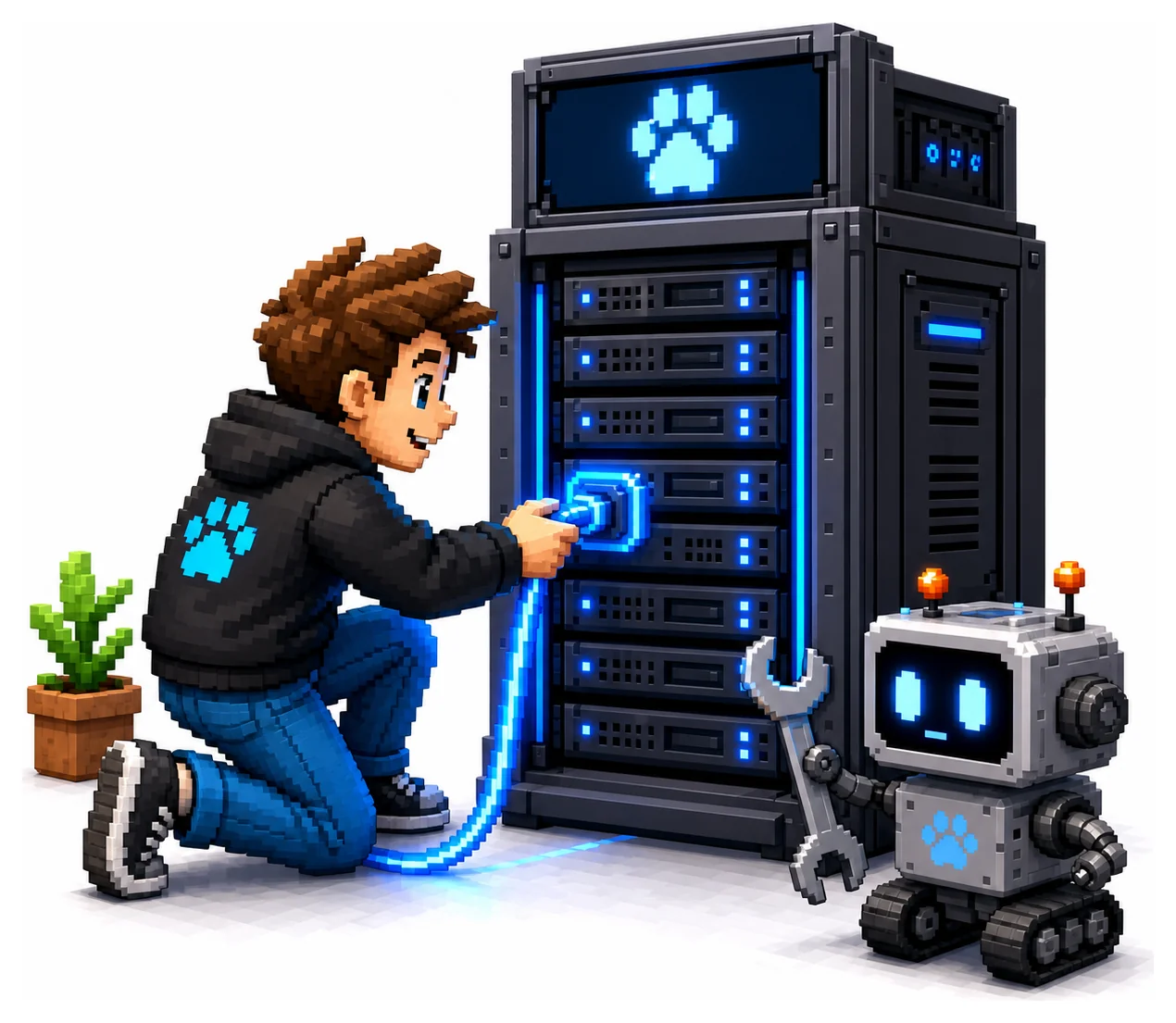
One container- Runs inside your network
- One Docker container
- Data never leaves your servers
- You decide when to update
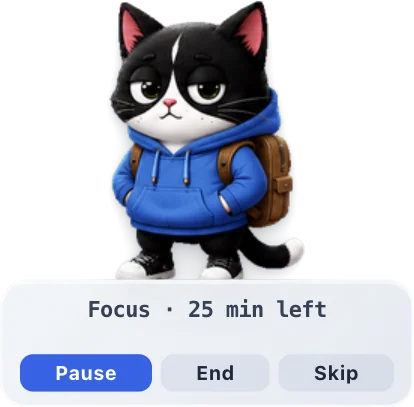
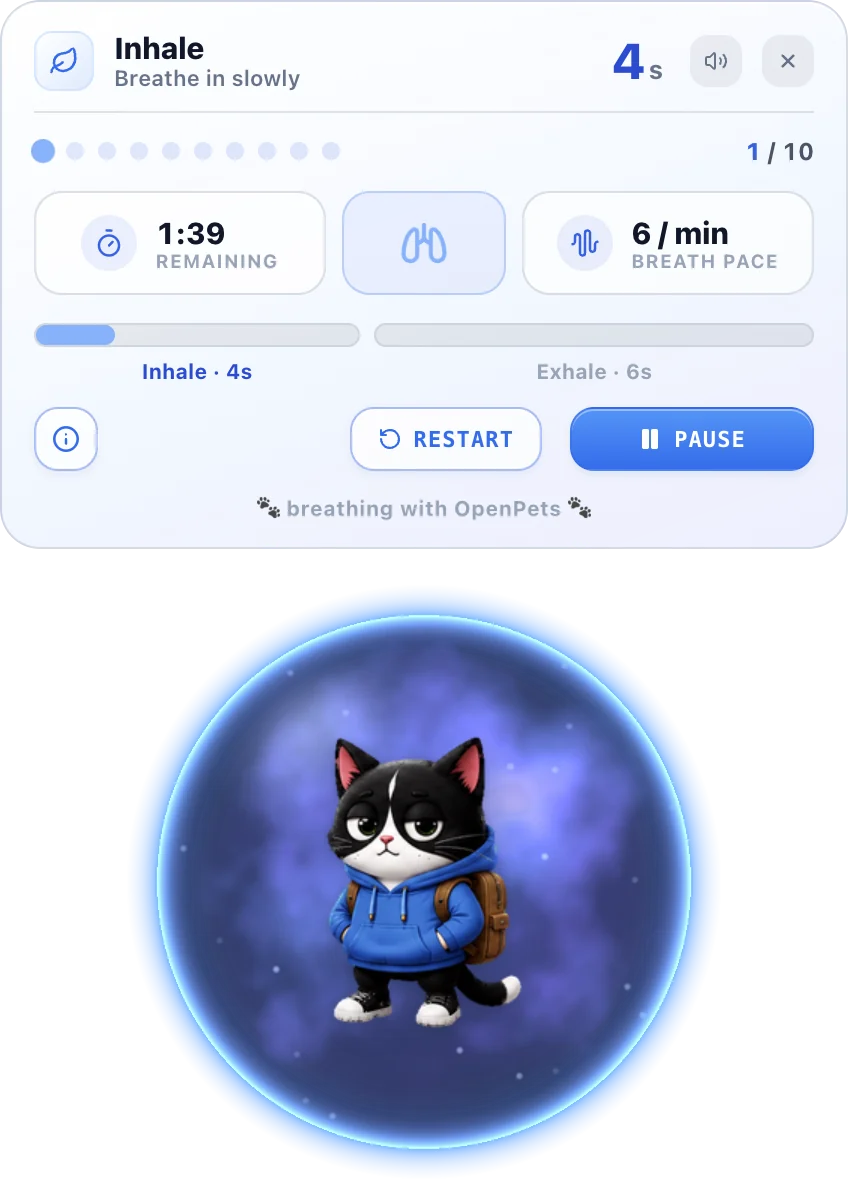
Your team is busy. Their pet isn't. It reminds them to stand up, breathe and drink water, and gives them an easy way to say they need a hand before burnout sets in.
A healthier workday
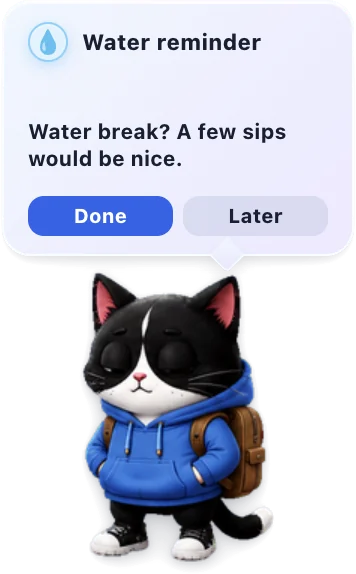
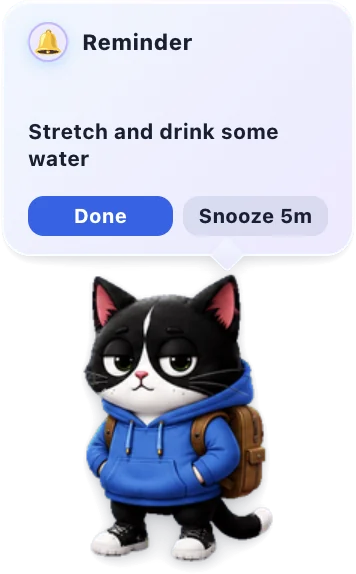
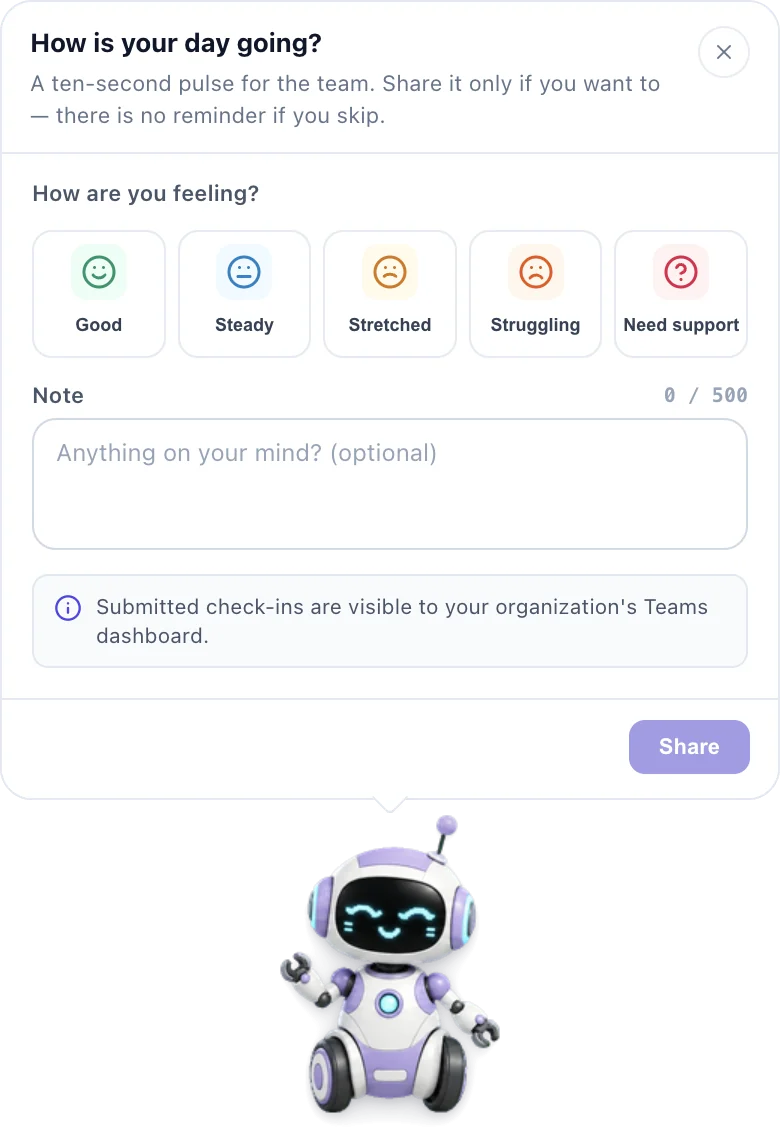
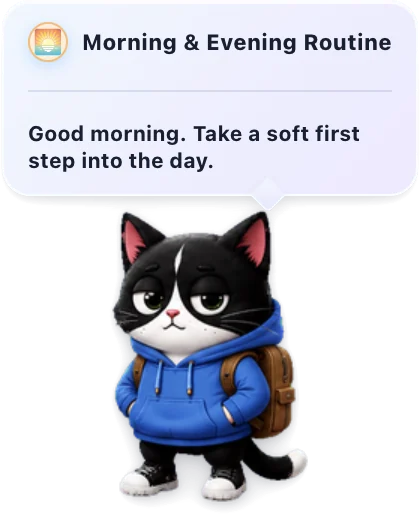
Six tiny moments that keep people moving, hydrated and heard. Each takes seconds, and every one can be snoozed.
How it works
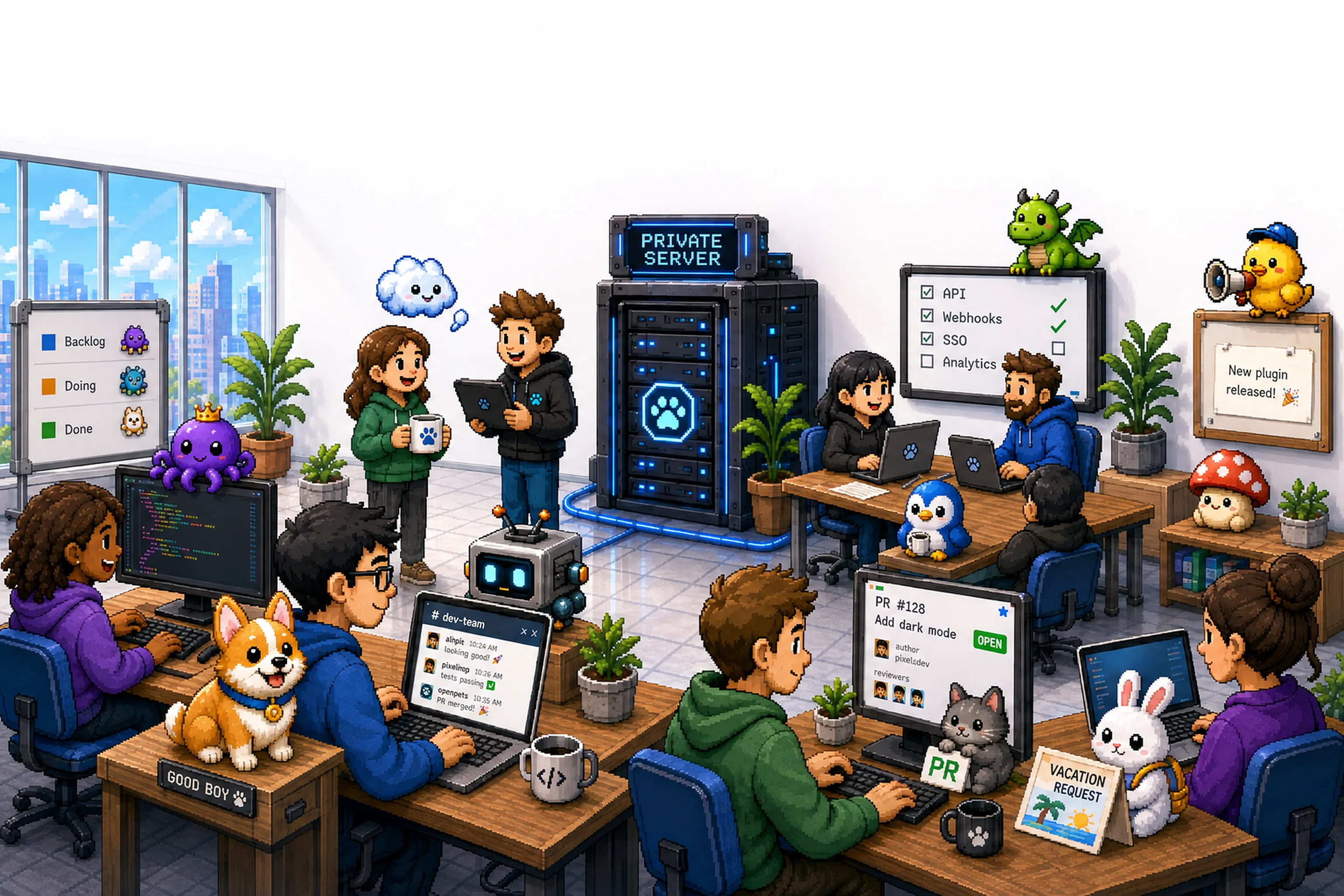
No rollout project, no training sessions. Three steps and every desk has a wellbeing buddy.
Run one container on your own servers, or get a private workspace we host for you.
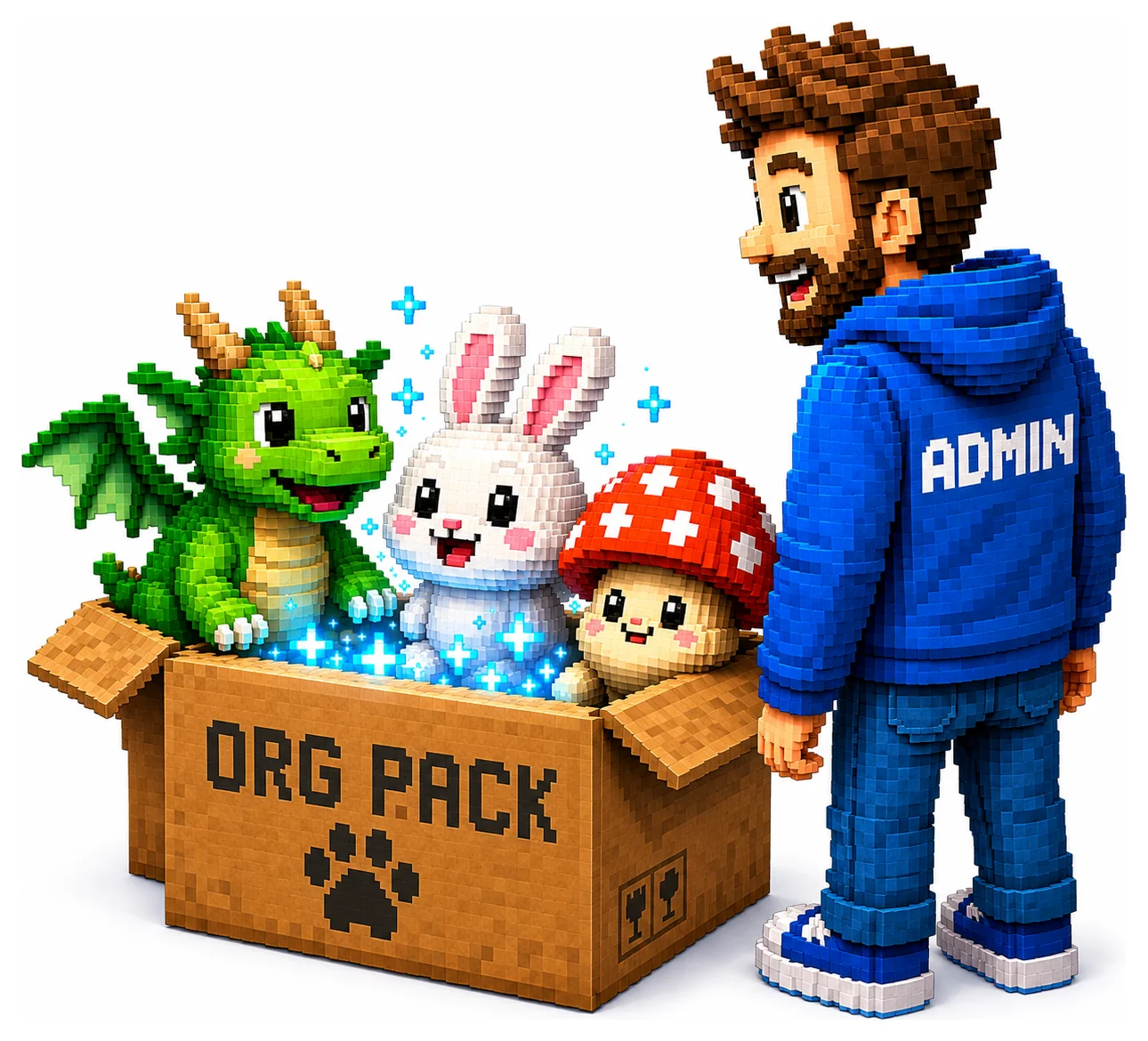
Share one join link. People click it and their OpenPets joins the team in one step. Their own pets stay untouched.
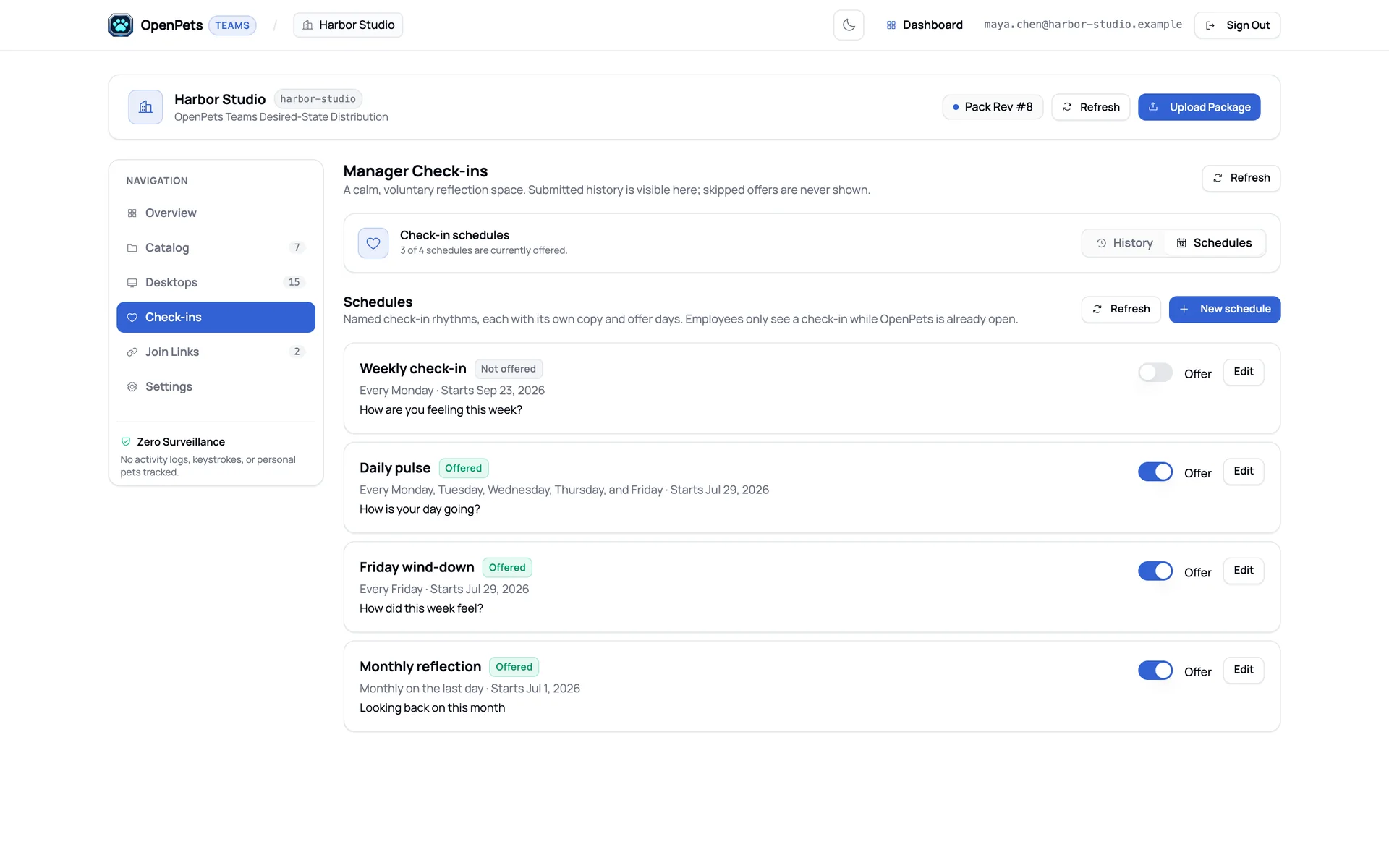
Choose water, stretch, breathing and check-in rhythms, add your company mascot, and every desk gets it.
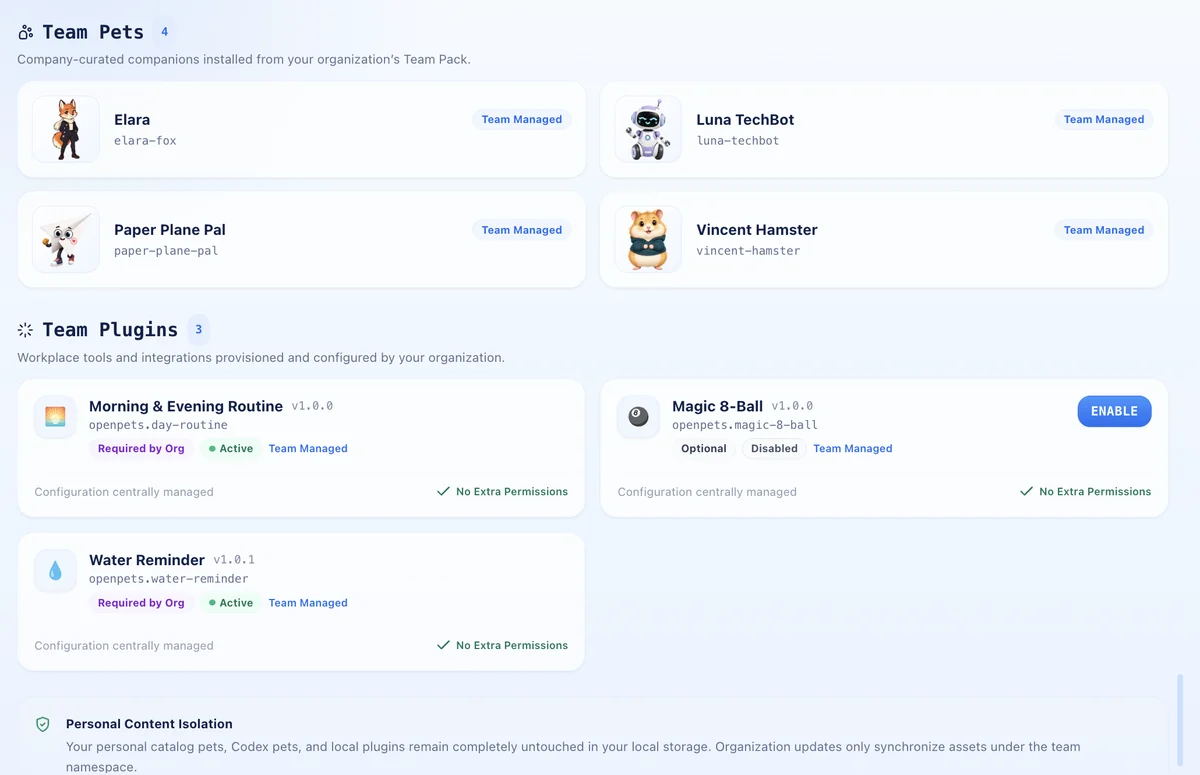
Your mascot on every desk
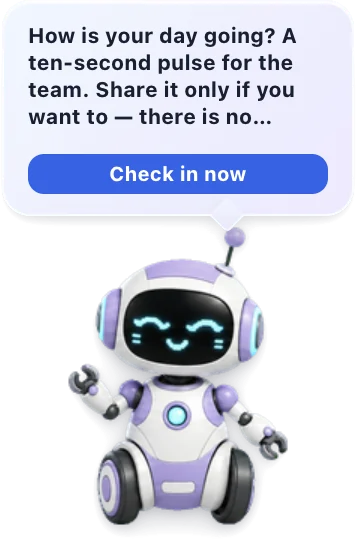
Ship your company mascot as a team pet. It shows up next to everyone's own pets, and it's the one that asks how the day is going.
Need something else? Build a plugin
Office announcements, an internal tool, your own nudges. Write a sandboxed plugin and ship it through your team catalog.
Read the plugin docsThe dashboard
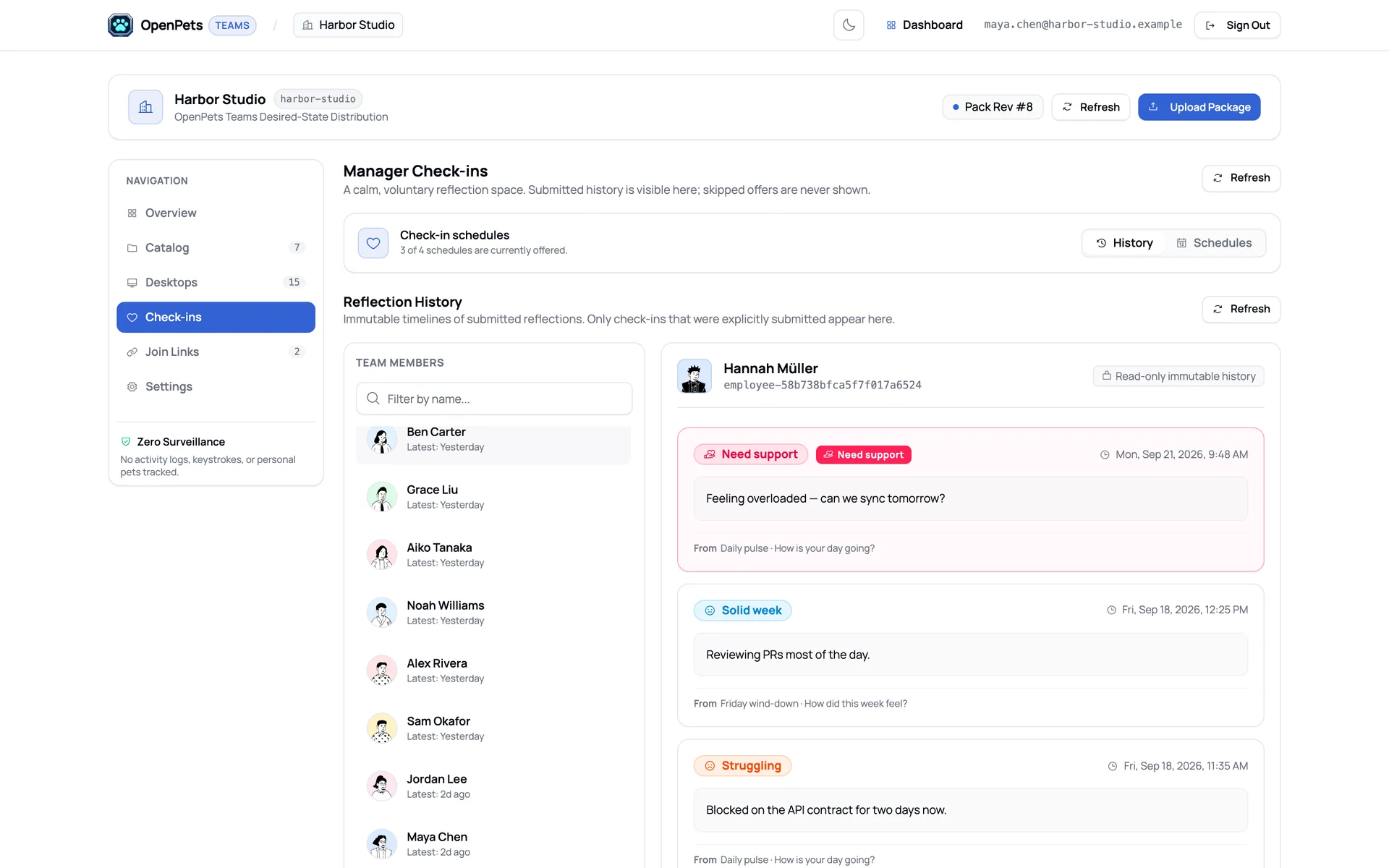
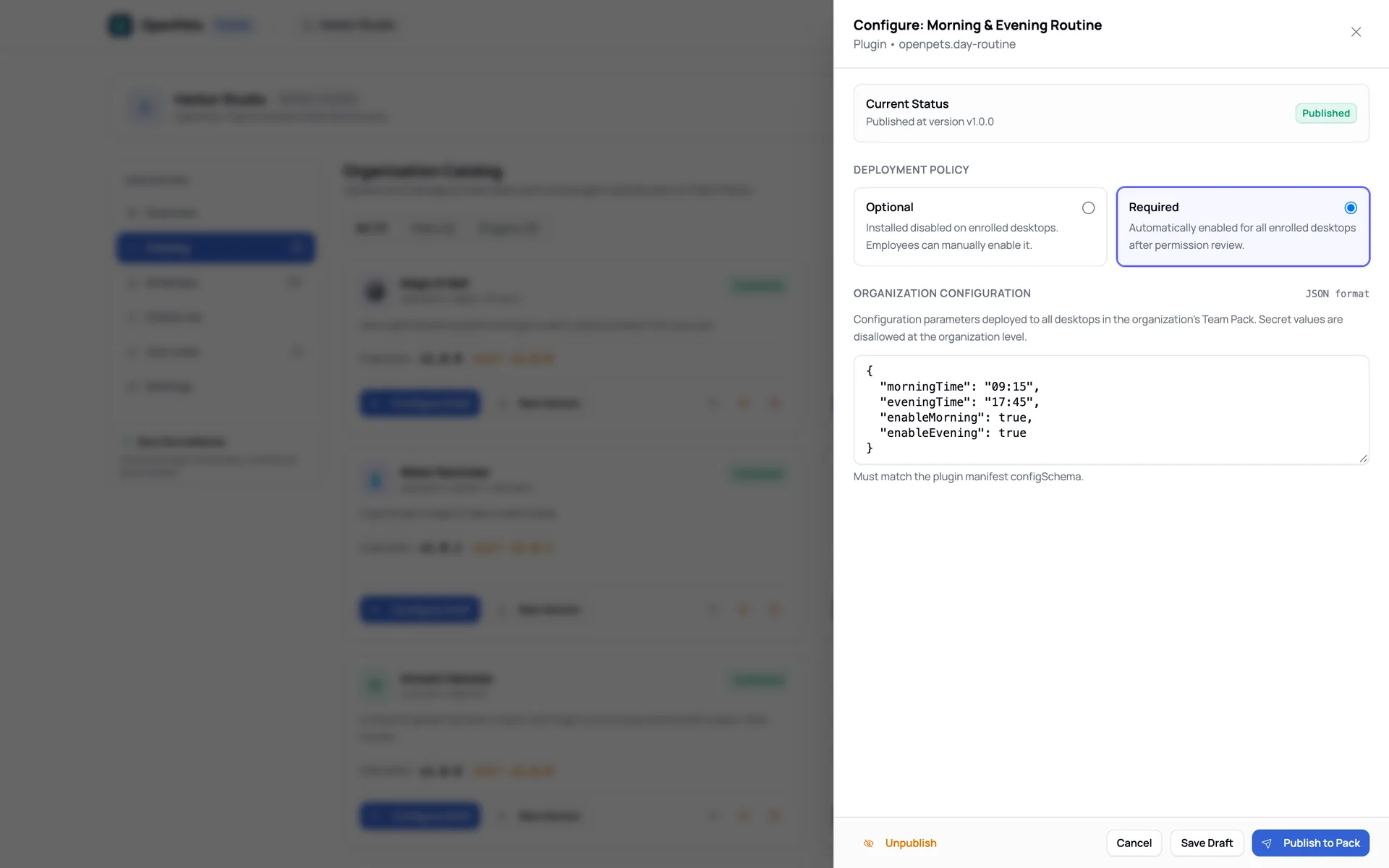
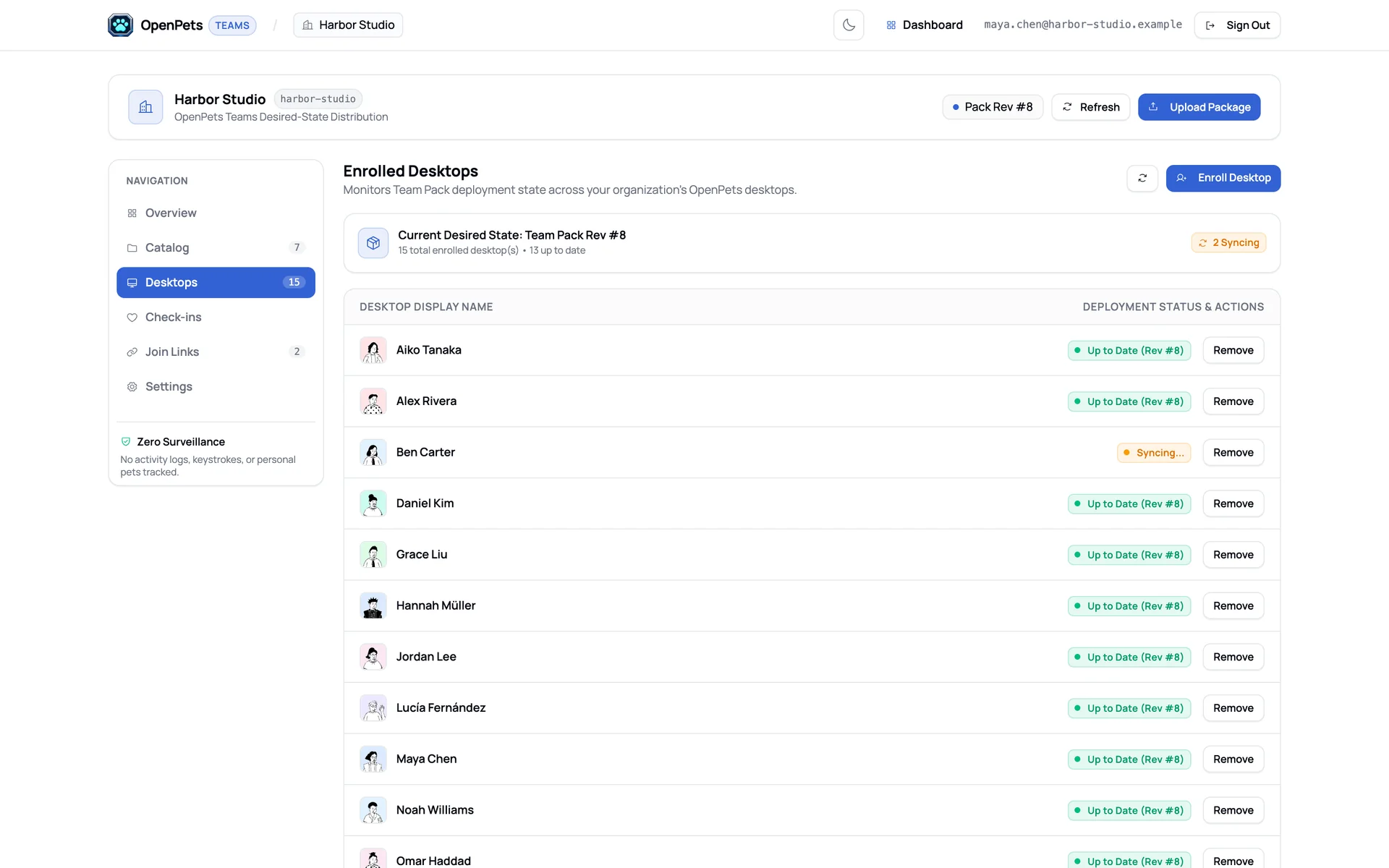
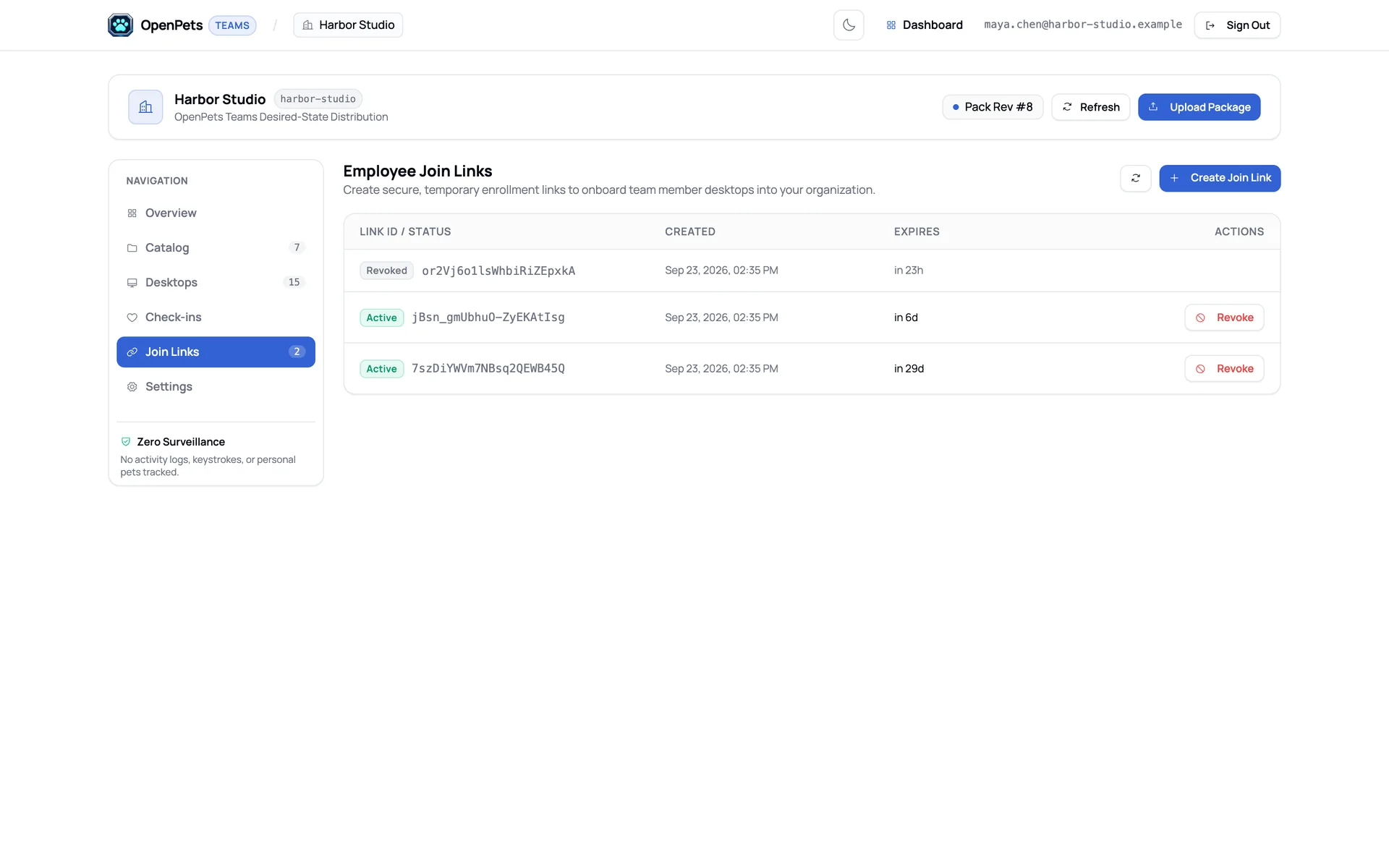
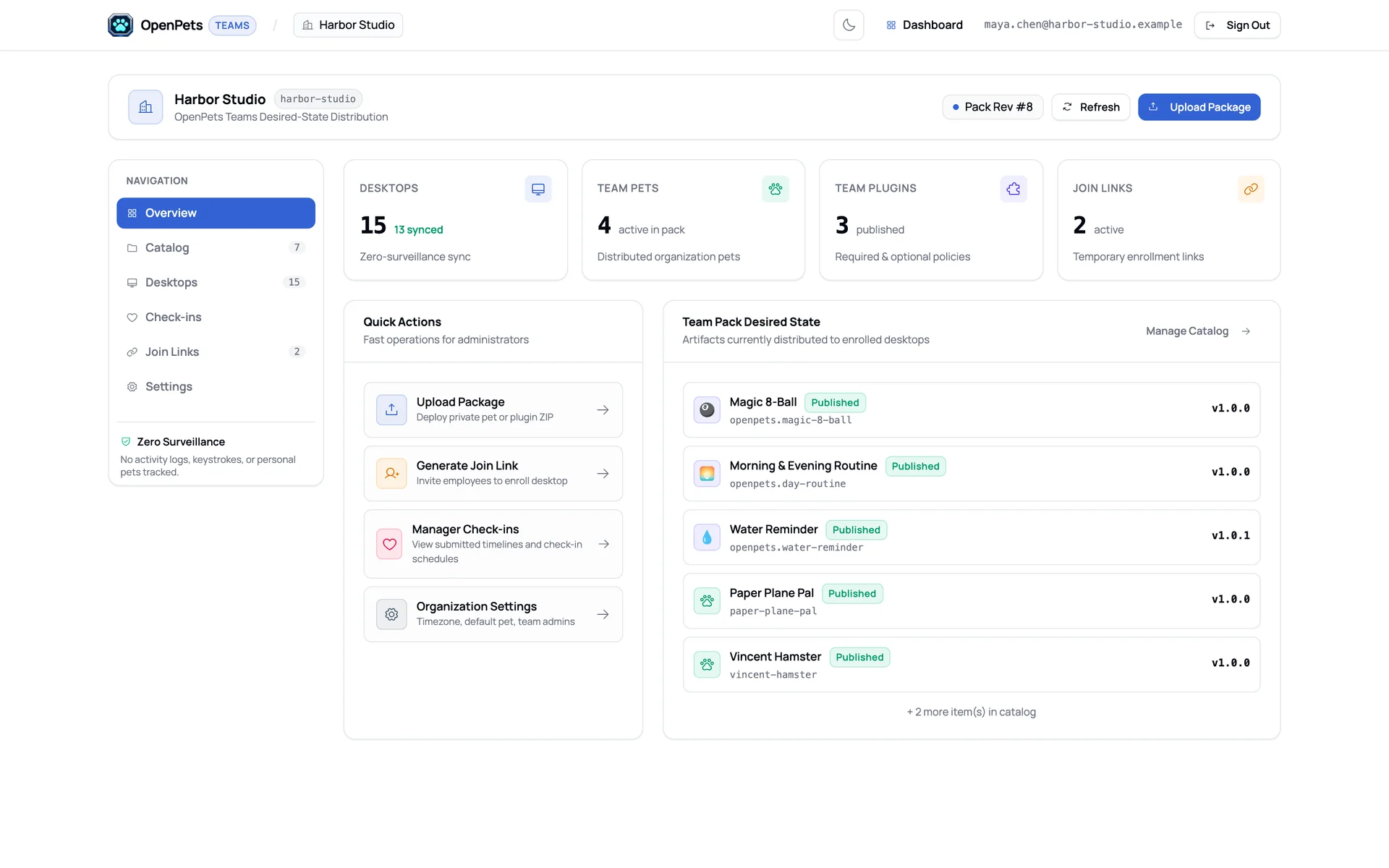
The real OpenPets Teams dashboard. See what every desk runs, set the check-in rhythm and read what people chose to share.
Desktops, team pets, plugins and join links at a glance, plus what the team pack is shipping right now.
Deploy your way
Same pets, plugins and check-ins on both. Start with one and switch later if you need to.
No. Skipped check-ins are never recorded, so there is nothing to see.
No. There are no activity logs, keystrokes, screenshots or time tracking. The dashboard only shows check-ins people chose to submit and which desktops are enrolled.
Optional plugins are off until someone turns them on. Admins decide which ones are required, and people can still snooze any reminder.
Yes. Installed pets and plugins keep running, and the team pack syncs again when the server is reachable.
SAML and OIDC are on the roadmap, with roles for admins and managers. Today, people join with a team link.
Right away. Send the form, and we'll help you set up your team space and first wellbeing pack.
Tell us about your team and what would help most. We'll set up your space and first wellbeing pack with you.
Prefer email? Write to hi@openpets.dev