
Choose a Linux package
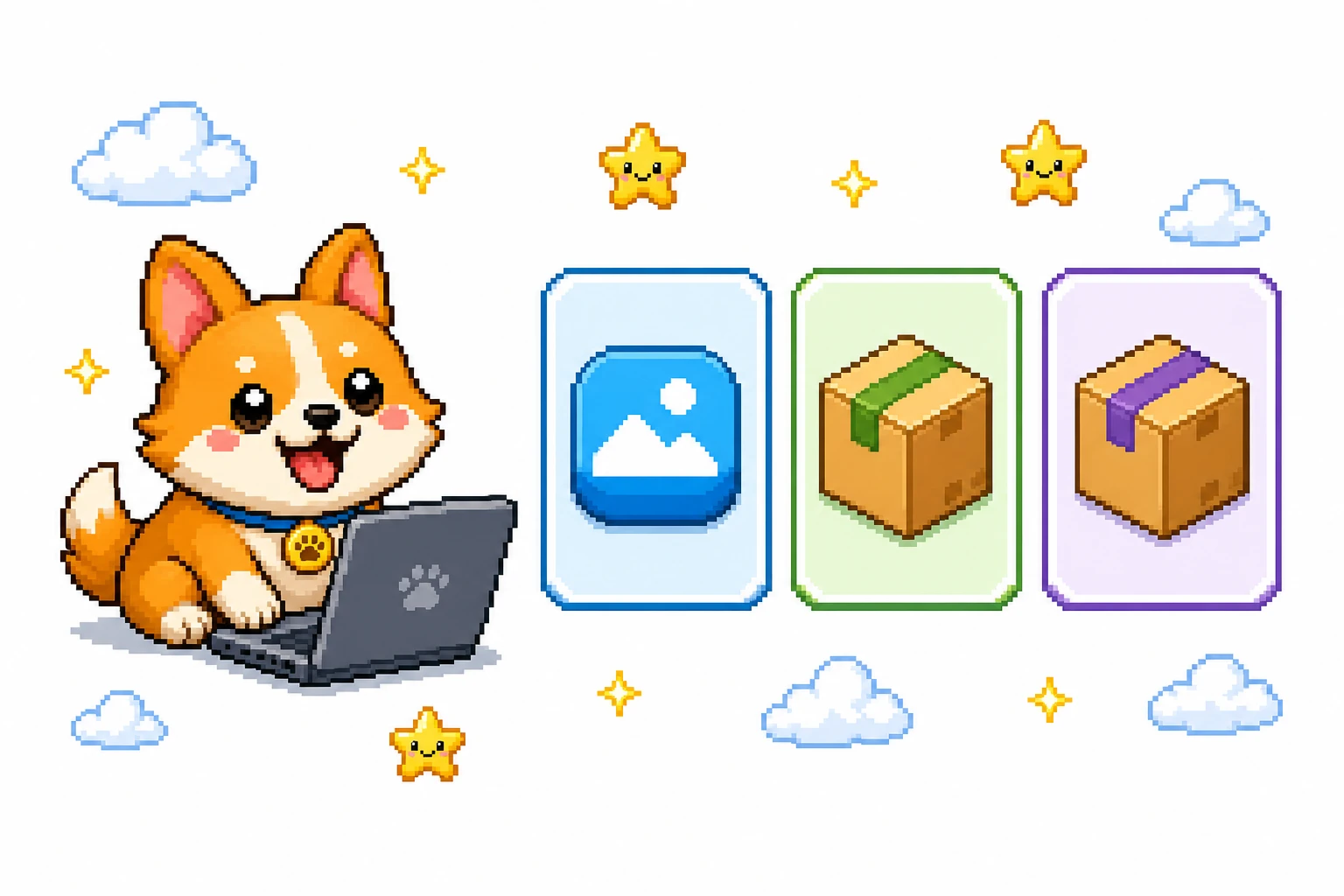
OpenPets publishes three Linux release formats, and Arch-based systems can also install via the community-maintained AUR package. Choose the one that matches how you prefer to run desktop software on your system.
| Artifact | Use it when | OpenPets link |
|---|---|---|
.AppImage | You want a portable release that does not require a system install. | AppImage |
.deb | Your setup uses DEB packages. | DEB |
.rpm | Your setup uses RPM packages. | RPM |
openpets-bin (AUR) | You run Arch Linux or CachyOS and prefer installing via an AUR helper (community-maintained by @pinoybear). | AUR package |
Run the AppImage
The AppImage does not require a system install. After downloading it, mark it executable and run it from your terminal:
chmod +x OpenPets-*.AppImage
./OpenPets-*.AppImage
Use DEB or RPM
Download the DEB artifact when your system uses DEB packages, or the RPM artifact when it uses RPM packages. Open the downloaded package with the package workflow you already use on that system.
Once OpenPets is running, choose a pet during onboarding and use the desktop app to manage your companion.
Install on Arch Linux / CachyOS (AUR)
Arch Linux, CachyOS, and other Arch-based distributions can install the community-maintained openpets-bin package from the Arch User Repository (AUR). This package is community-maintained by @pinoybear .
Install it with paru:
paru -S openpets-bin Or install it with yay:
yay -S openpets-bin Once installed, launch OpenPets from your application launcher or run openpets from your terminal.
What to do next
- Browse the pet gallery for a companion.
- Connect an AI desktop pet to external coding tools.
- See the Mac guide for the two Mac DMGs.