扩展你的桌面宠物
安装安全的沙盒化 JavaScript 插件,让宠物陪伴你、提醒你休息、运行专注计时、响应有趣动作,或接收公共仓库的 GitHub 事件通知。
打造你自己的插件
npx skills add openpetshq/openpets把 OpenPets 技能添加到你的编码代理,基于沙箱 SDK 构建插件。
官方目录
官方插件
由 OpenPets 维护并通过审核目录发布的第一方插件。
日历航空信
由你选择的信使以航空信送来 Google 日历的日程提醒。
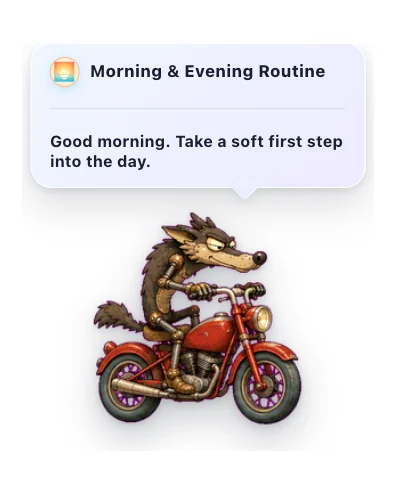

早晚日常
温和的每日陪伴,和你的宠物一起开始并收起一天。
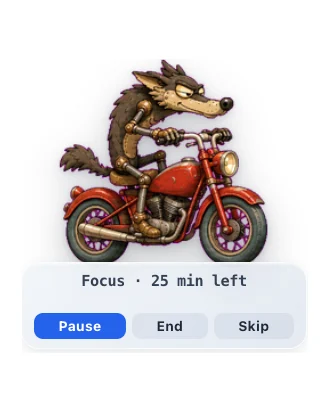

专注伙伴
一个宠物番茄钟式专注计时器,帮你专注,并提醒你休息。
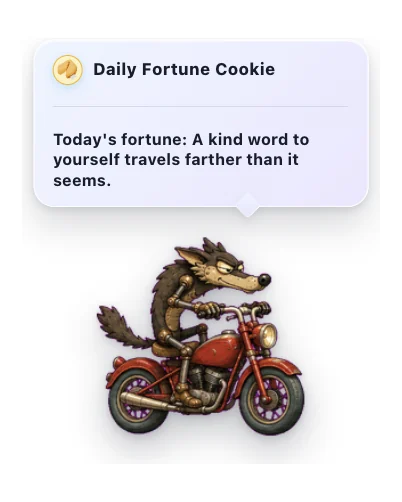

每日幸运饼干
一块小小幸运饼干送来的温柔每日便签。
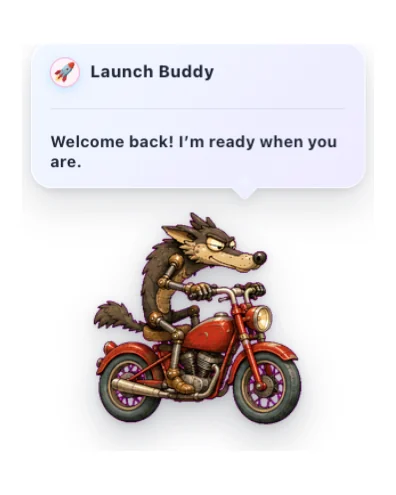

Launch Buddy
友好的启动问候,带有温和的时机、反应和可选的声音。
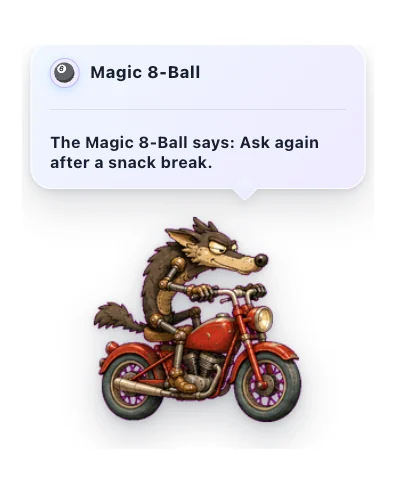

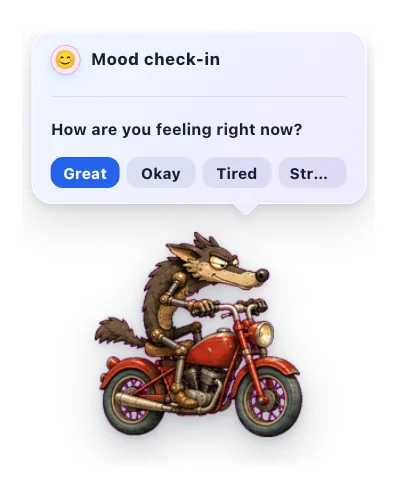

心情签到
每天一次温和地留意你当下的感受。
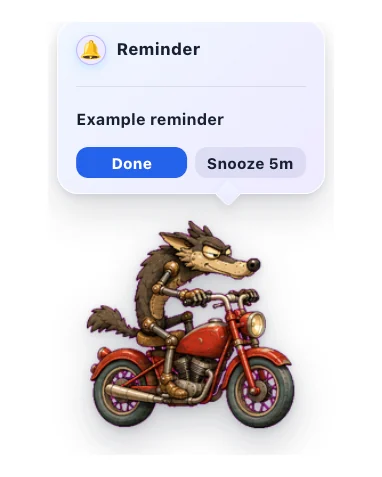

快速提醒
从宠物菜单设置简短的本地提醒,到点时会通过声音、角标和可稍后提醒的悬浮气泡通知你。

System Resources
Show live CPU and RAM meters on your pet.
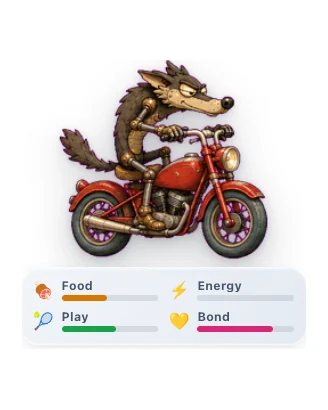

虚拟宠物
照顾一个小小的桌面伙伴,通过温柔的日常互动看着你们的羁绊成长。
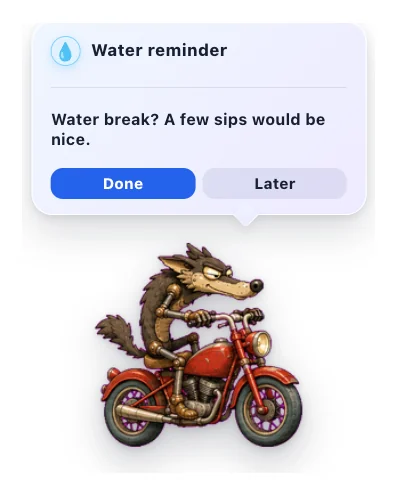

喝水提醒
让宠物温柔提醒你喝点水。
社区目录
Vocabulary Drag & Drop
Drag words to see definitions and translations in a natively scrollable HUD card.
Higgsfield 守望
宠物会关注你的 Higgsfield AI 生成任务,完成时为你庆祝。
Spotify 伙伴
宠物会随 Spotify 起舞,实时同步歌词并控制播放。

漫游
让宠物在屏幕上四处走动:闲逛、跟随光标,或来回巡逻。

Usage Buddy
Your pet reflects live Claude and Codex usage read from a local usage monitor endpoint.
为安全和隐私而生
沙盒化 JavaScript
插件在隔离的 JavaScript 渲染器中运行。它们无法访问你的文件系统或 AI 代理上下文。
显式权限
每个插件必须准确声明它需要什么:安排计时器、让宠物说话,或访问特定批准的 HTTPS 主机。
宿主渲染配置
插件配置由宿主应用安全地渲染。GitHub 通知仅适用于公共仓库 - - 无需登录或令牌。
如何安装
- 1
更新 OpenPets
确保你正在运行最新版本的 OpenPets 桌面应用。
- 2
打开插件菜单
点击 OpenPets 托盘图标并选择插件。
- 3
安装并启用
浏览到插件,点击安装,配置你的设置,然后启用它。