Adicione superpoderes ao seu pet
Instale plugins seguros e executados de forma isolada em JavaScript para conversar com seu pet, programar lembretes de descanso ou receber notificações em tempo real.
Catálogo oficial
Plugins oficiais
Plugins de primeira parte mantidos com o OpenPets e distribuídos pelo catálogo revisado.
Calendar Airmail
Send Google Calendar event reminders by airmail with a chosen courier.
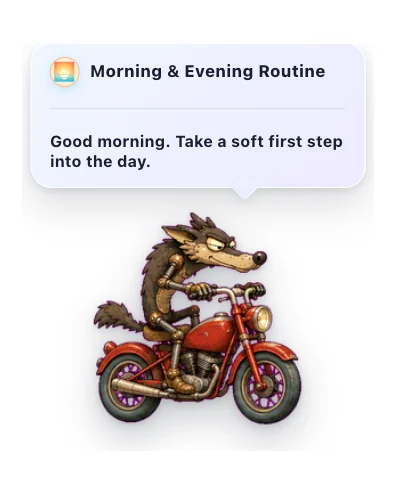

Morning & Evening Routine
Gentle daily check-ins to start and close your day with your pet.
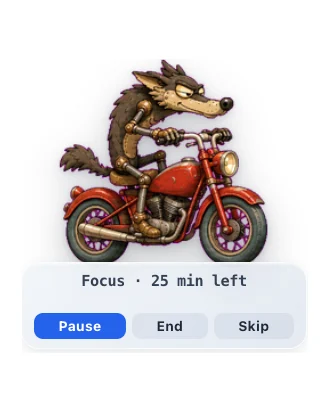

Focus Buddy
A pet Pomodoro-style focus timer that helps you focus, then nudges you to take breaks.
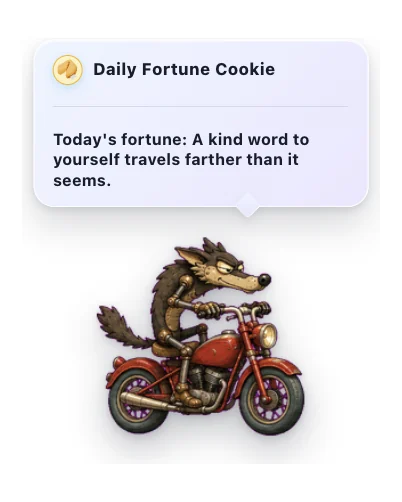

Daily Fortune Cookie
A cozy daily note from a little fortune cookie.
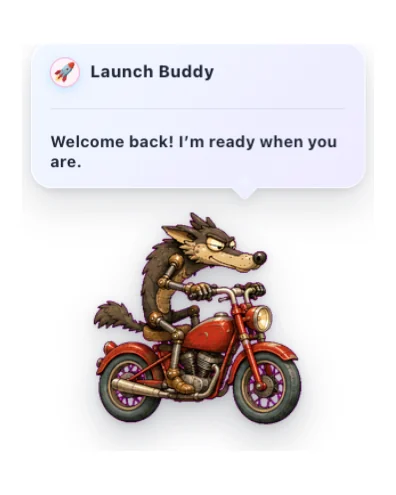

Launch Buddy
A friendly startup greeting with gentle timing, reactions, and optional sound.
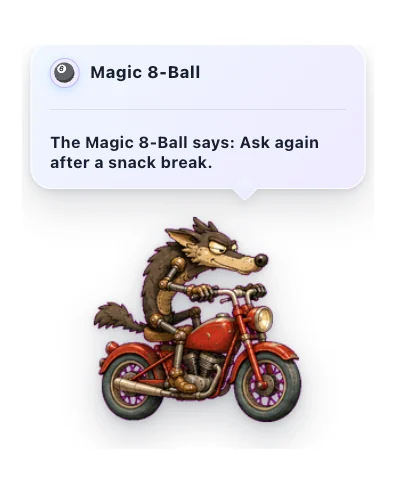

Magic 8-Ball
Ask a lighthearted question and get a warm, playful answer from your pet.
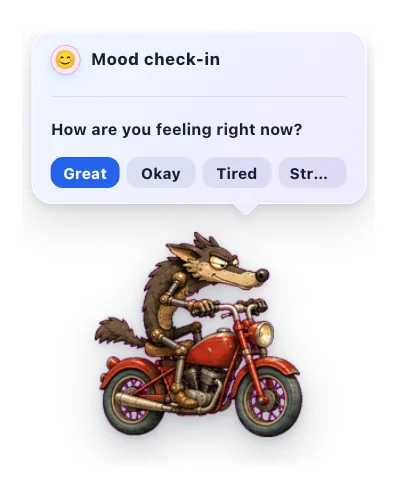

Mood Check-in
A gentle once-a-day pet check-in for noticing how you feel.
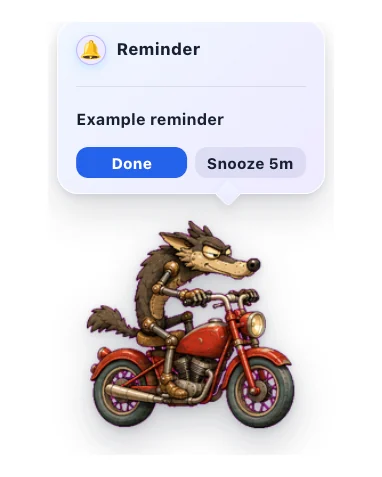

Quick Reminders
Set short local reminders from the pet menu, delivered with sound and a sticky alert bubble you can snooze.
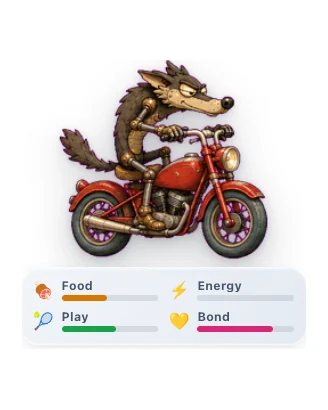

Virtual Pet
Care for a little desktop companion and watch your bond grow through gentle everyday interactions.
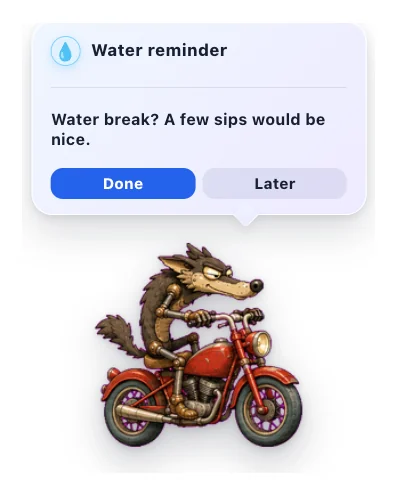

Water Reminder
A gentle pet nudge to take a water break.
Catálogo da comunidade
Plugins da comunidade
Plugins revisados de criadores externos. O código fica no GitHub, mas usuários instalam o ZIP empacotado pelo OpenPets após validação.
Higgsfield Watch
Your pet tracks your Higgsfield AI generations and celebrates when they finish.
Spotify Buddy
Your pet reacts to Spotify, syncs lyrics in real time, and controls playback.

Walkabout
Makes your pet roam the screen. Wander, follow your cursor, or patrol back and forth.
Crie algo incrível para o catálogo de pets
Tem uma ideia para Spotify, calendário, foco, jogos, ajudantes de IA ou pequenos rituais de desktop? Crie em um repositório público do GitHub, envie para revisão e podemos listar a versão segura e empacotada para todos os usuários do OpenPets.
Crie o plugin
Prepare um manifesto, um arquivo JavaScript de entrada, traduções e assets empacotados.
Crie uma tag de lançamento
Publique uma tag ou commit no GitHub para que a revisão fixe a fonte exata.
Entre no catálogo com segurança
O OpenPets revisa permissões, hosts, assets e empacotamento antes de exibir no catálogo.
Privacidade e segurança em primeiro lugar
JavaScript Isolado
Os plugins rodam em um renderizador seguro. Eles não possuem acesso aos seus arquivos pessoais ou aos prompts dos seus agentes de IA.
Permissões claras
Cada plugin deve declarar exatamente quais APIs necessita: criar alarmes, fazer o pet falar ou conectar a servidores HTTPS autorizados.
Configuração transparente
As preferências dos plugins são exibidas de forma segura pelo app principal. Integrações como notificações do GitHub utilizam apenas dados públicos.
Como instalar
- 1
Atualize o OpenPets
Garanta que está rodando a versão estável mais recente do app desktop.
- 2
Abra a aba de plugins
Clique com o botão direito no ícone do OpenPets no menu de ferramentas e acesse os plugins.
- 3
Instale e ative
Encontre o plugin ideal, clique em instalar, ajuste as preferências e ative-o.
Quer criar seu próprio plugin?
Confira a documentação oficial de APIs e construa ferramentas incríveis.