펫의 기능 확장하기
안전하고 독립된 JavaScript 샌드박스 플러그인을 추가해 보세요. 펫이 곁에서 말을 건네거나, 휴식 알림 및 집중 타이머 기능을 제공하고, GitHub 리포지토리의 변동 알림을 보내줍니다.
공식 카탈로그
공식 플러그인
OpenPets와 함께 유지관리되고 검토된 카탈로그를 통해 배포되는 1차 플러그인입니다.
Calendar Airmail
Send Google Calendar event reminders by airmail with a chosen courier.
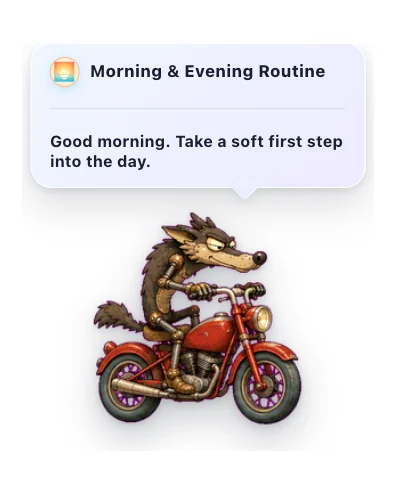

Morning & Evening Routine
Gentle daily check-ins to start and close your day with your pet.
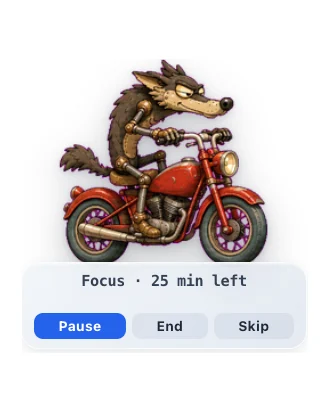

Focus Buddy
A pet Pomodoro-style focus timer that helps you focus, then nudges you to take breaks.


Daily Fortune Cookie
A cozy daily note from a little fortune cookie.
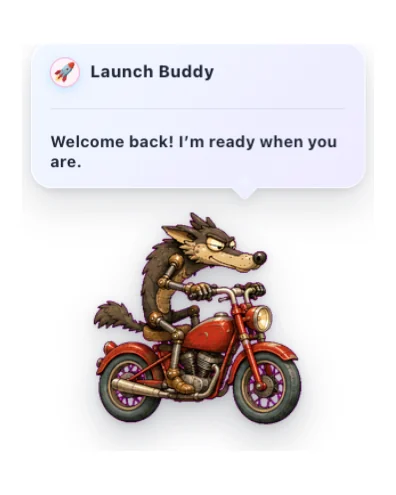

Launch Buddy
A friendly startup greeting with gentle timing, reactions, and optional sound.
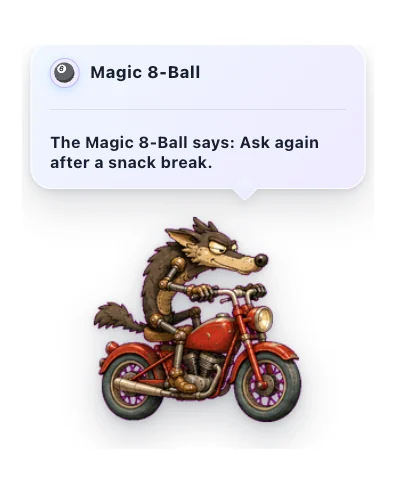

Magic 8-Ball
Ask a lighthearted question and get a warm, playful answer from your pet.
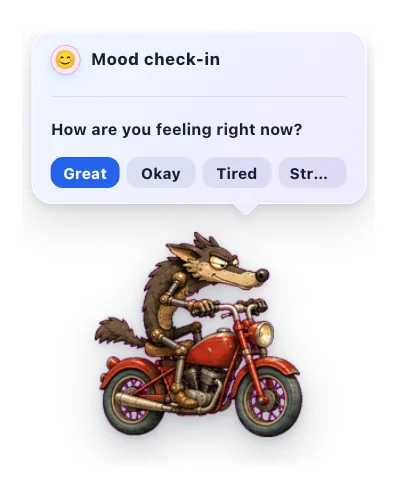

Mood Check-in
A gentle once-a-day pet check-in for noticing how you feel.
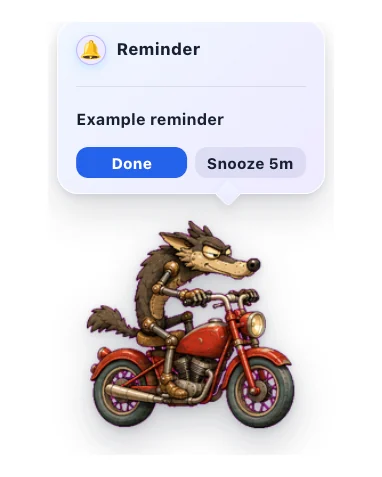

Quick Reminders
Set short local reminders from the pet menu, delivered with sound and a sticky alert bubble you can snooze.
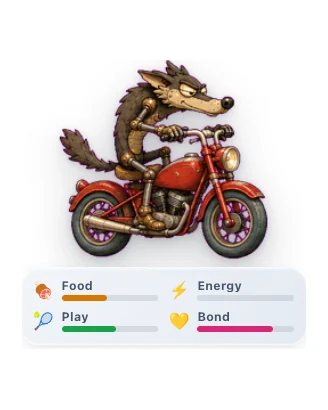

Virtual Pet
Care for a little desktop companion and watch your bond grow through gentle everyday interactions.
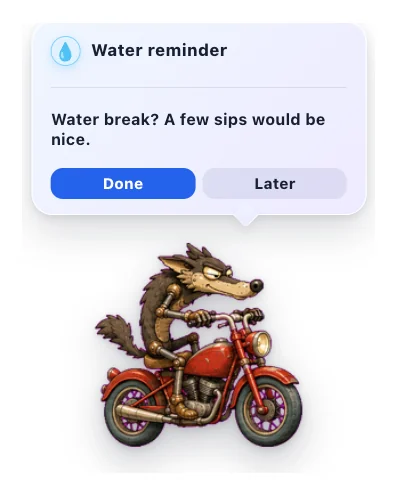

Water Reminder
A gentle pet nudge to take a water break.
커뮤니티 카탈로그
Higgsfield Watch
Your pet tracks your Higgsfield AI generations and celebrates when they finish.
Spotify Buddy
Your pet reacts to Spotify, syncs lyrics in real time, and controls playback.

Walkabout
Makes your pet roam the screen. Wander, follow your cursor, or patrol back and forth.
펫 카탈로그에 멋진 기능을 더해 보세요
Spotify, 캘린더, 집중, 게임, AI 도우미나 작은 데스크톱 습관 아이디어가 있나요? 공개 GitHub 저장소에서 만들고 리뷰를 요청하면, 안전하게 패키징된 버전을 OpenPets 사용자에게 제공할 수 있습니다.
플러그인 만들기
매니페스트, JavaScript 엔트리 파일, 로케일, 번들 에셋을 준비합니다.
릴리스 태그 만들기
리뷰어가 정확한 소스를 고정할 수 있도록 GitHub 태그나 커밋을 공개합니다.
안전하게 카탈로그 등록
OpenPets는 카탈로그에 표시하기 전에 권한, 호스트, 에셋, 패키징을 검토합니다.
안전과 개인정보 보호 최우선 설계
샌드박스화된 JavaScript
플러그인은 격리된 자바스크립트 렌더러에서만 안전하게 구동됩니다. 로컬 파일 시스템이나 AI 에획전트 컨텍스트에는 접근하지 못합니다.
명시적 권한 허용
모든 플러그인은 필요한 기능(타이머 설정, 펫 대화 출력, 지정된 주소의 HTTPS 접근 등)을 사전에 선언해야 합니다.
안전한 호스트 렌더링
플러그인 설정은 앱 내부에서 안전하게 실행됩니다. GitHub 연동은 공개 리포지토리만을 대상으로 작동하며 별도의 토큰이나 비밀번호가 필요 없습니다.
설치 방법
- 1
OpenPets 업데이트
OpenPets 데스크톱 앱이 최신 버전으로 실행 중인지 확인하세요.
- 2
플러그인 메뉴 열기
작업 표시줄 트레이의 OpenPets 아이콘을 클릭하고 플러그인을 선택합니다.
- 3
설치 및 활성화
카탈로그에서 원하는 플러그인을 찾아 설치를 누르고, 설정을 마친 뒤 활성화해 주세요.
나만의 플러그인을 빌드하고 싶으신가요?
개발자용 문서를 확인하고 손쉽게 나만의 기능을 구현해 보세요.