Linux guide

Desktop Pets for Linux

Last updated

OpenPets publishes Linux AppImage, DEB, and RPM artifacts. Pick the package format that fits your setup, launch the desktop app, and keep your companion running locally beside your workflow.

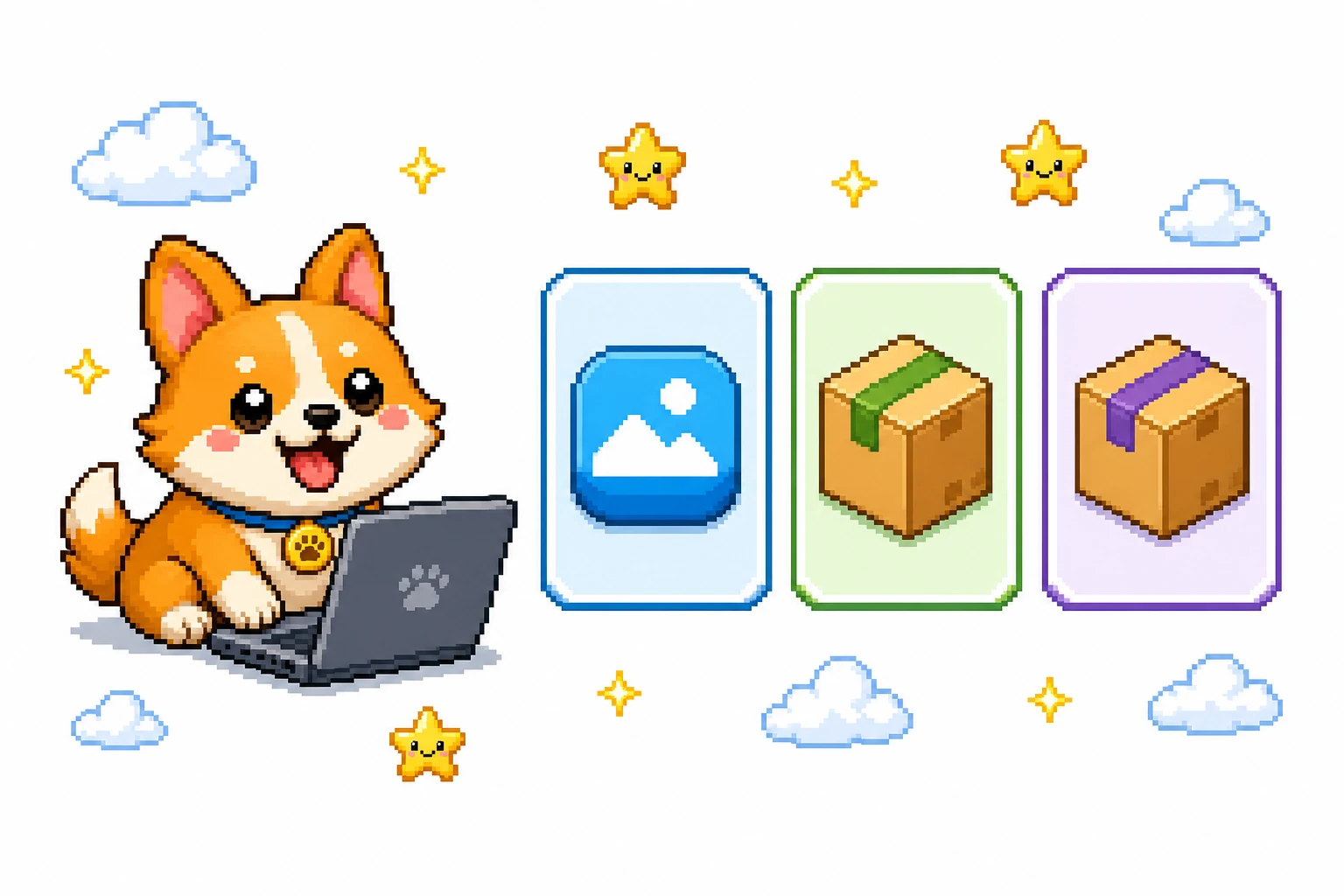
White editorial pixel-art scene of an OpenPets companion beside Linux package download cards

Choose a Linux package

OpenPets publishes three Linux release formats. Choose the one that matches how you prefer to run desktop software on your system.

ArtifactUse it whenOpenPets link
.AppImageYou want a portable release that does not require a system install.
.debYour setup uses DEB packages.
.rpmYour setup uses RPM packages.
White pixel-art editorial illustration of AppImage, DEB, and RPM Linux packages
AppImage, DEB, and RPM are all available from OpenPets releases.

Run the AppImage

The AppImage does not require a system install. After downloading it, mark it executable and run it from your terminal:

Terminalbash
chmod +x OpenPets-*.AppImage
./OpenPets-*.AppImage

Use DEB or RPM

Download the DEB artifact when your system uses DEB packages, or the RPM artifact when it uses RPM packages. Open the downloaded package with the package workflow you already use on that system.

Once OpenPets is running, choose a pet during onboarding and use the desktop app to manage your companion.

What to do next

  • for a companion.
  • to external coding tools.
  • for the two Mac DMGs.

Desktop pets for Linux FAQ

Which Linux packages does OpenPets publish?

OpenPets publishes AppImage, DEB, and RPM release artifacts for Linux.

How do I run the OpenPets AppImage?

Make the downloaded AppImage executable, then run it. The AppImage option does not require a system install.

Should I use the DEB or RPM download?

Choose the package format used by your Linux setup. Use the DEB link for a DEB package and the RPM link for an RPM package.

Keep exploring

一个开源的桌面伴侣平台,配备动画宠物与插件。

指南

对比 OpenPets

法律

© 2026 OpenPets。开源于 GitHub。

项目所属: Boring Dystopia Development· KVK 42114878

部分宠物可能是非官方同人内容。OpenPets 与第三方权利人无关联,也不代表获得其认可。权利人可通过 admin@openpets.dev 请求移除。