擴充你的桌面寵物
安裝安全的沙盒化 JavaScript 外掛,讓寵物陪伴你、提醒你休息、運行專注計時、響應有趣動作,或接收公共倉庫的 GitHub 事件通知。
官方目錄
官方外掛
由 OpenPets 維護並通過審核目錄發布的第一方外掛。
Calendar Airmail
Send Google Calendar event reminders by airmail with a chosen courier.
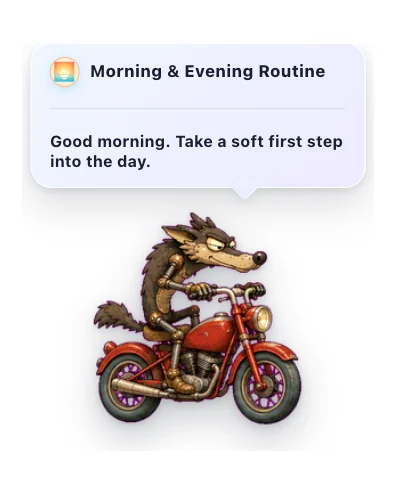

Morning & Evening Routine
Gentle daily check-ins to start and close your day with your pet.
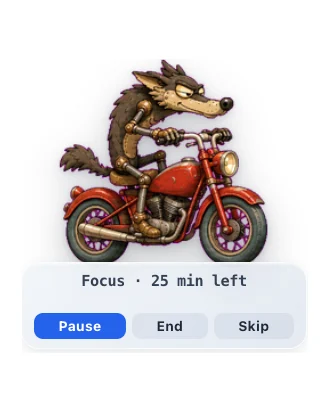

Focus Buddy
A pet Pomodoro-style focus timer that helps you focus, then nudges you to take breaks.
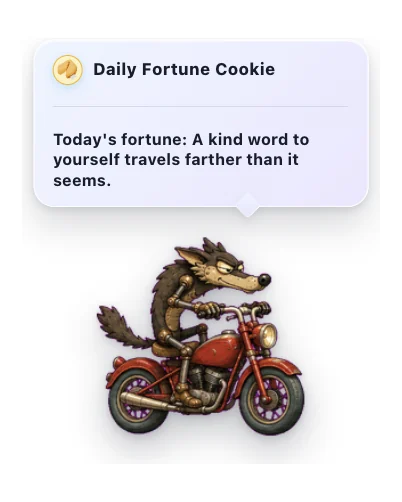

Daily Fortune Cookie
A cozy daily note from a little fortune cookie.
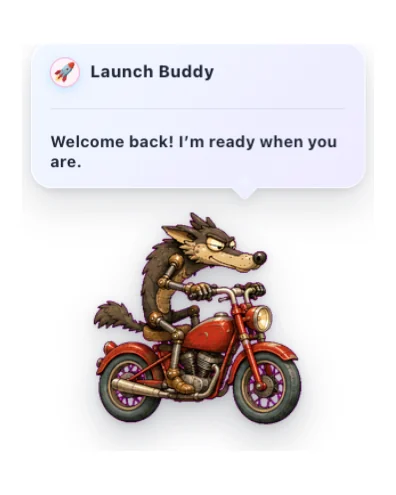

Launch Buddy
A friendly startup greeting with gentle timing, reactions, and optional sound.
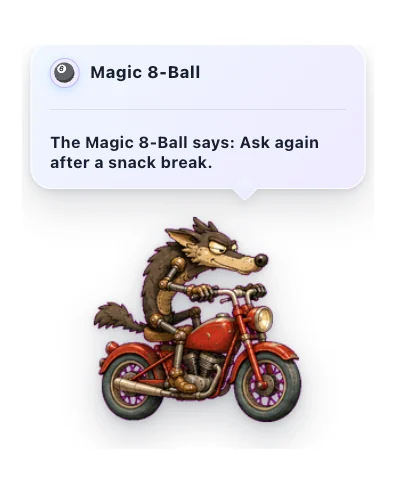

Magic 8-Ball
Ask a lighthearted question and get a warm, playful answer from your pet.
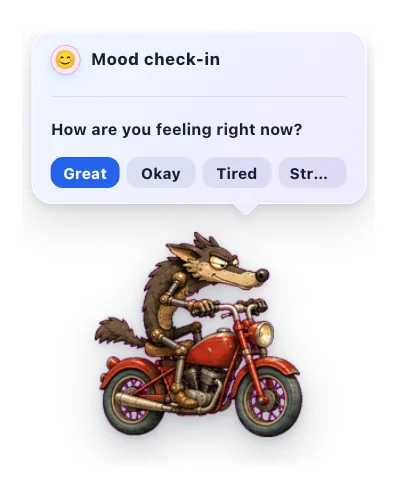

Mood Check-in
A gentle once-a-day pet check-in for noticing how you feel.
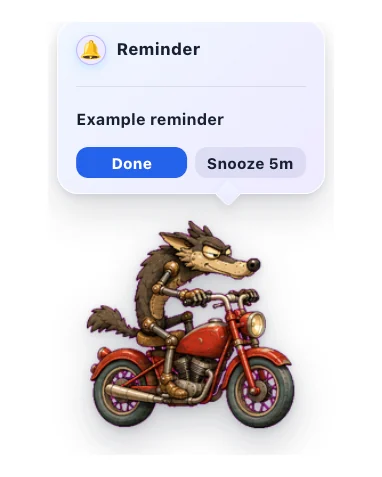

Quick Reminders
Set short local reminders from the pet menu, delivered with sound and a sticky alert bubble you can snooze.
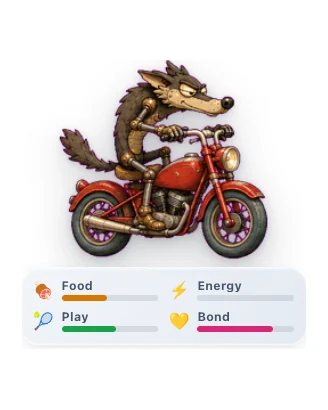

Virtual Pet
Care for a little desktop companion and watch your bond grow through gentle everyday interactions.
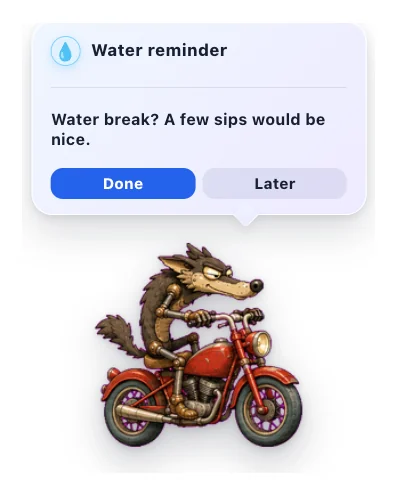

Water Reminder
A gentle pet nudge to take a water break.
社群目錄
Higgsfield Watch
Your pet tracks your Higgsfield AI generations and celebrates when they finish.
Spotify Buddy
Your pet reacts to Spotify, syncs lyrics in real time, and controls playback.

Walkabout
Makes your pet roam the screen. Wander, follow your cursor, or patrol back and forth.
為寵物目錄打造有趣功能
有 Spotify、日曆、專注、小遊戲、AI 助手或桌面小習慣的想法?在公開 GitHub 倉庫中構建,提交審核,我們會把安全打包後的版本列給所有 OpenPets 使用者。
構建外掛
創建清單、一個 JavaScript 入口文件、本地化文本和內置資源。
標記一個版本
發布 GitHub 標籤或提交,讓審核可以固定準確源碼。
安全進入目錄
OpenPets 會在展示前審核權限、主機、資源和打包內容。
為安全和隱私而生
沙盒化 JavaScript
外掛在隔離的 JavaScript 渲染器中運行。它們無法訪問你的文件系統或 AI 代理上下文。
顯式權限
每個外掛必須準確聲明它需要什麼:安排計時器、讓寵物說話,或訪問特定批准的 HTTPS 主機。
宿主渲染配置
外掛配置由宿主應用安全地渲染。GitHub 通知僅適用於公共倉庫——無需登錄或令牌。
如何安裝
- 1
更新 OpenPets
確保你正在運行最新版本的 OpenPets 桌面應用。
- 2
打開外掛菜單
點擊 OpenPets 托盤圖標並選擇外掛。
- 3
安裝並啟用
瀏覽到外掛,點擊安裝,配置你的設置,然後啟用它。
想開發外掛?
查看開發者文檔來構建你自己的外掛。