


 即將推出
即將推出GitHub Copilot MCP
VS Code
VS Code 支持計劃在之後的 OpenPets 集成指南中推出。
即將推出安裝動畫桌面寵物,瀏覽不斷增長的虛擬寵物圖鑑,保持本地優先,連接可選 AI 代理集成,並通過 沙盒化的外掛 SDK v3.
其他版本:
用 Pet Studio 把照片或想法變成動態桌面寵物。
OpenPets 4.1 新功能
夜裡穿睡衣,週末換休閒裝,十月扮南瓜。有服裝的寵物會依照排程自己換裝,你也可以隨時幫牠換。
排程
從上往下檢查,第一條符合的規則生效。
依照排程換裝
依照排程
時間、星期和一年中的日期,由創作者設定。
由你決定
在寵物上按右鍵 → 服裝,或在控制中心編輯排程。
自己製作
Pet Studio 為你的寵物繪製服裝,包含全部動畫。
v4 新功能
OpenPets v4 新增了可打字也可語音對話的 AI 助理、一個在壓力大時讓你平靜下來的角落,以及更多陪你度過一天的新方式。

打字或說話
用鍵盤聊天,或按下 Talk 直接說出來。
推薦提問
不知道問什麼?點一個推薦提問就能開始。
真的會執行
不只是回答,還能幫你設定提醒、開始專注。
精簡聊天列
把聊天縮成一條細列,不擋你的路。
控制中心
OpenPets 自帶完整的控制中心:查看即時活動、微調寵物行為、新增外掛,並管理你的整個夥伴收藏。
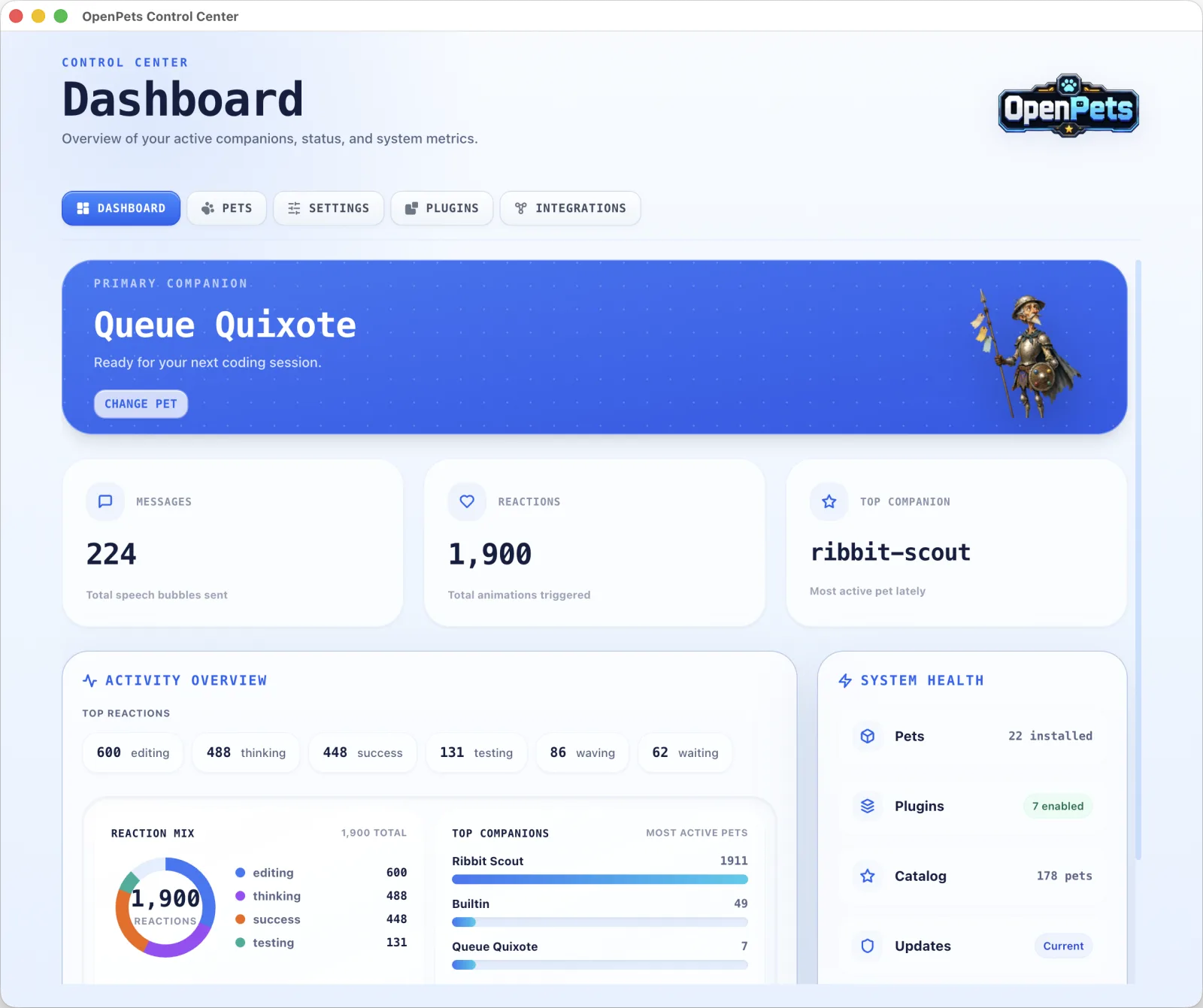
儀表板
一眼看到目前寵物、對話氣泡總數、觸發的動畫,以及哪些夥伴最勤奮。
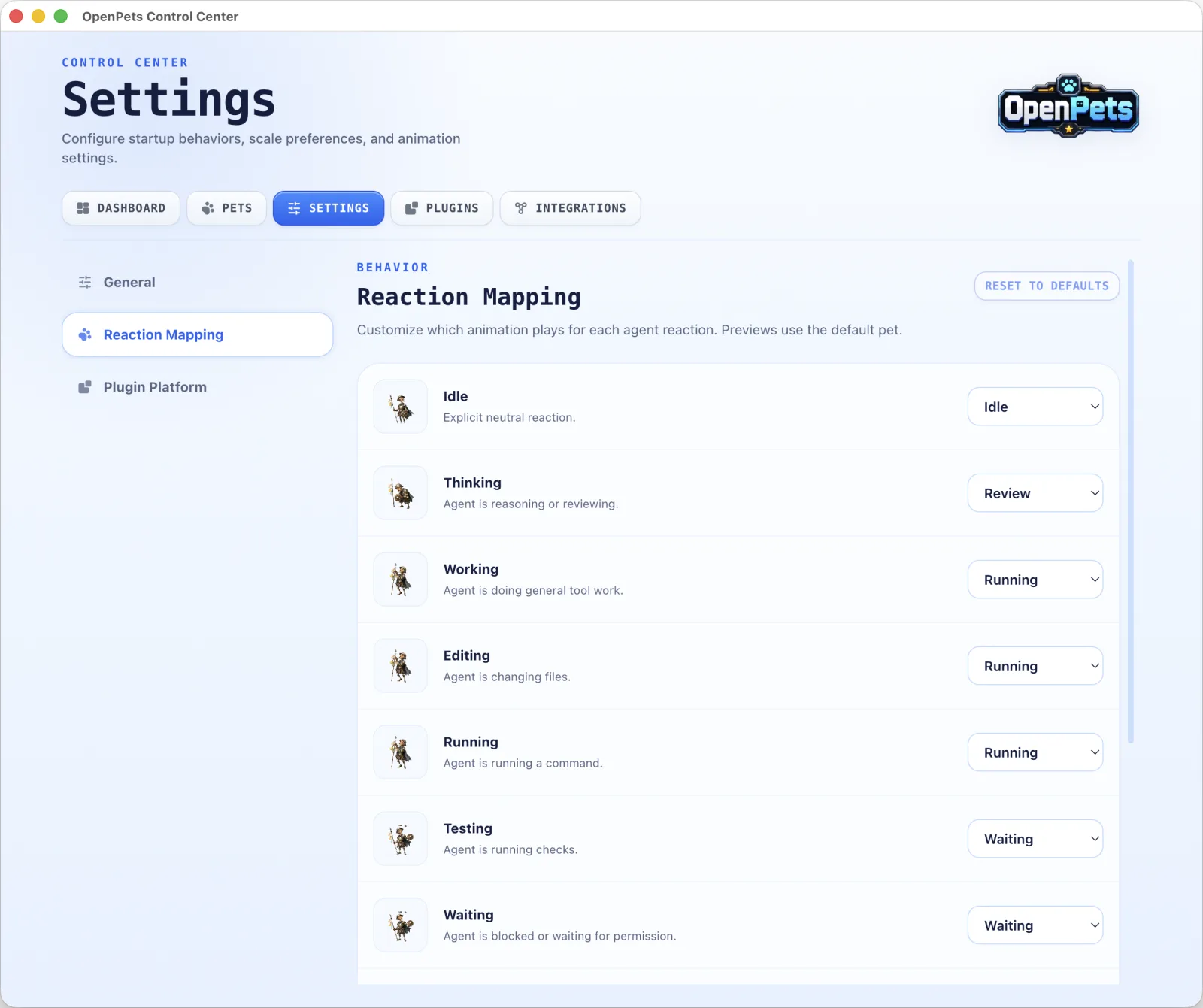
反應對應
為每種反應(待機、工作、等待等)選擇播放的動畫,讓寵物完全按你的想法動起來。
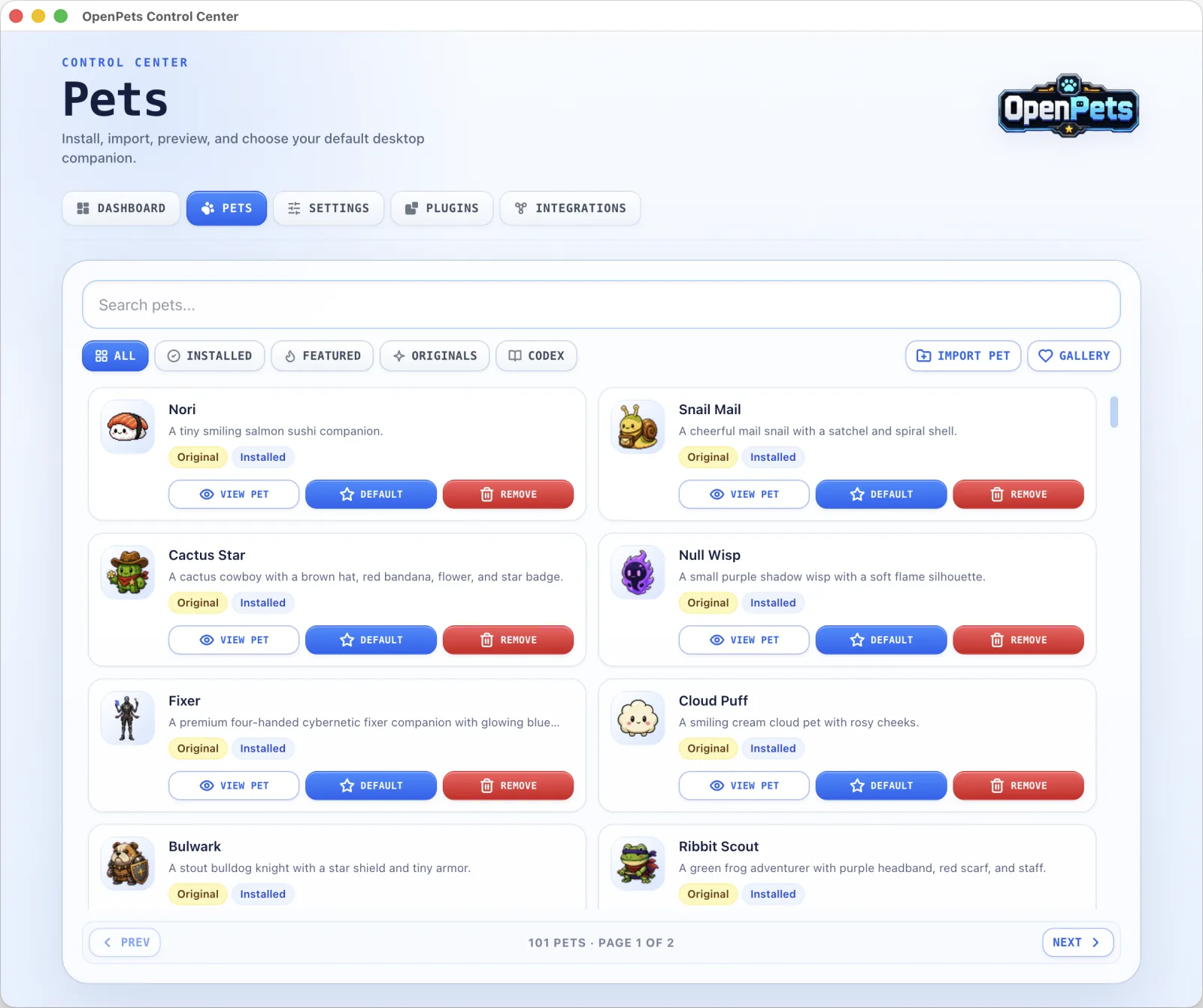
寵物庫
安裝、匯入並預覽數百隻動畫寵物,一鍵設為預設。
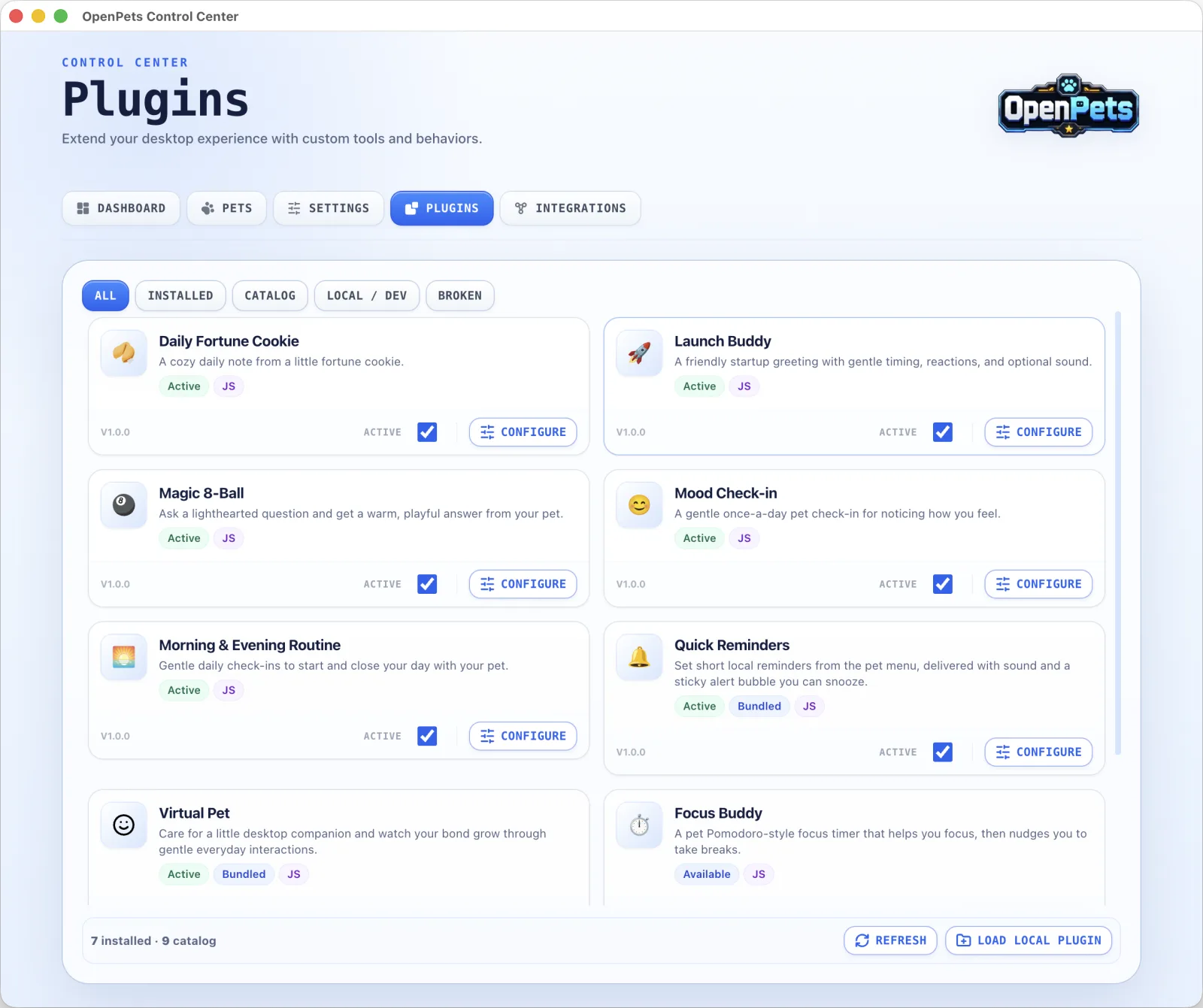
外掛
新增幸運餅乾、心情簽到、專注計時器和溫和提醒等趣味功能,讓寵物更有生氣。
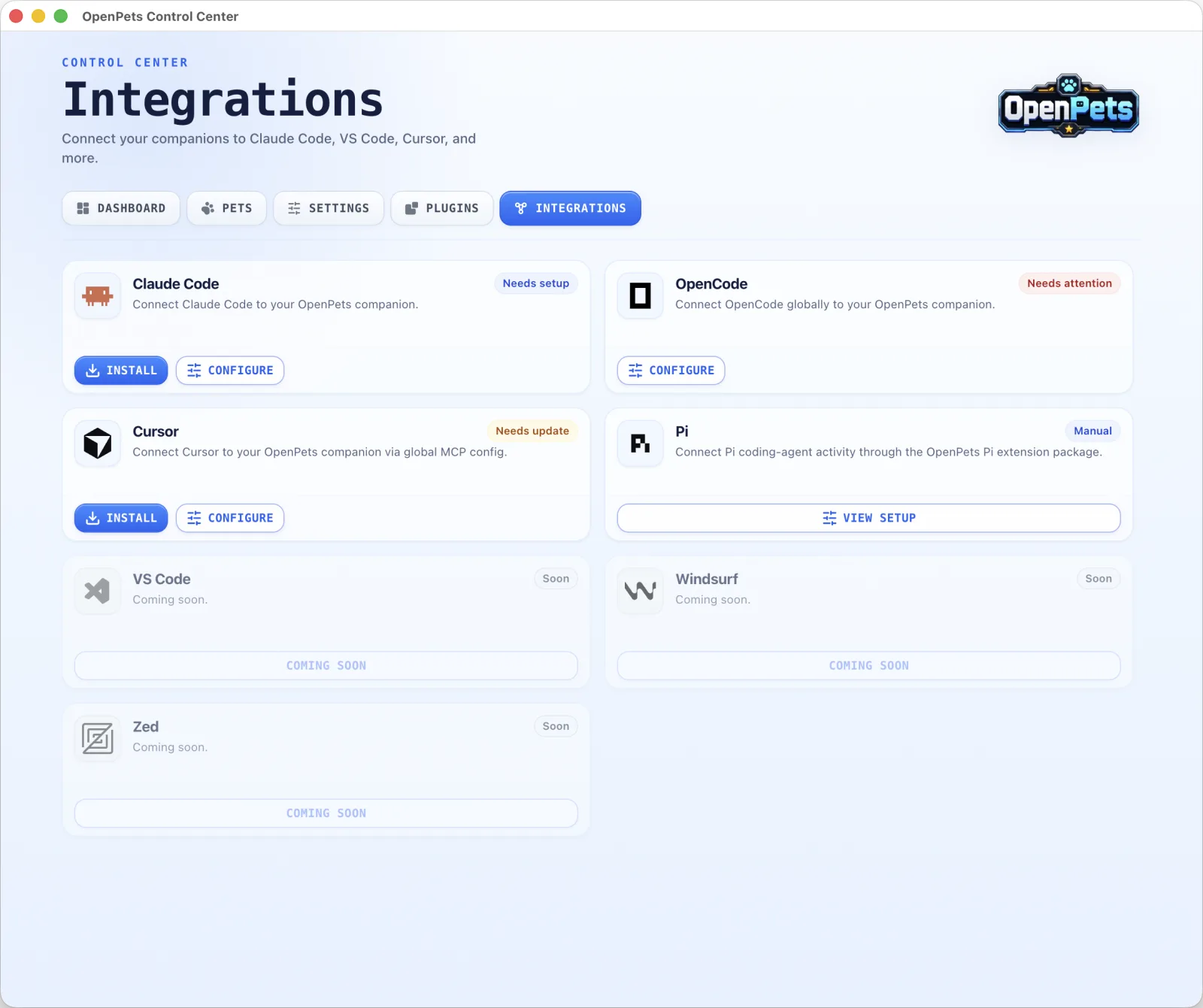
整合
一步連接 Claude Code、OpenCode、Cursor 等,夥伴就在它們旁邊活起來。
外掛 SDK v3
使用安全的沙盒化 JavaScript 外掛自定義寵物行為。運行專注計時、休息提醒、心情打卡、自定義命令等功能。
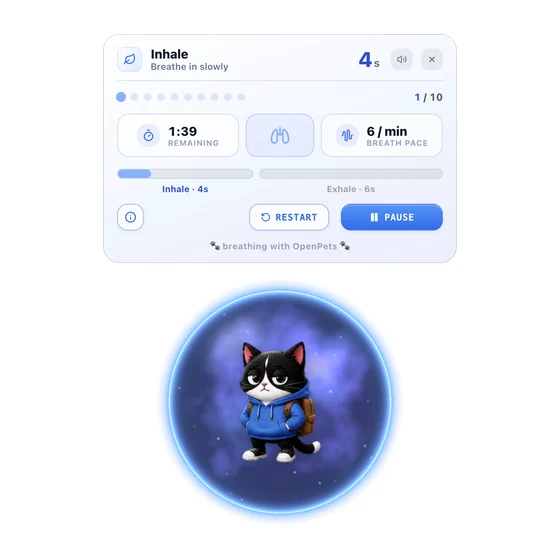
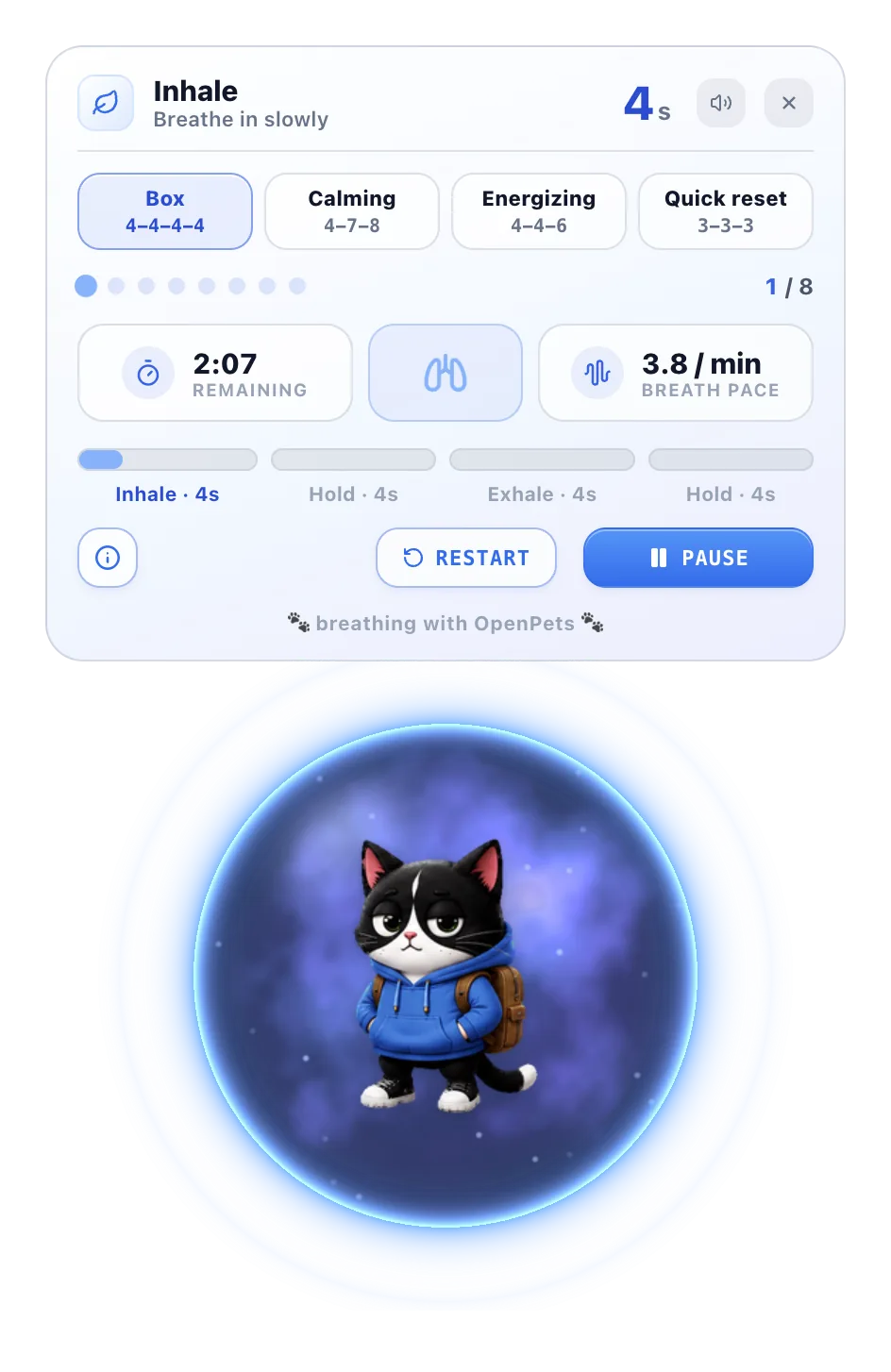
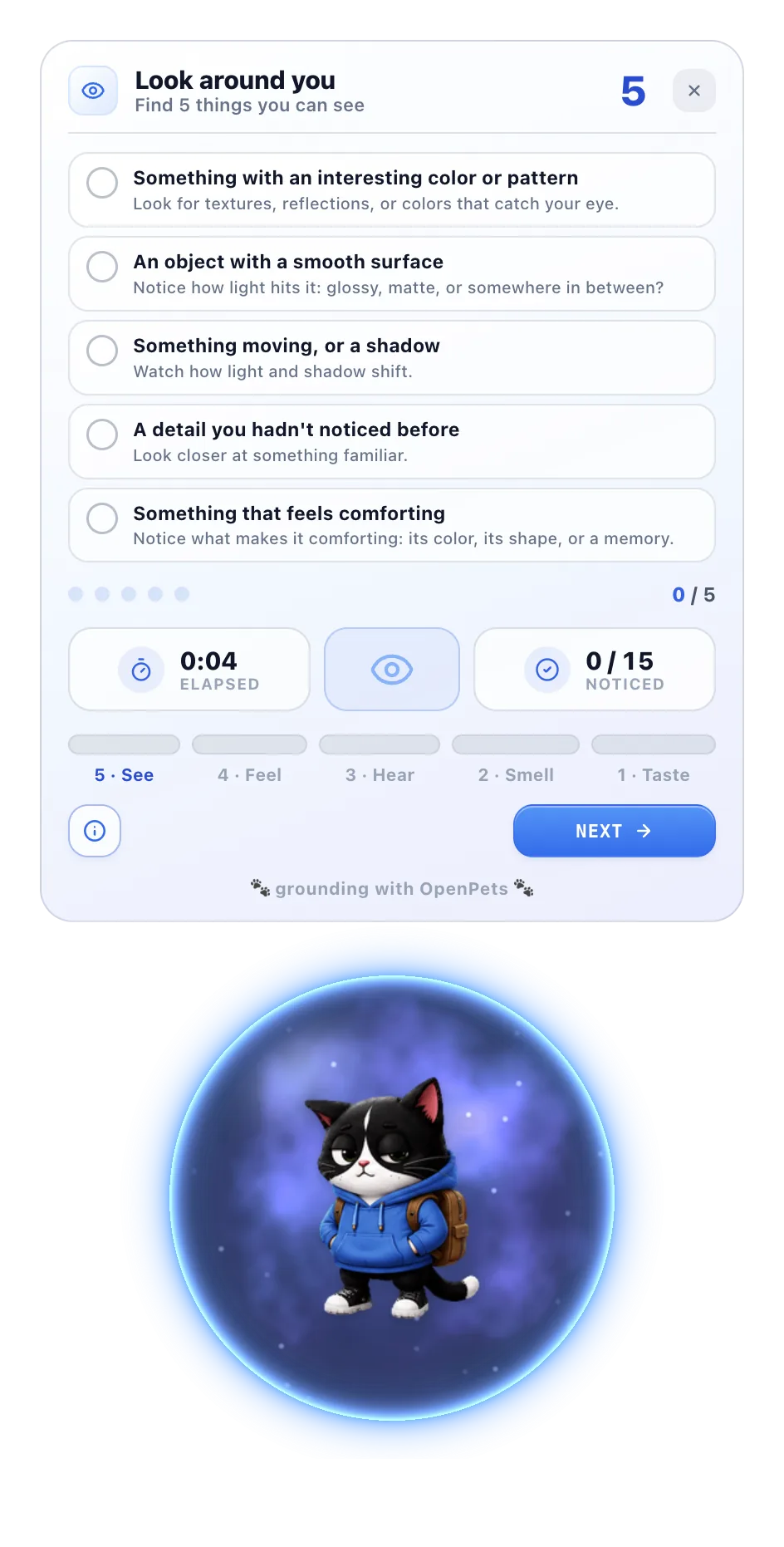
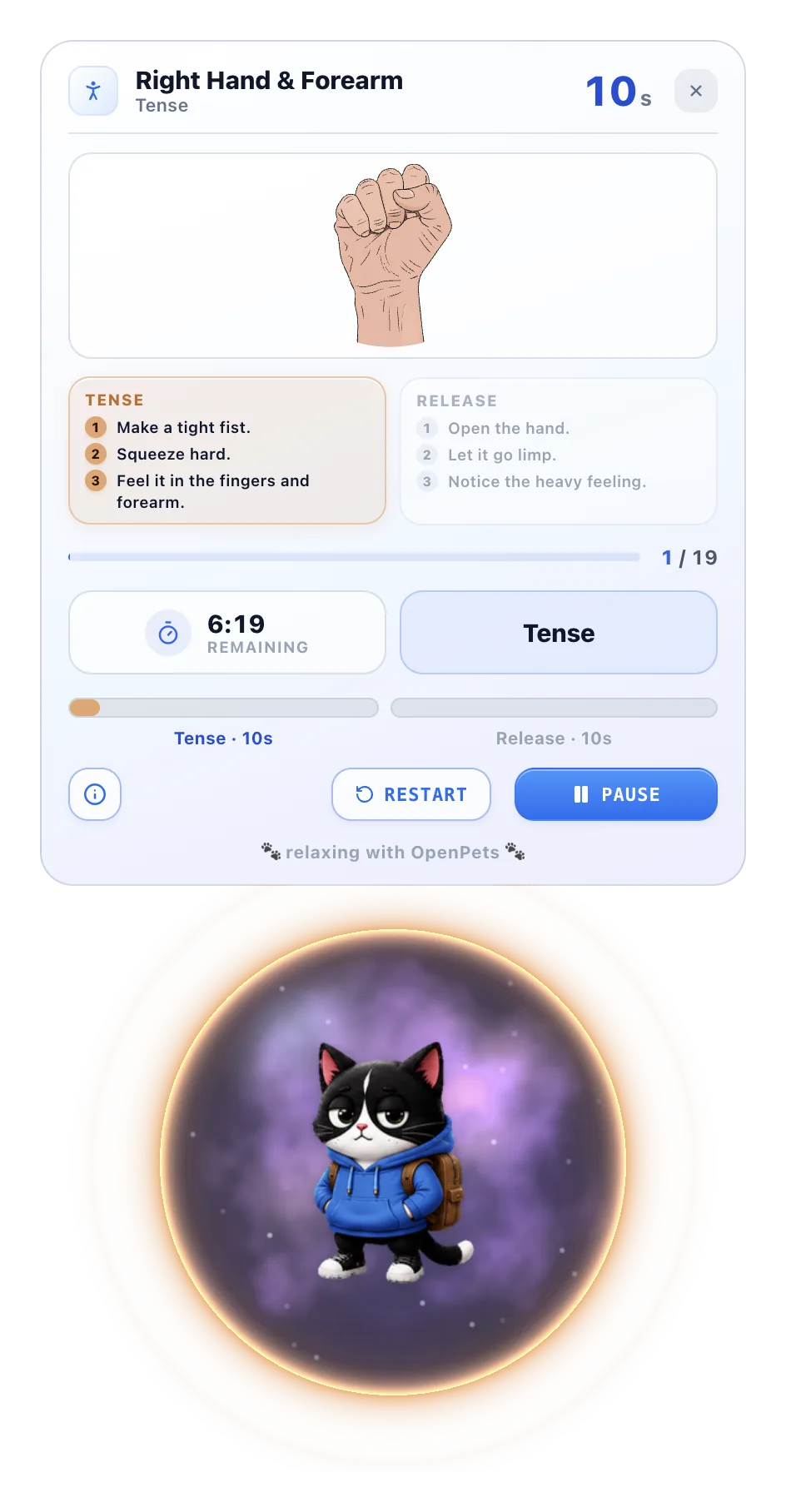
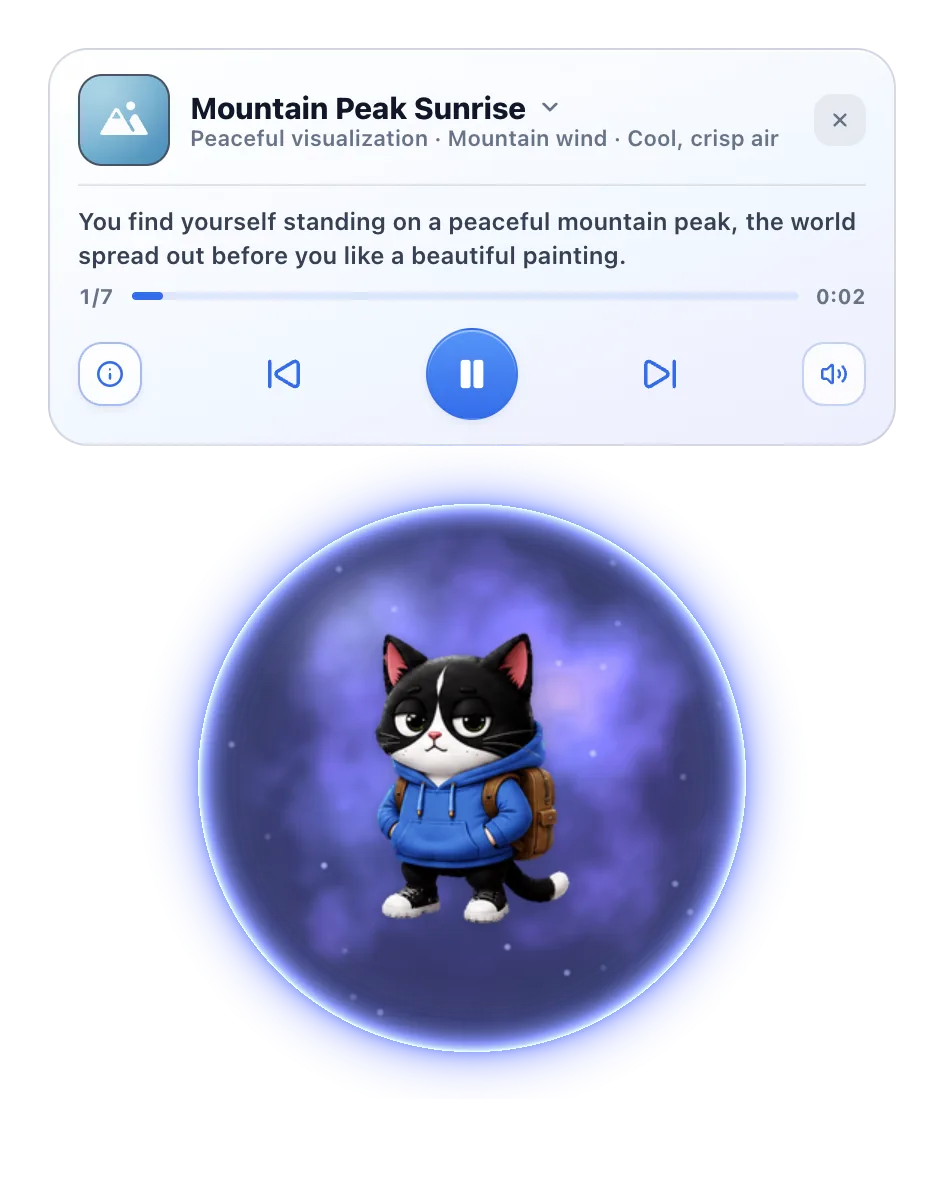
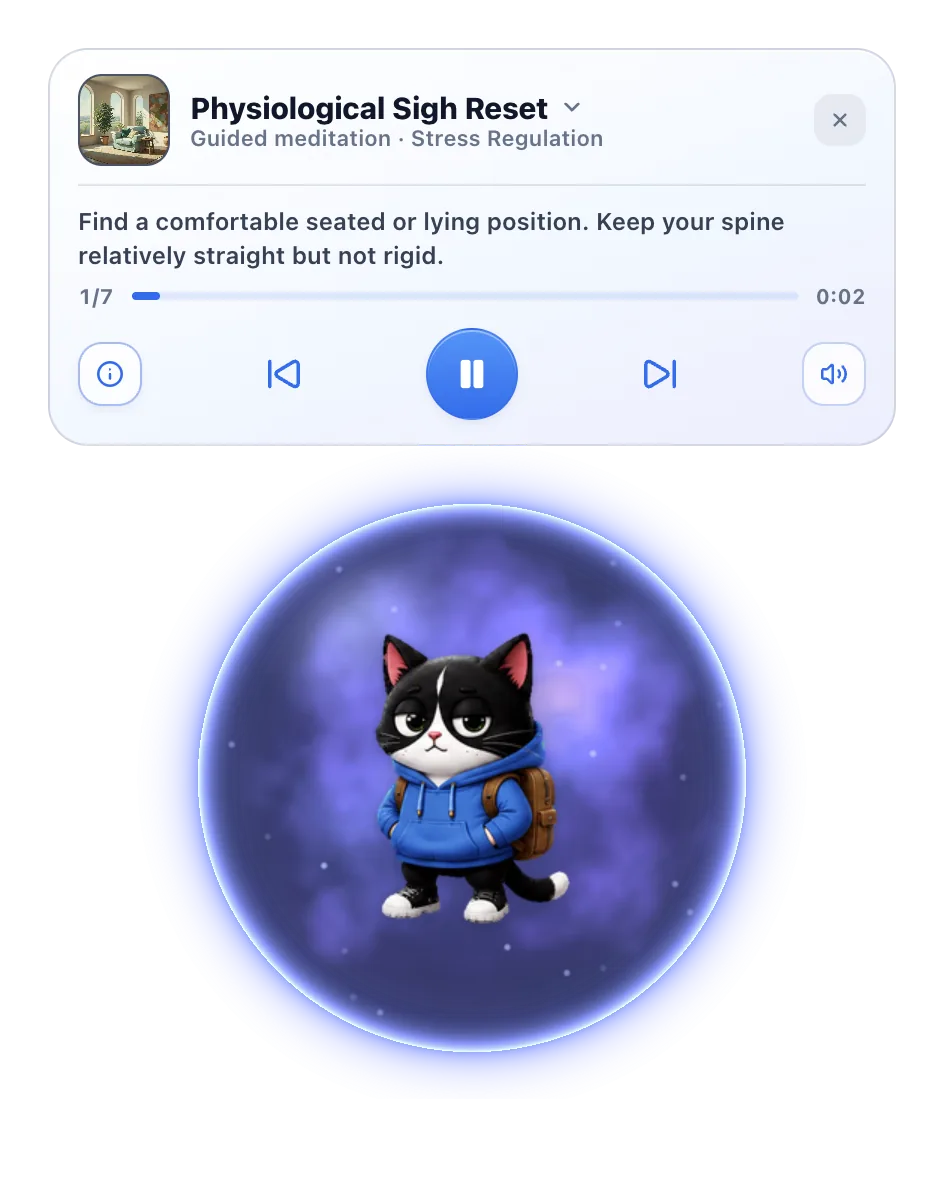
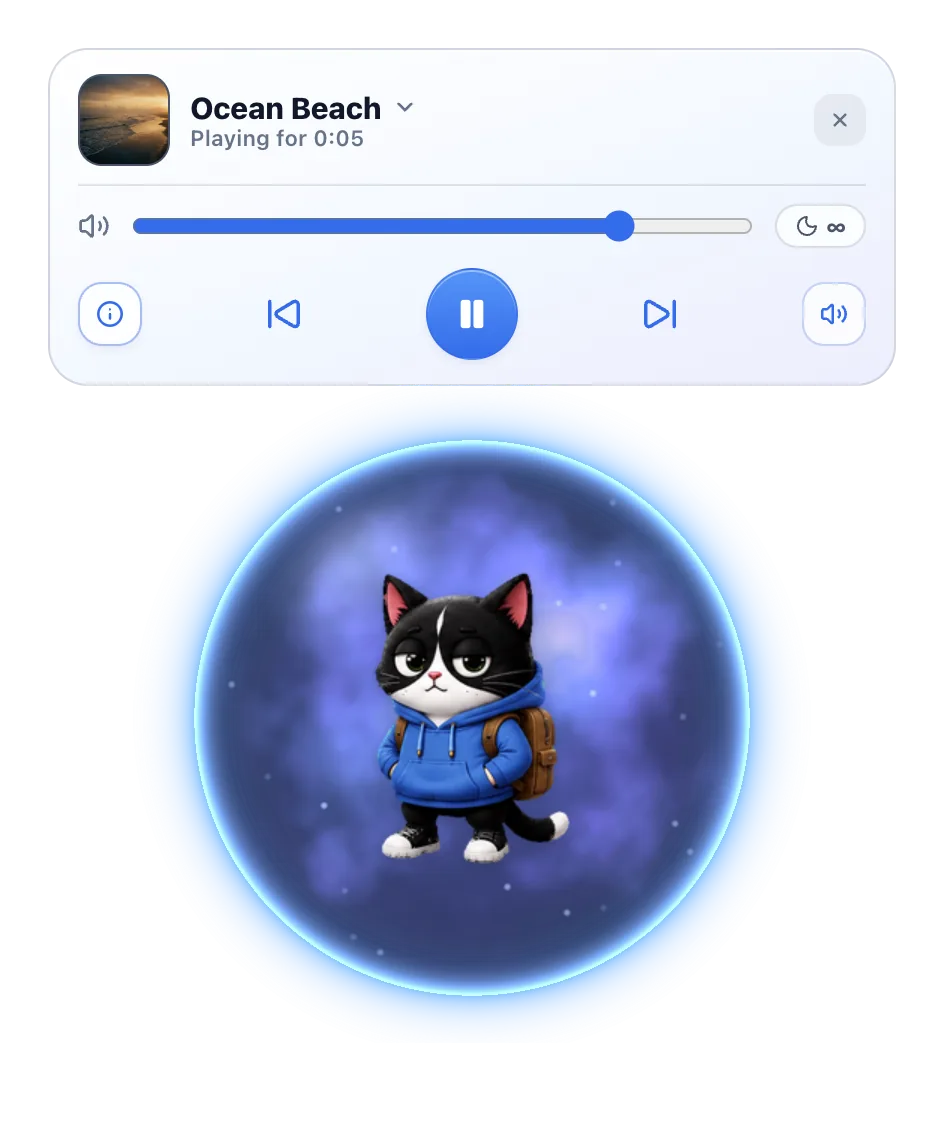
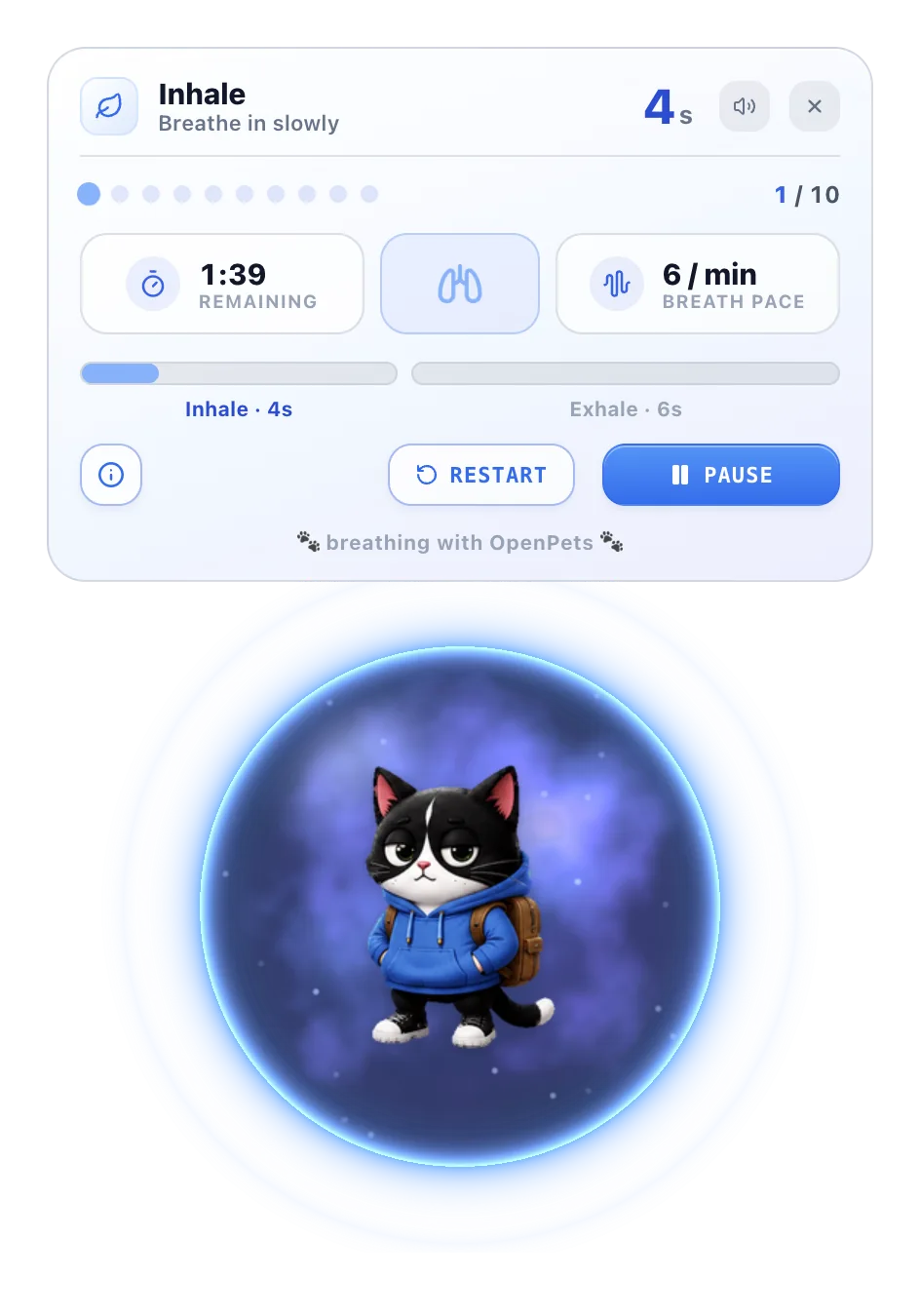
圍繞寵物進行的平靜練習:呼吸、肌肉放鬆、著陸練習、引導冥想、意象放鬆與舒緩聲音。anxietyaidtools.com 的 OpenPets 夥伴。
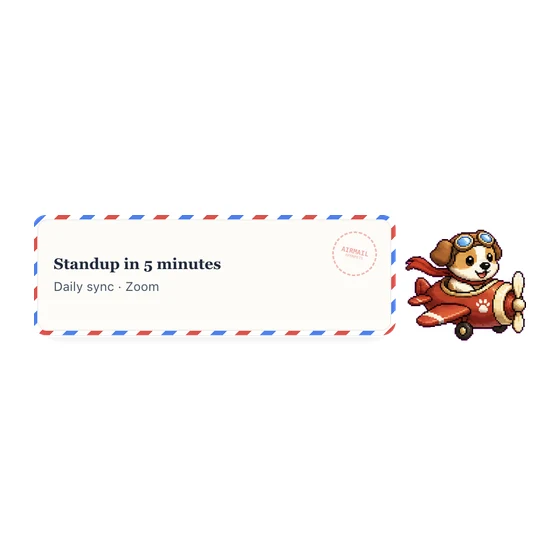
由你選擇的信使以航空信送來 Google 日曆的行程提醒。
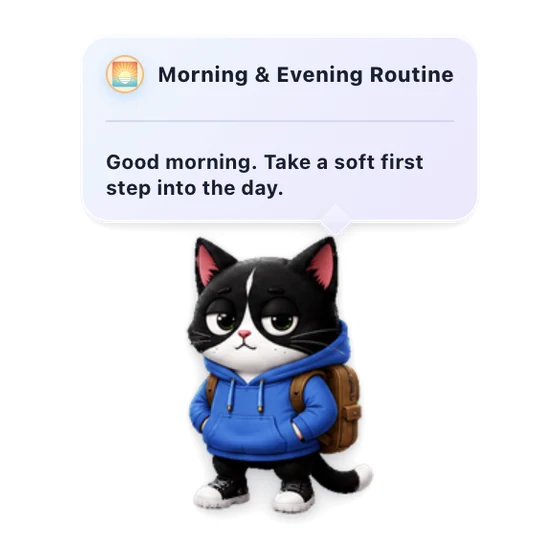
溫和的每日陪伴,和你的寵物一起開始並收起一天。
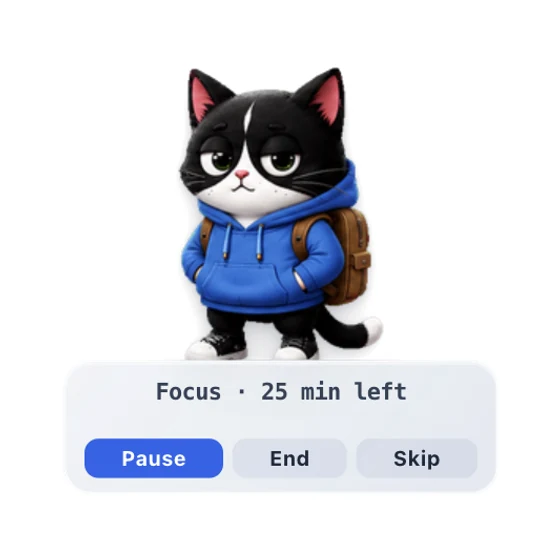
一個寵物番茄鐘式專注計時器,幫你專注,並提醒你休息。
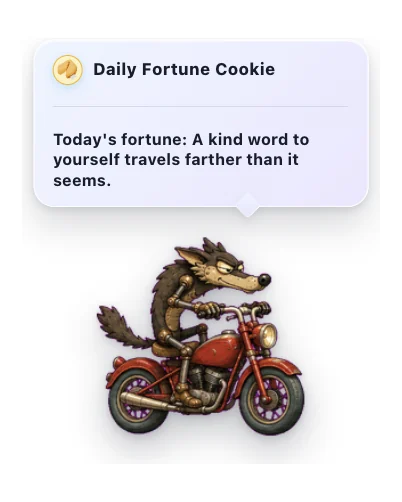
一塊小小幸運餅乾送來的溫柔每日便箋。
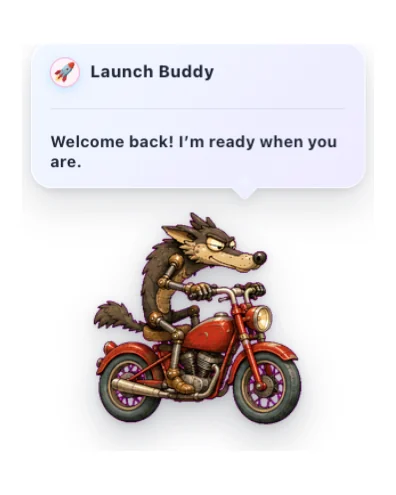
友好的啟動問候,帶有溫和的時間、反應和可選的聲音。
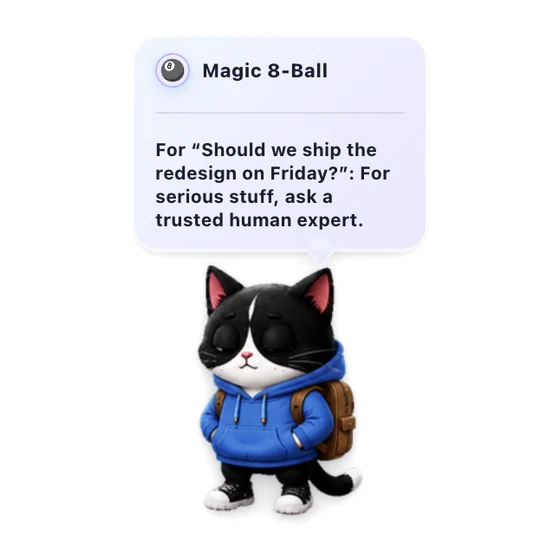
問一個輕鬆的問題,讓寵物給你溫暖又俏皮的回答。
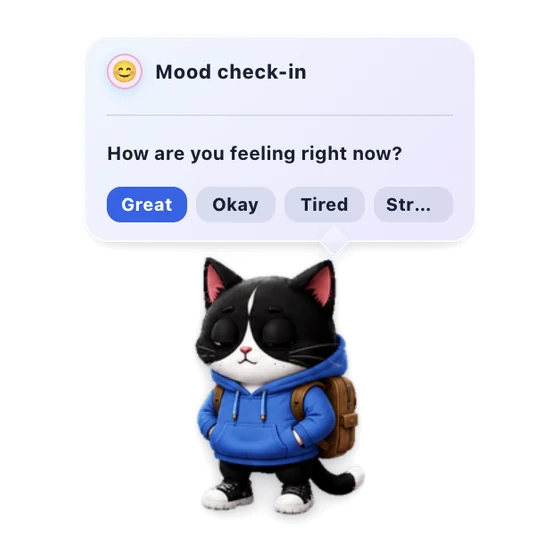
每天一次溫和地留意你當下的感受。
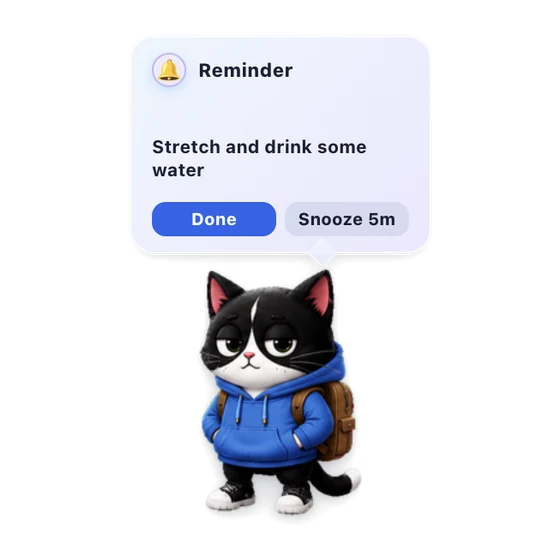
從寵物選單設定簡短的本機提醒,到時會以音效、徽章和可延後的常駐泡泡提醒你。
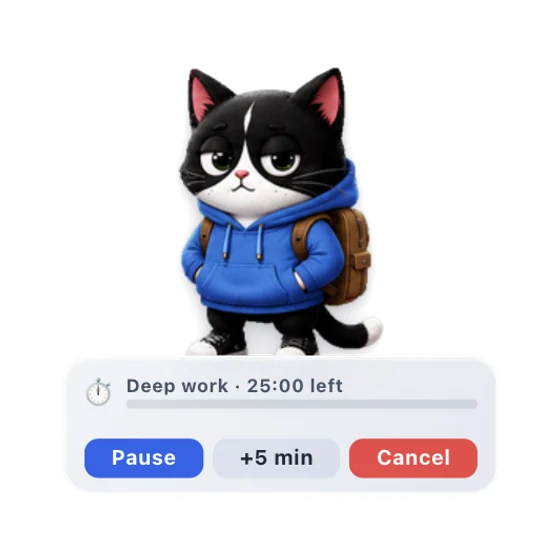
一次性倒數計時器,附寵物 HUD、暫停控制與到時提醒。
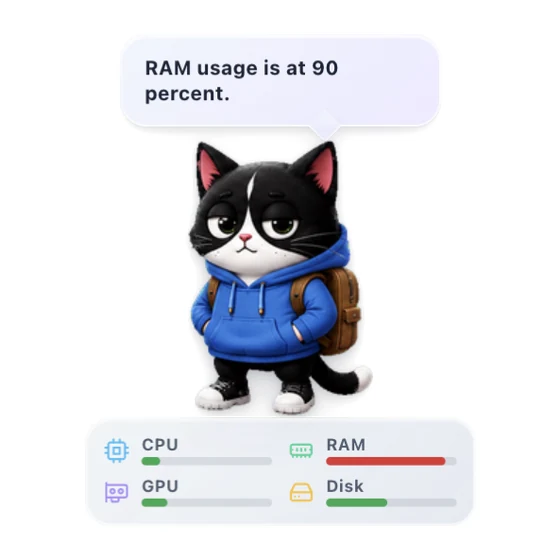
在寵物上顯示即時 CPU 與記憶體儀表,以及可選的 GPU 與磁碟指標。
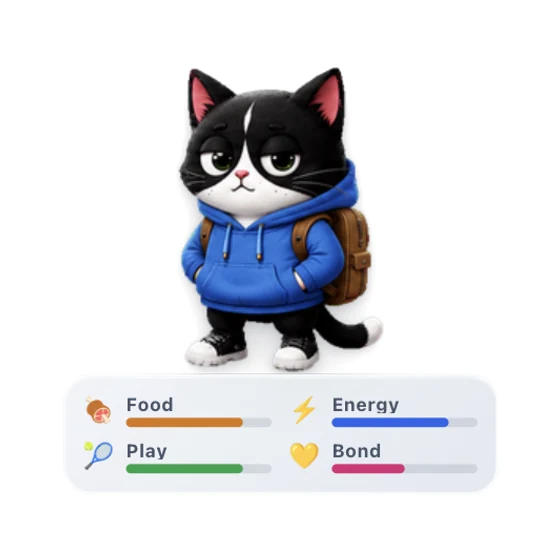
照顧一個小小的桌面夥伴,透過溫柔的日常互動看著你們的羈絆成長。
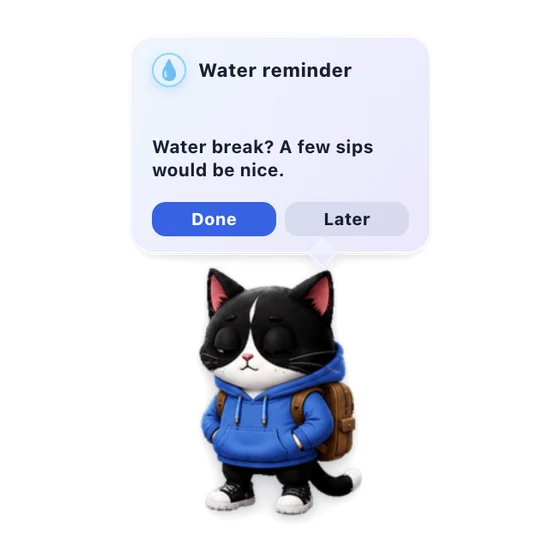
讓寵物溫柔提醒你喝點水。
適配常用工具
為你已在使用的 AI 編程工具添加寵物。一條命令,立即陪伴。
即將推出GitHub Copilot MCP
VS Code 支持計劃在之後的 OpenPets 集成指南中推出。
即將推出MCP 配置
Windsurf 支持計劃在之後的 OpenPets 集成指南中推出。
即將推出 即將推出
即將推出MCP + 規則
Zed 支持計劃在之後的 OpenPets 集成指南中推出。
即將推出寵物圖鑑
1312 個夥伴已經準備好在你的桌面漫遊。 懸停任意精靈即可喚醒它。點按來認識它們。
- 隻文具與校園主題像素小夥伴,陪伴你的學習與工作。
- 個由 OpenPets 團隊親自繪製的角色。
- 隻我們正在重點推薦的夥伴。
- 隻社區創作的西方像素風寵物。
- 隻社區創作的東方像素風寵物。
瀏覽全部 1312 個寵物

Pet Studio
找不到想要的?用寵物照片、玩具、手繪,甚至只是一個想法,做出會動的夥伴。
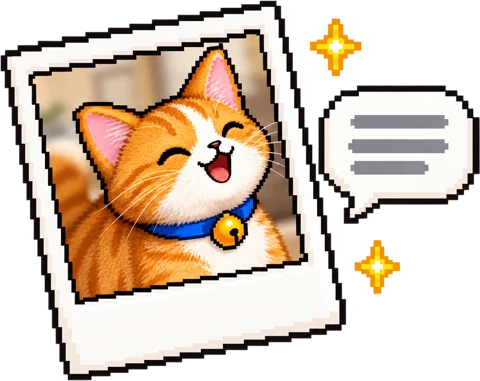
上傳照片,或用幾句話描述一個生物。

Studio 會畫出幾個外觀,在製作動畫前選出你最喜歡的。

Studio 生成每個動作,一鍵加入 OpenPets。
使用 Google 或電子郵件登入。只有 Studio 繪製時才會消耗點數。
創作者與網紅
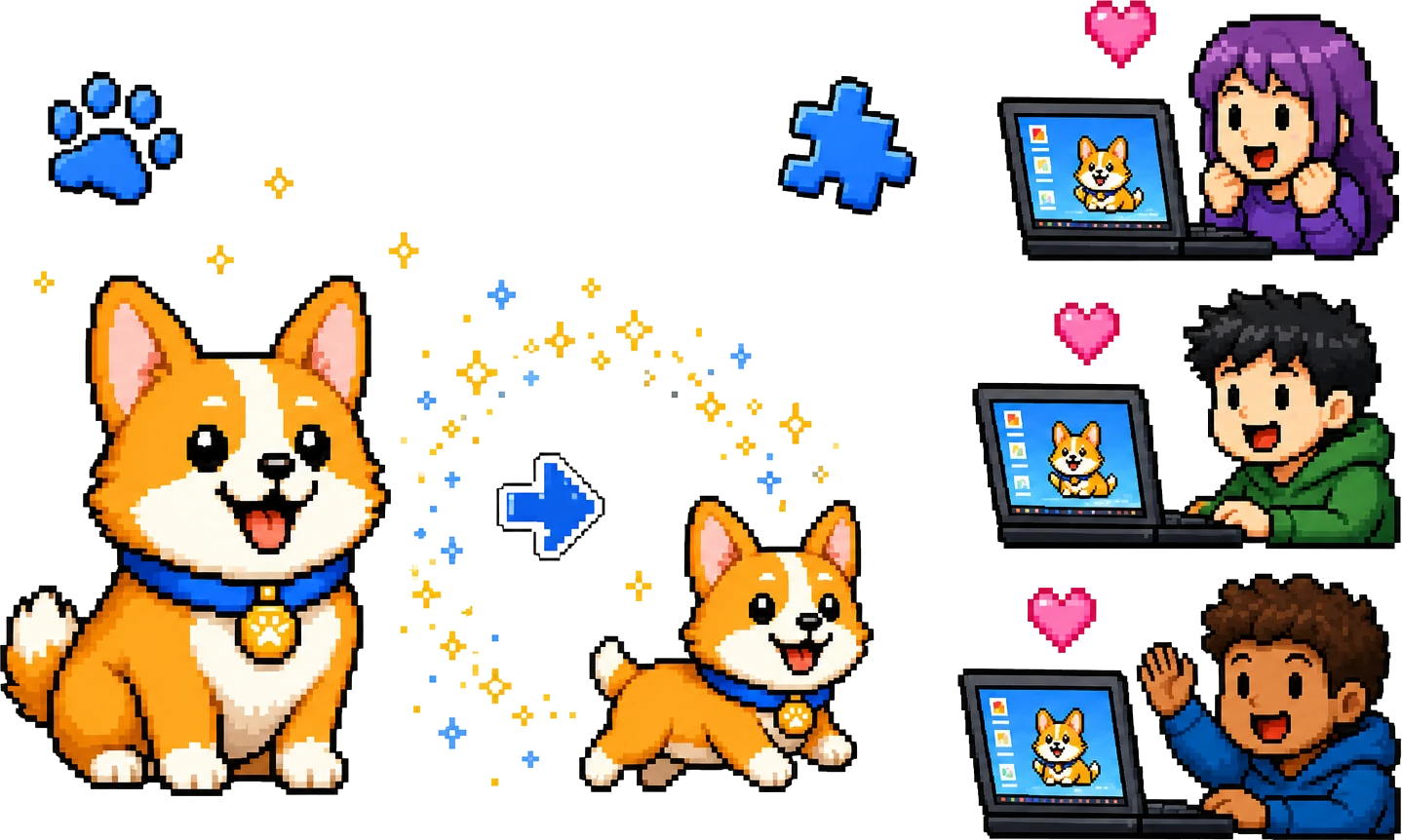
我們為直播主、VTuber 和社群製作客製寵物和客製外掛,對有觀眾的創作者免費。粉絲一條指令安裝,你的角色就會回應他們的程式撰寫。
桌面寵物 FAQ
桌面寵物是生活在電腦屏幕上的小型動畫夥伴。OpenPets 讓你可以從共享圖鑑中安裝、預覽和自定義桌面寵物。
是的。OpenPets 免費、開源,並採用 MIT 協議。你可以下載應用、瀏覽寵物,也可以創建自己的寵物包。
可以。Pet Studio 能把照片或想法變成你專屬的動態寵物,直接加入 OpenPets。你也可以依開放的寵物格式手繪一個。
支持。OpenPets 提供沙盒化外掛 SDK,可用於提醒、專注計時、心情打卡、虛擬寵物行為、自定義動作和已批准的集成。
OpenPets 可以連接 Claude Code、OpenCode、Cursor 和兼容 MCP 的助手,讓桌面寵物在你的編程代理工作時做出反應。
OpenPets 本地優先。外掛在沙盒中運行並聲明權限,默認不會訪問文件系統或 AI 代理上下文。