ペットカタログに楽しい機能を追加しよう
Spotify、カレンダー、集中、ゲーム、AIヘルパー、小さなデスクトップ習慣のアイデアがありますか?公開GitHubリポジトリで作成し、レビューに提出すれば、安全にパッケージ化された版をOpenPetsユーザーに届けられます。
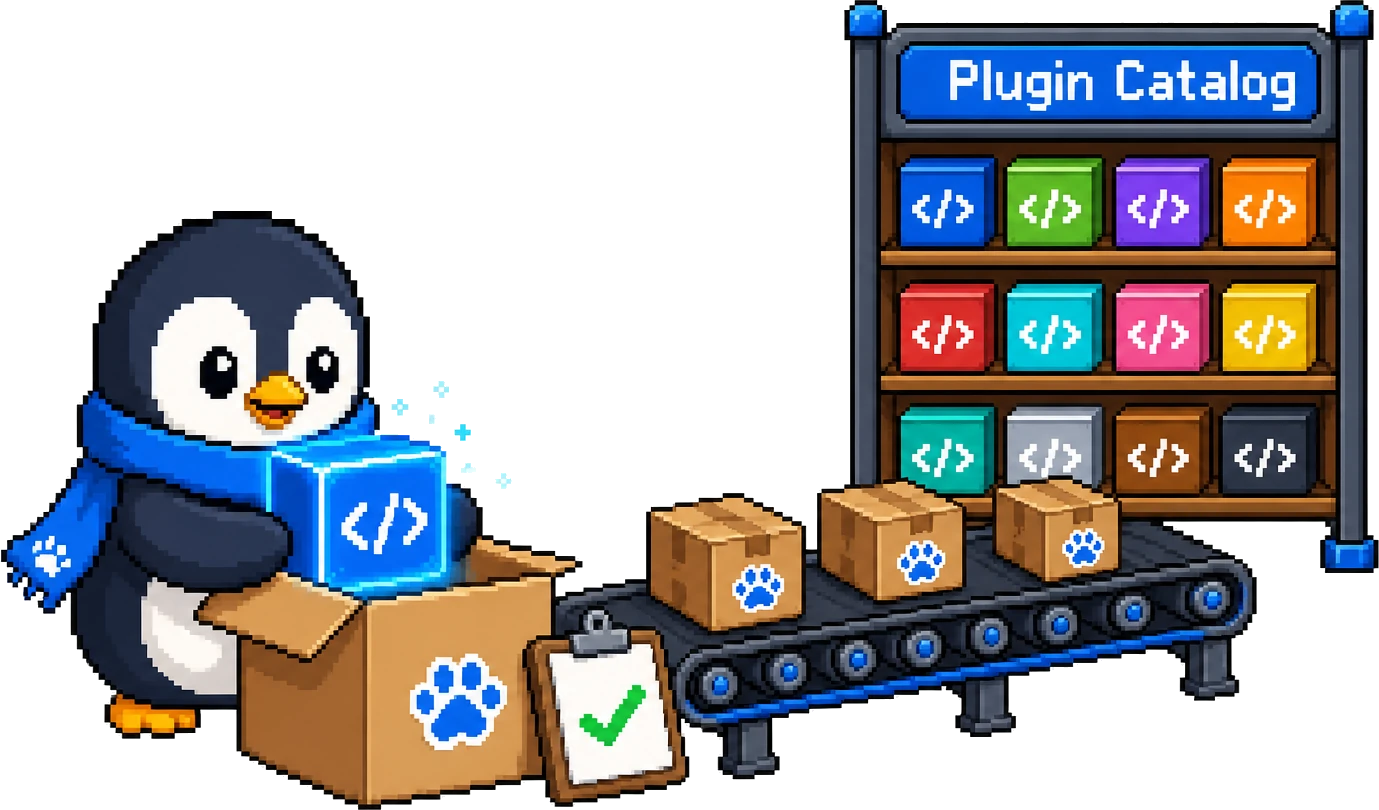
スターターリポジトリ
まず完全な例をクローン
スターターにはマニフェスト、JavaScript エントリ、ロケールファイル、SVG アイコン、README、SDK スモークテストが含まれます。単体でテストし、OpenPets → プラグイン → 開発者モードからフォルダを読み込めます。
プラグインを作成
マニフェスト、JavaScriptエントリーファイル、ロケール、同梱アセットを用意します。
リリースタグを付ける
レビュー担当者が正確なソースを固定できるように、GitHubタグまたはコミットを公開します。
安全にカタログ掲載
OpenPetsは掲載前に権限、ホスト、アセット、パッケージ内容を確認します。
投稿前の準備
実践的な投稿前フロー
Issue を開く前に以下を確認してください。マニフェストと機能の詳細は SDK 概要 を、 プラグインドキュメント では
1. マニフェストを確認
openpets.plugin.json をエントリファイルと同じ場所に置き、安定した ID、semver バージョン、エントリ、同梱アセットを宣言します。
2. 使うものだけ宣言
最小限の権限を要求。ネットワークを使う場合は必要な公開 HTTPS ホストのみ宣言します。
3. 再現可能なビルド
プラグインフォルダ単体で検証・テストし、不変の Git タグか完全なコミット SHA でソースを固定します。
4. 目的を説明
プラグインの機能、ローカルテスト、必要なアカウント・API キー・OAuth 設定を短い README にまとめます。
5. レビューパケットをまとめる
名前と ID、リポジトリとサブディレクトリ、固定ソース、権限とホストとその目的、外部設定を含めます。
準備するもの
- プラグインのソースを含む公開 GitHub リポジトリ。
- openpets.plugin.json、index.js、locales/en.json、宣言済みアセットを含むフォルダ。
- 安定した ID、semver バージョン、最小権限、正確なネットワークホスト。
- レビュアーが固定できる Git タグか完全なコミット SHA。
- 機能と設定方法を説明する短い README。
レビューパケット
- プラグイン名と ID。
- GitHub リポジトリ URL とサブディレクトリ。
- リリースタグまたはコミット SHA。
- 要求する権限と各権限が必要な理由。
- ネットワークホストと各ホストの用途。
- OAuth アプリなど、ユーザーに必要な外部設定。
フォーム欄を使わない場合は GitHub Issue に貼り付けてください
プラグイン名:
プラグイン ID:
GitHub リポジトリ URL:
サブディレクトリ: .
リリースタグまたはコミット SHA:

要求する権限:
- 権限名: 必要な理由

ネットワークホスト:
- host.example.com: 用途

外部設定:
- なし、または OAuth/API 設定の説明