ペットの機能を拡張する
安全なサンドボックスJavaScriptsプラグインをインストールして、ペットに話しかけてもらったり、休憩を促してもらったり、タイマーを動かしたり、リポジトリのGitHub通知を受け取ったりできます。
自分のプラグインを作ろう
npx skills add openpetshq/openpetsコーディングエージェントに OpenPets スキルを追加して、サンドボックス SDK でプラグインを作れます。
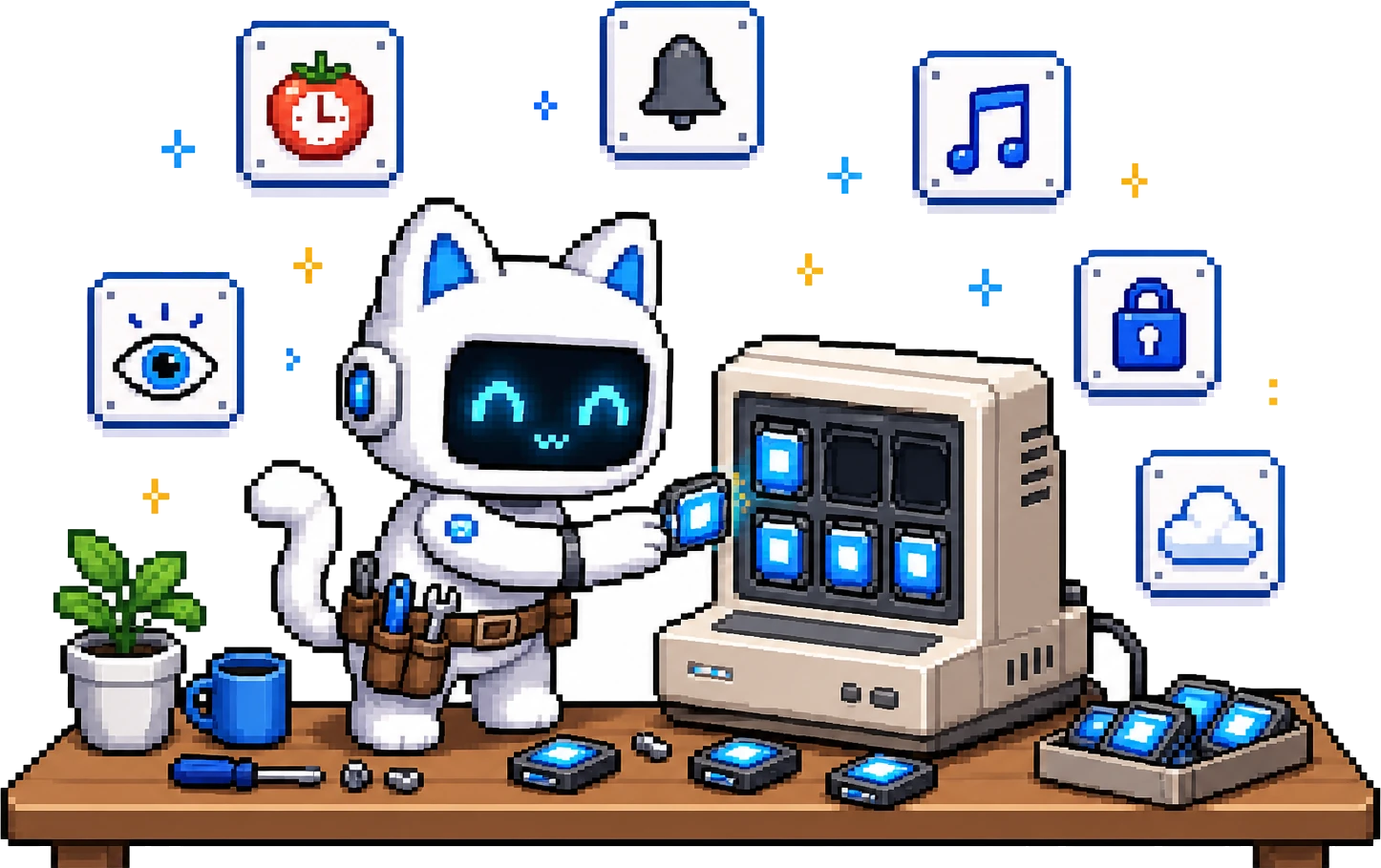
公式カタログ
公式プラグイン
OpenPets と一緒に保守され、レビュー済みカタログから配布される第一方プラグインです。
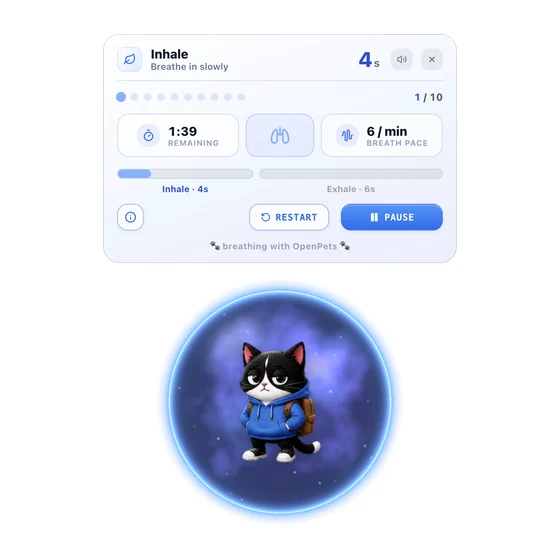

Anxiety Aid Tools
ペットのまわりで行うリラックス習慣:呼吸、筋弛緩、グラウンディング、ガイド付き瞑想、イメージ瞑想、リラックスサウンド。anxietyaidtools.com の OpenPets コンパニオンです。
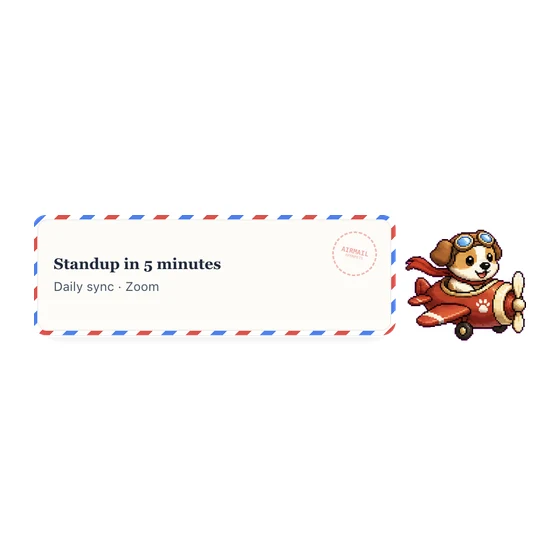

カレンダー航空便
選んだ配達員が Google カレンダーの予定を航空便で届けてくれます。
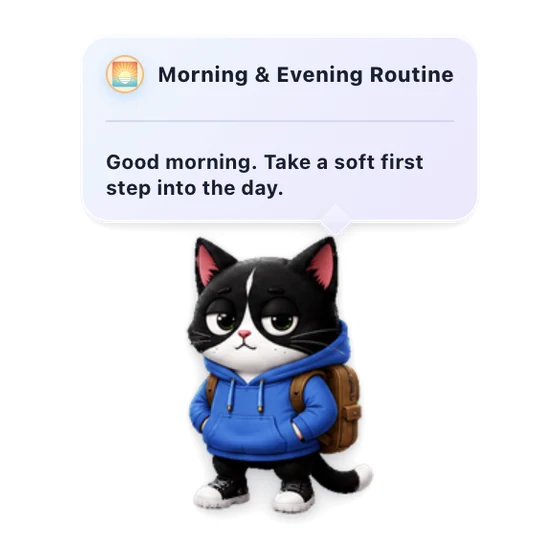

朝と夜のルーティン
一日の始まりと終わりに、ペットがやさしく声をかけます。
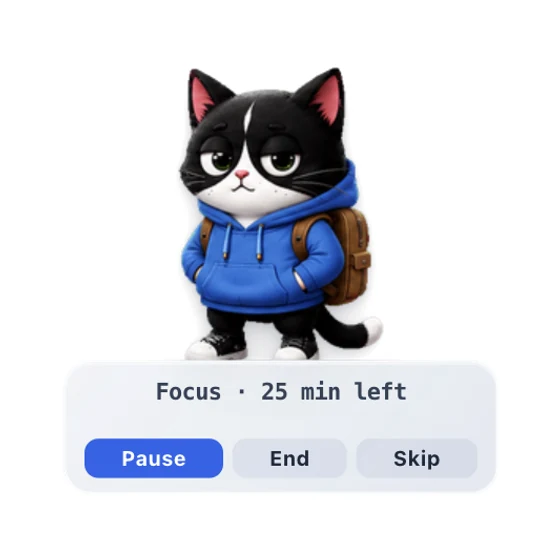

集中バディ
集中を助け、休憩のタイミングをやさしく知らせるペットのポモドーロ風タイマーです。


毎日のフォーチュンクッキー
小さなフォーチュンクッキーから届く、やさしい毎日のメモ。
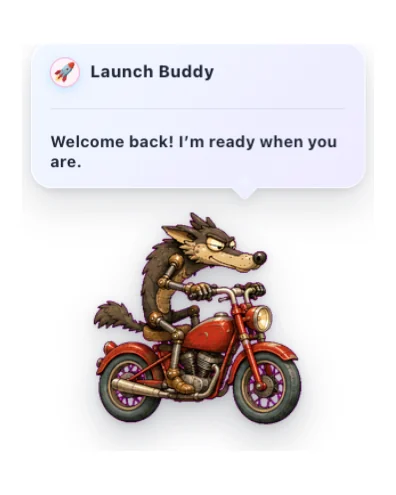

Launch Buddy
穏やかなタイミング、リアクション、オプションのサウンドを備えた、フレンドリーな起動時のご挨拶。
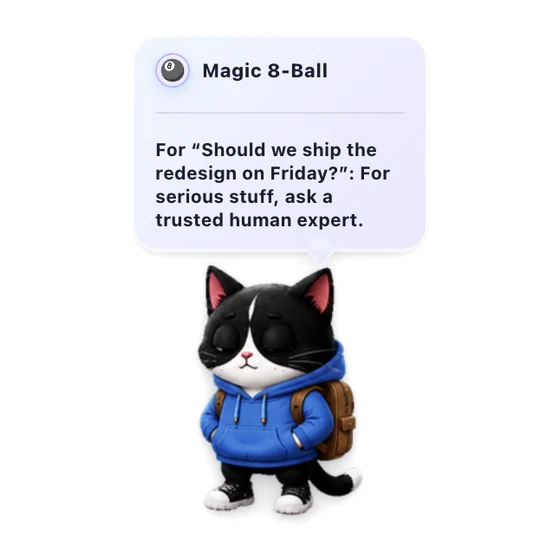

マジック8ボール
気軽な質問に、ペットがあたたかく遊び心のある答えを返します。
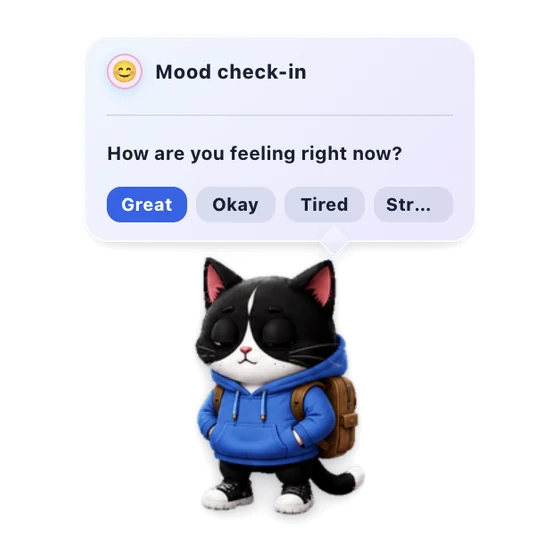

気分チェックイン
1日1回、今の気分にやさしく気づくためのチェックインです。
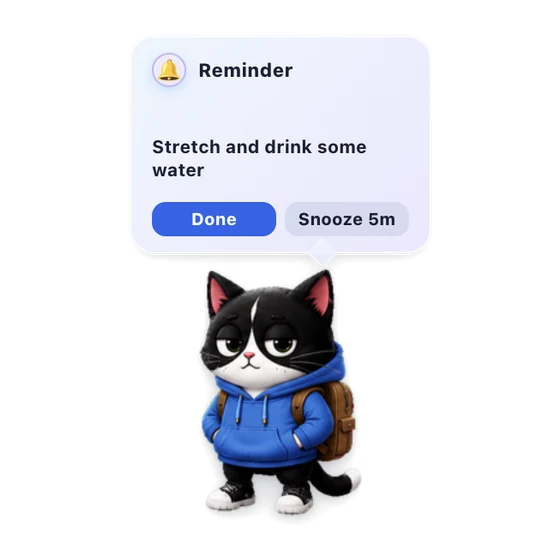

クイックリマインダー
ペットメニューから短いローカルリマインダーを設定。サウンド、バッジ、スヌーズできる固定バブルでお知らせします。
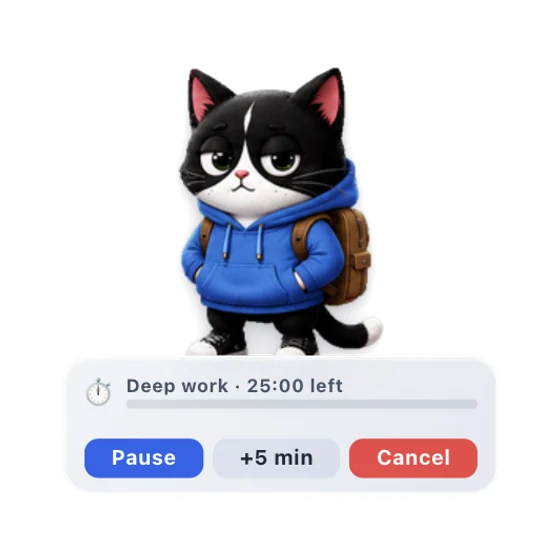

シンプルタイマー
ペットの HUD、一時停止、終了アラート付きのワンショット・カウントダウンタイマー。
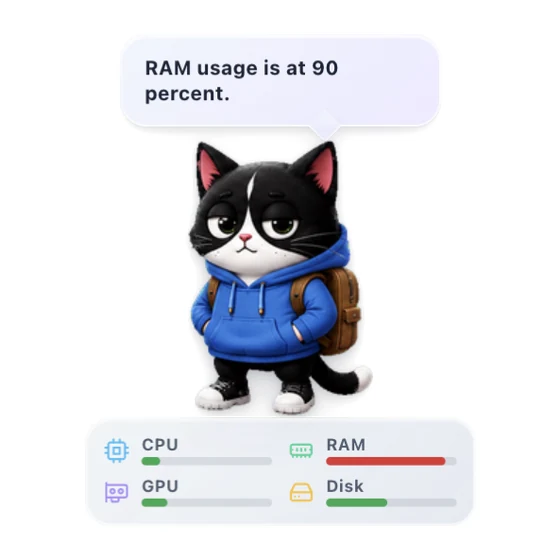

システムリソース
ペットにリアルタイムのCPUとRAMメーター、任意のGPUとディスクのメトリクスを表示します。
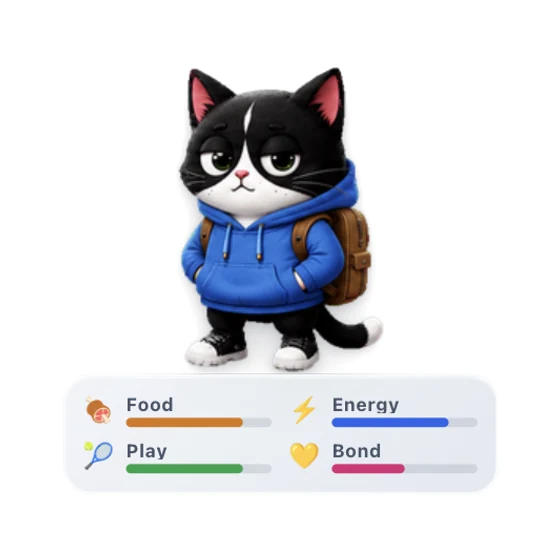

バーチャルペット
小さなデスクトップの相棒をお世話して、穏やかな日々のふれあいで絆が育つのを見守ります。
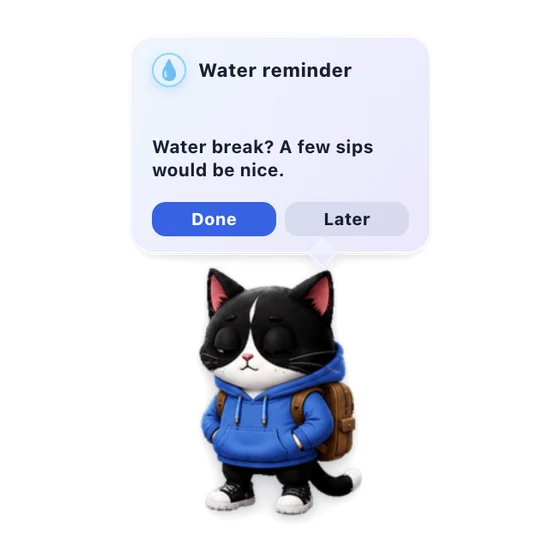

水分リマインダー
ペットがやさしく水分休憩を知らせます。
コミュニティカタログ
コミュニティプラグイン
外部クリエイターによるレビュー済みプラグインです。ソースは GitHub に置かれ、ユーザーは検証後に OpenPets がパッケージ化した ZIP をインストールします。
Vocabulary Drag & Drop
Drag words to see definitions and translations in a natively scrollable HUD card.
Higgsfield ウォッチ
ペットが Higgsfield AI の生成を見守り、完了したらお祝いします。
Spotify バディ
ペットが Spotify に反応し、歌詞をリアルタイム同期して再生をコントロールします。

おさんぽ
ペットが画面を自由に歩き回ります。ぶらぶらしたり、カーソルを追ったり、往復パトロールしたり。

Usage Buddy
Your pet reflects live Claude and Codex usage read from a local usage monitor endpoint.
ペットカタログに楽しい機能を追加しよう
Spotify、カレンダー、集中、ゲーム、AIヘルパー、小さなデスクトップ習慣のアイデアがありますか?公開GitHubリポジトリで作成し、レビューに提出すれば、安全にパッケージ化された版をOpenPetsユーザーに届けられます。
プラグインを作成
マニフェスト、JavaScriptエントリーファイル、ロケール、同梱アセットを用意します。
リリースタグを付ける
レビュー担当者が正確なソースを固定できるように、GitHubタグまたはコミットを公開します。
安全にカタログ掲載
OpenPetsは掲載前に権限、ホスト、アセット、パッケージ内容を確認します。
安全とプライバシーのために設計
サンドボックスJavaScript
プラグインは分離された環境で動作します。お使いのファイルシステムやAIエージェントのコンテキストにはアクセスできません。
明示的な権限要求
すべてのプラグインは必要な機能(タイマー設定、ペットの発言、許可されたHTTPSアクセス)をあらかじめ明確に宣言する必要があります。
ホスト側で安全に設定
プラグイン設定はホストアプリ上で安全に描画されます。GitHub通知は公開リポジトリのみを対象とし、ログインやトークンは不要です。
インストール方法
- 1
OpenPetsをアップデート
OpenPetsデスクトップアプリが最新バージョンであることを確認してください。
- 2
プラグインメニューを開く
タスクトレイのOpenPetsアイコンをクリックし、プラグインを選択します。
- 3
インストールして有効化
プラグインを探して「インストール」をクリックし、設定を構成してから有効にします。