Alternatives guide

Best vscode-pets Alternatives in 2026

Last updated · every competitor fact checked against its primary source

vscode-pets is an MIT-licensed editor extension with multiple pets in one VS Code panel. It is a lovely fit when the companion should stay next to your code. Choose OpenPets when you want 1,300+ desktop companions outside the editor, with Windows, macOS, and Linux builds and an open pet format.

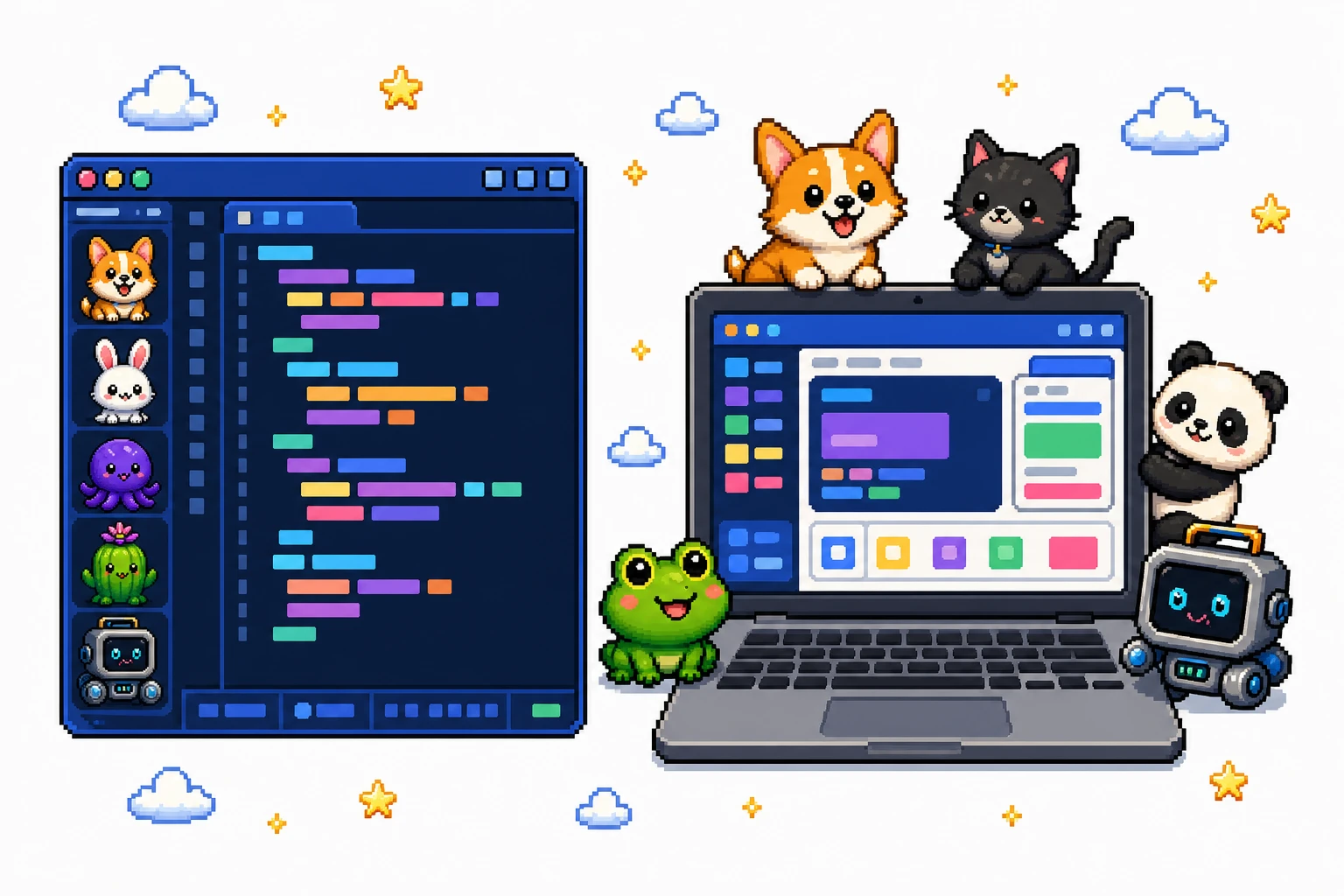
Pixel art VS Code panel with several pets beside OpenPets companions walking across a desktop

TL;DR

  • Want pets beside your code? vscode-pets is an MIT-licensed extension with multiple built-in animals inside one VS Code panel.
  • Want companions across the whole desktop? OpenPets is a desktop companion app for Windows, macOS, and Linux, while vscode-pets intentionally stays inside the editor panel.
  • Need runtime pet importing? vscode-pets does not provide runtime pet importing; custom additions require a code contribution rather than a user pet pack.

What is vscode-pets?

vscode-pets is an open-source extension for Visual Studio Code and compatible editor environments. It places a panel of interactive pets beside the workbench, so a cat, dog, snake, or another built-in animal can be part of a coding session without becoming a system-wide desktop companion.

The project is released under the MIT license and supports multiple pets inside one panel. Its extension model is important: the published project includes its animal set, but it does not document a runtime importer for selecting an arbitrary external pet pack.

Why people look for an alternative

vscode-pets answers the editor-pet use case directly. People compare it with other apps when one of these boundaries matters:

  • The pets live in a panel. Close or leave the editor and the companion is not walking across the rest of the desktop. That is a feature for focused coding and a limitation for a system-wide desktop pet.
  • Multiple pets do not mean a desktop gallery. Several animals can share the panel, but the extension's collection and the operating system's desktop are different surfaces.
  • There is no runtime pet import. A user cannot treat vscode-pets as a generic spritesheet loader. Adding a pet belongs to the project's contribution workflow rather than a settings menu.
  • It is tied to an editor host. VS Code, VSCodium, and web support are extension environments, not the same as native builds for a desktop pet that runs independently of an editor.

What to check before choosing vscode-pets

Choose vscode-pets when the panel is the point: it keeps several animals close to the code and has an MIT-licensed source project. Choose a desktop pet app when you want the companion to remain available outside the editor or when you want to create and package your own pet through a documented format.
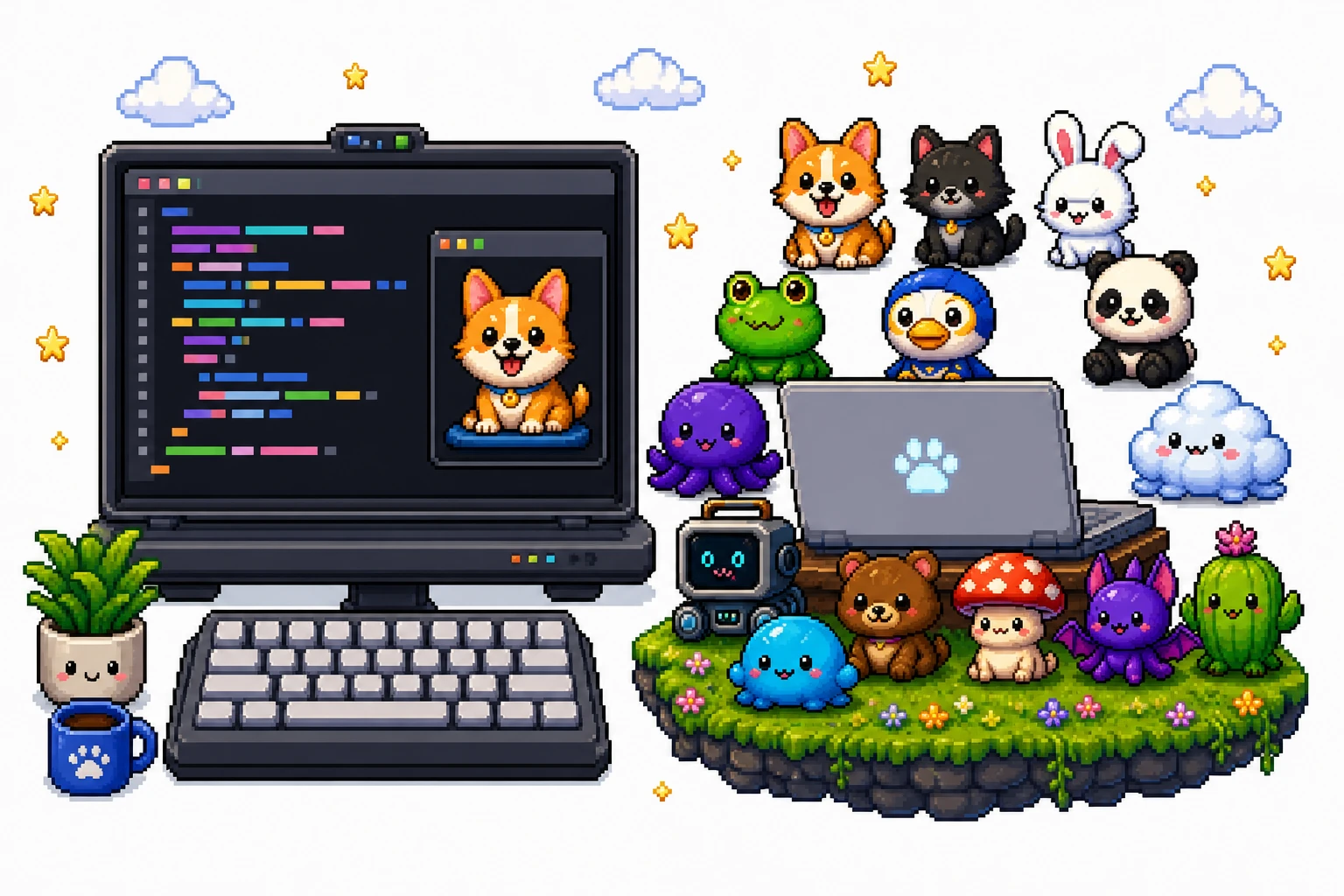

Pixel art comparison of a VS Code pet panel, its built-in animals, and an OpenPets desktop gallery

vscode-pets practical constraints

LicenseMIT.
SurfaceOne VS Code-compatible editor panel.
Multiple petsYes, inside the panel.
Runtime importingNo documented custom-pet importer.

Source: vscode-pets on GitHub.

vscode-pets vs OpenPets

Featurevscode-petsOpenPets
PriceFreeFree
Open sourceYes (MIT)Yes (MIT license)
PlatformsVS Code, VSCodium, and webWindows, macOS, Linux
RuntimeVS Code extensionNative app, nothing else to install
Custom petsCustom pets require a code contribution; no runtime importingYes, open pet format + Plugin SDK
Multiple pets at onceYes, inside one panelYes
Ready-made pets~20 built-in animals1,300+ pets in the gallery
MaintainedActively maintainedActively maintained

Facts as of August 20, 2026, verified against github.com/tonybaloney/vscode-pets repository. Spot something outdated? Tell us and we'll fix it.

The honest summary: vscode-pets is a friendly MIT-licensed VS Code panel extension with multiple pets, but it is not a runtime pet importer or a desktop-wide companion. OpenPets is the broader alternative when you want pets on Windows, macOS, and Linux, a gallery, and an open format outside the editor.

Other alternatives worth considering

The central choice is where the companion should live: inside the editor, in a dedicated pet window, or across the desktop:

OpenPets

Windows · macOS · Linux

A desktop companion app whose pets live on the operating-system desktop instead of in an editor panel. It also provides a gallery and an open pet format for people who want to create or share characters.

openpets.dev

GitHub Copilot coding agent mascot extensions

VS Code ecosystem

The Marketplace contains other editor companions and mascot extensions, but each has its own maintainer, license, and feature set. Treat them as separate extensions rather than assuming they share vscode-pets' MIT license or panel behavior.

VS Code Marketplace

Shimeji-ee

Windows (Java)

A desktop mascot runner for users who want characters walking over windows and the taskbar rather than staying in an editor. Its Java runtime and community pack workflow are part of the trade-off. See .

kilkakon.com/shimeji

VPet Simulator

Windows (Linux via Proton/Wine)

An open-source virtual-pet simulator with care and work loops. It is a dedicated pet application rather than an editor panel, and its Windows-first platform model is different from vscode-pets. See .

github.com/LorisYounger/VPet

Desktop Mate

Windows · macOS (open beta)

A proprietary desktop companion for users who want a character-focused application outside their editor. It has its own catalog and does not provide vscode-pets' MIT-licensed extension model.

Desktop Mate on Steam

Choosing an alternative to vscode-pets

There is no runtime pet pack to export from vscode-pets. The decision is about the surface you want: keep the extension for an editor-side panel, or choose OpenPets when you want 1,300+ companions to live on the desktop independently of your editor.

  1. for Windows, macOS, or Linux.
  2. Browse the and select a desktop companion.
  3. Follow the open pet format guide to create a pet from shareable artwork.

There is no need to choose exclusively: an editor panel and a desktop companion can serve different parts of a workday.

vscode-pets FAQ

What is vscode-pets?

vscode-pets is an open-source VS Code extension that displays interactive pets in an editor panel. The project is MIT-licensed and includes multiple animals for people who want a companion while coding.

Can vscode-pets show multiple pets?

Yes. Multiple pets can appear inside the same vscode-pets panel. That is different from a desktop pet app placing companions across the operating system's desktop.

Can I import a pet into vscode-pets at runtime?

No runtime pet importer is documented for vscode-pets. Adding a new pet is a project contribution and code change, not an operation of selecting an external spritesheet or pet package from the panel.

Does vscode-pets work outside Visual Studio Code?

The project targets VS Code-compatible environments, including VSCodium and the web according to its published platform information. It remains an editor extension, so it should not be treated as a standalone desktop companion.

Is vscode-pets open source?

Yes. vscode-pets is published under the MIT license. The license and source availability make it different from a proprietary editor widget, while its panel-based design still differs from an open desktop pet app.

What is the best vscode-pets alternative?

OpenPets is the better fit when you want pets outside the editor, native desktop builds for Windows, macOS, and Linux, or an open format for creating companions. vscode-pets is the focused choice when the pet belongs next to your code in a VS Code panel.

Keep exploring

An open-source desktop companion platform with animated pets and plugins.

Guides

Compare OpenPets

Legal

© 2026 OpenPets. Open source on GitHub.

A project of Boring Dystopia Development· KVK 42114878

Some pets may be unofficial fan-made content. OpenPets is not affiliated with or endorsed by third-party rights holders. Rights owners can request removal at admin@openpets.dev.